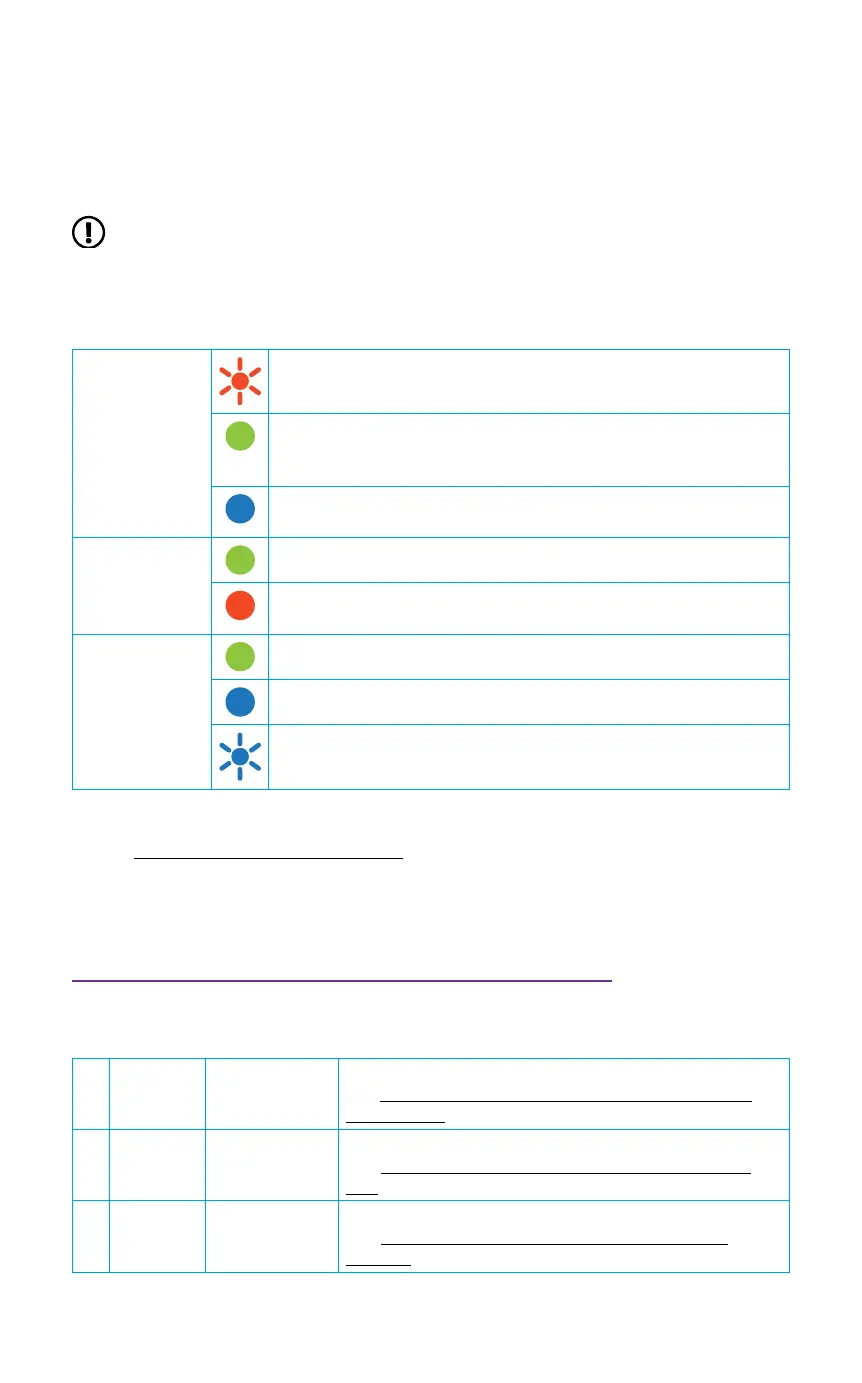
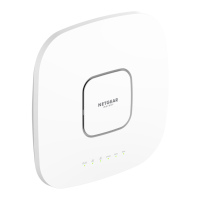
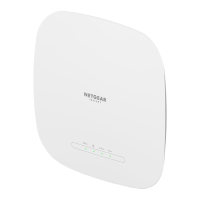
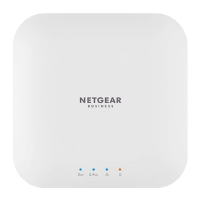
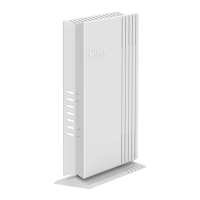
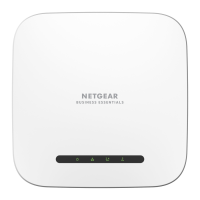
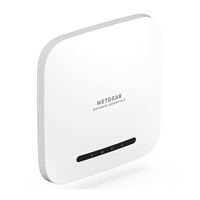
After starting up and during setup, the AP’s LEDs can light in these colors:
Power/Cloud
Slow blinking amber: The AP is starting, the rmware is
being upgraded, or the AP is trying to get an IP address.
Solid green: The AP started up, and functions either as a
standalone AP or as an Insight-discovered AP that is not
currently connected to the Insight cloud.
Solid blue: The AP functions in Insight mode and is
connected to the Insight cloud.
LAN
(one of two
speed options)
Solid green: The LAN 1 port detects a speed of 2.5 Gbps.
Solid amber: The LAN 1 port detects a speed of less than 2.5
Gbps, such as 1 Gbps (which is a common speed).
2.4 GHz WLAN
5 GHz WLAN
Solid green: The radio is operating without clients.
Solid blue: The radio has at least one connected client.
Blinking blue: The radio is processing trafc.
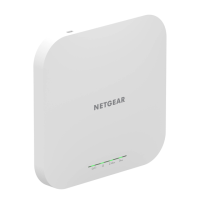
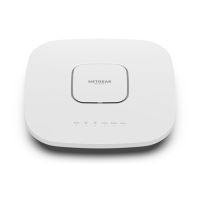
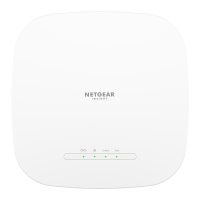
For more information about the LEDs, see the user manual, which you can download by
visiting netgear.com/support/download.
2. Congure and manage the AP
To congure and manage the AP, use one of the methods described in the following
table.
A. Remotely Cloud/remote
mode
NETGEAR Insight Cloud Portal
See A. Congure the AP with the NETGEAR Insight
Cloud Portal
B. Remotely Cloud/remote
mode
NETGEAR Insight app
See B. Congure the AP with the NETGEAR Insight
app
C. Locally Standalone
mode
Web browser
See C. Congure the AP as standalone in a web
browser
NOTE: The AP receives an IP address from a DHCP server (or a router that
functions as a DHCP server) in your network. If your network does not include a
DHCP server, the AP uses its default IP address: 192.168.0.100.
If connected to 2.5 Gbps equipment, the WAX620 LAN/PoE+ port supports Ethernet
speeds up to 2.5 Gbps within your LAN. The preceding gures show a NETGEAR
MS510TXUP switch, which supports speeds of 2.5 Gbps and higher, as well as PoE+. If
your Internet connection, modem, router, and switch support a speed of 2.5 Gbps, the
AP’s Internet connection also functions at 2.5Gbps. Otherwise, the Internet connection
functions at 1 Gbps, which is a common speed.



 To Next Page