Router Setup Manual
Getting to Know Your Wireless Router 3
v1.0, July 2008
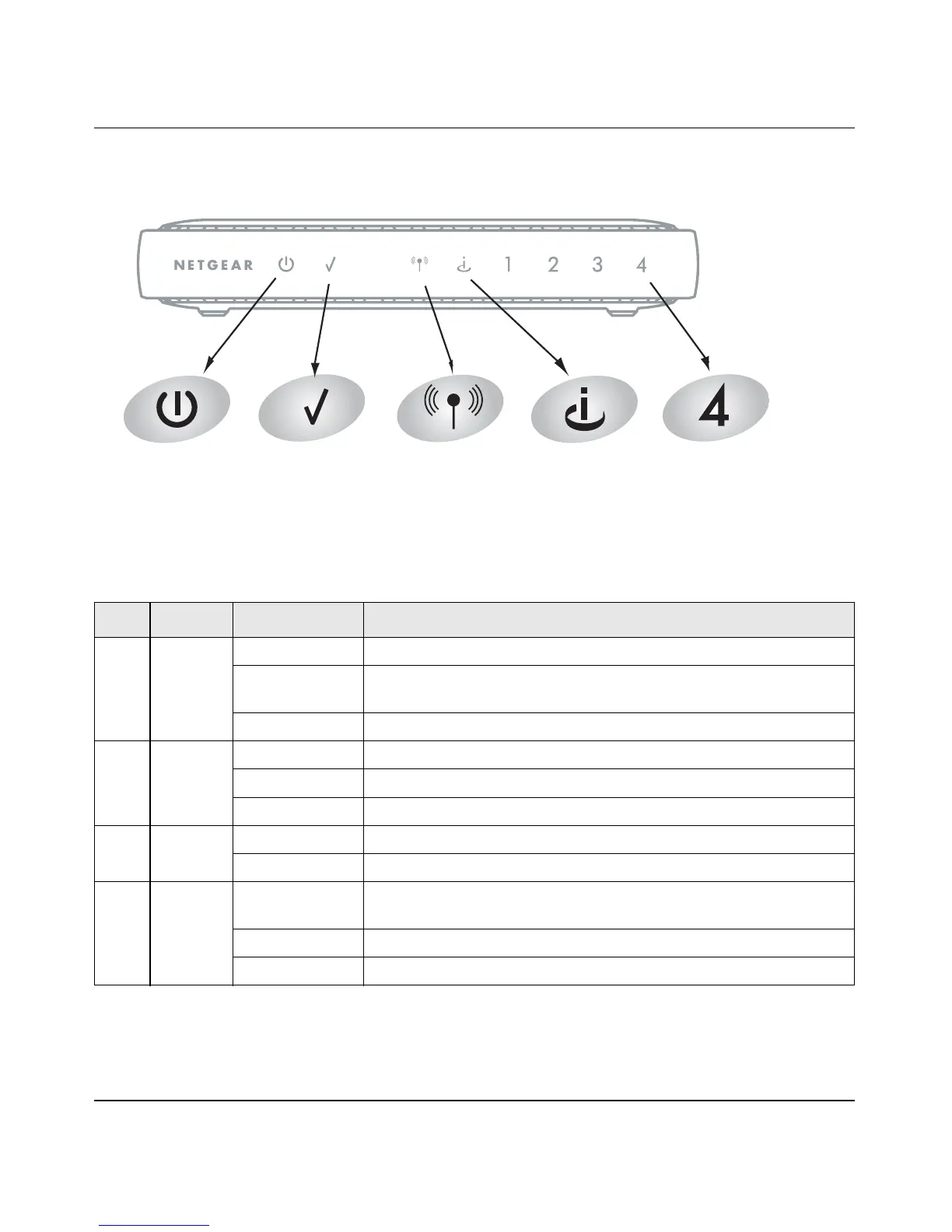
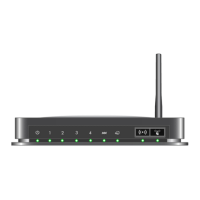
Router Front Panel
You can use the status lights on the front of the router to verify various conditions.
Figure 2
Table 1. Status Light Descriptions
Item Function Activity Description
1 Power On Power is supplied to the router.
Slow Blinking Firmware is corrupted. See “Basic Functions Are Not Working” on
page 20 for instructions on restoring your router firmware.
Off Power is not supplied to the router.
2 Test On The system is initializing.
Blinking Firmware is upgrading or restoring to factory default settings
.
Off The system is ready and running.
3 Wireless On Indicates that the wireless router radio is enabled.
Off The wireless router radio is disabled.
4 Internet On (amber) The Ethernet cable is connected but the router has not gotten an
Internet address.
On (green) The router has an Internet address.
Blinking Data is being communicated through the Internet port.
14
3
5
2





 To Next Page