7
Manual Connection without WPS
1. Use a computer to join the NETGEAR_EXT wireless network.
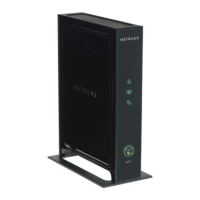
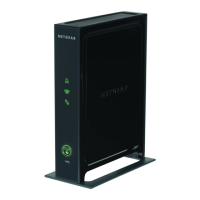
The PC to Extender LED
turns green.
2. Ope
n a browser window from the same computer, and it
automatically takes you to the Smart Wizard. Follow the Smart
Wizard steps to connect the Extender to your home router’s
network.
3. Th
en follow the wizard steps to join the Extender network at its new
name (the Smart Wizard name with _EXT at the end).
4. If
you want to make changes after using the Smart Wizard, use
your browser to go to www.mywifiext.net..
5. If
prompted, log in as admin with password as the password.
Wireless SSIDs and Passphrases
Enter your wireless information here:
Router Network Name (SSID) _____________________________
Router Security Passphrase ______________________________
Extender Network Name (SSID) ___________________________
Extender Security Passphrase _____________________________


 To Next Page
 Loading...