Hardware Setup
10
N900 WiFi Router
Pressing the WPS button lets you use WPS to join the WiFi network without typing the
WiFi password. See WiFi Connection on page 15.
Pressing the WiFi On/Off button for two seconds turns the WiFi radios on and off.
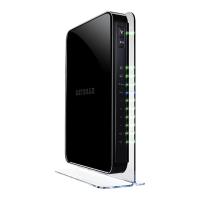
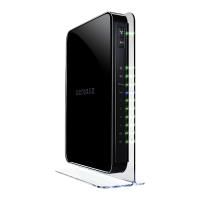
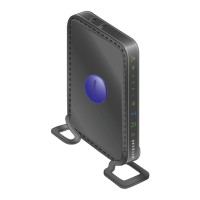
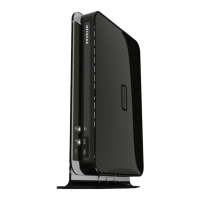
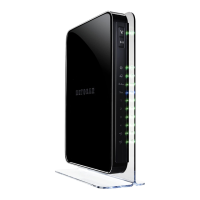
The status LEDs are located on the front of the router.
Table 1. LED descriptions
LEDs Description
Power
• Solid green. The router is ready.
• Blinking green.
The firmware is upgrading or someone pressed the Reset button.
• Off. Power is not supplied to the router.
Internet
• Solid green. The Internet connection is ready.
• Amber:
The Internet port is connected, to the modem, but not yet connect to the Internet.
• Off. No Ethernet cable is connected between the router and the modem.
2.4 GHz
• Solid green. The 2.4 GHz WiFi radio is operating.
• Off.
The 2.4 GHz WiFi radio is off.
5 GHz
• Solid blue. The 5 GHz WiFi radio is operating.
• Off. The
5 GHz WiFi radio is off.
Ethernet port
s
• Solid green. 1G link rate on the Ethernet port.
• Solid amber
. 10/100 Mbps link rate on the Ethernet port.
• Off. No device is connected to this Ethernet port.
USB port
s • Solid green. A USB device is connected and is ready.
• Blinking.
A USB device is plugged in and is trying to connect.
• Off. No USB device is connected, or someone clicked the Safely Remove Hardware
button and it is now safe to remove the attached USB device.


 To Next Page
 Loading...