Hardware Setup
12
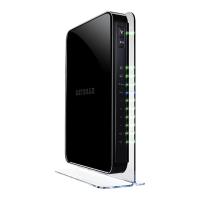
N900 WiFi Router
• Place the router away from electrical devices such as these:
- Ceiling fans
- Home security systems
- Microwaves
- Computers
- Base of a cordless phone
- 2.4 GHz cordless phone
• Place the router away from large metal surfaces, large glass surfaces, insulated walls,
and items such as these:
- Solid metal doors
- Aluminum studs
- Fish tanks
- Mirrors
- Brick
- Concrete
Cable Your Router
The following image shows how to cable your router:
Modem
Ethernet cable
Ethernet cable
DSL or cable
Router
Figure 4. Router cabling
To cable your router:
1. Unplug your modem’
s power, leaving the modem connected to the wall jack for your
Internet service.
If your modem uses a battery backup, remove the battery.
2. Plug in and turn on your modem.
If your modem uses a battery backup, put the battery back in.


 To Next Page
 Loading...