EasyManua.ls Logo

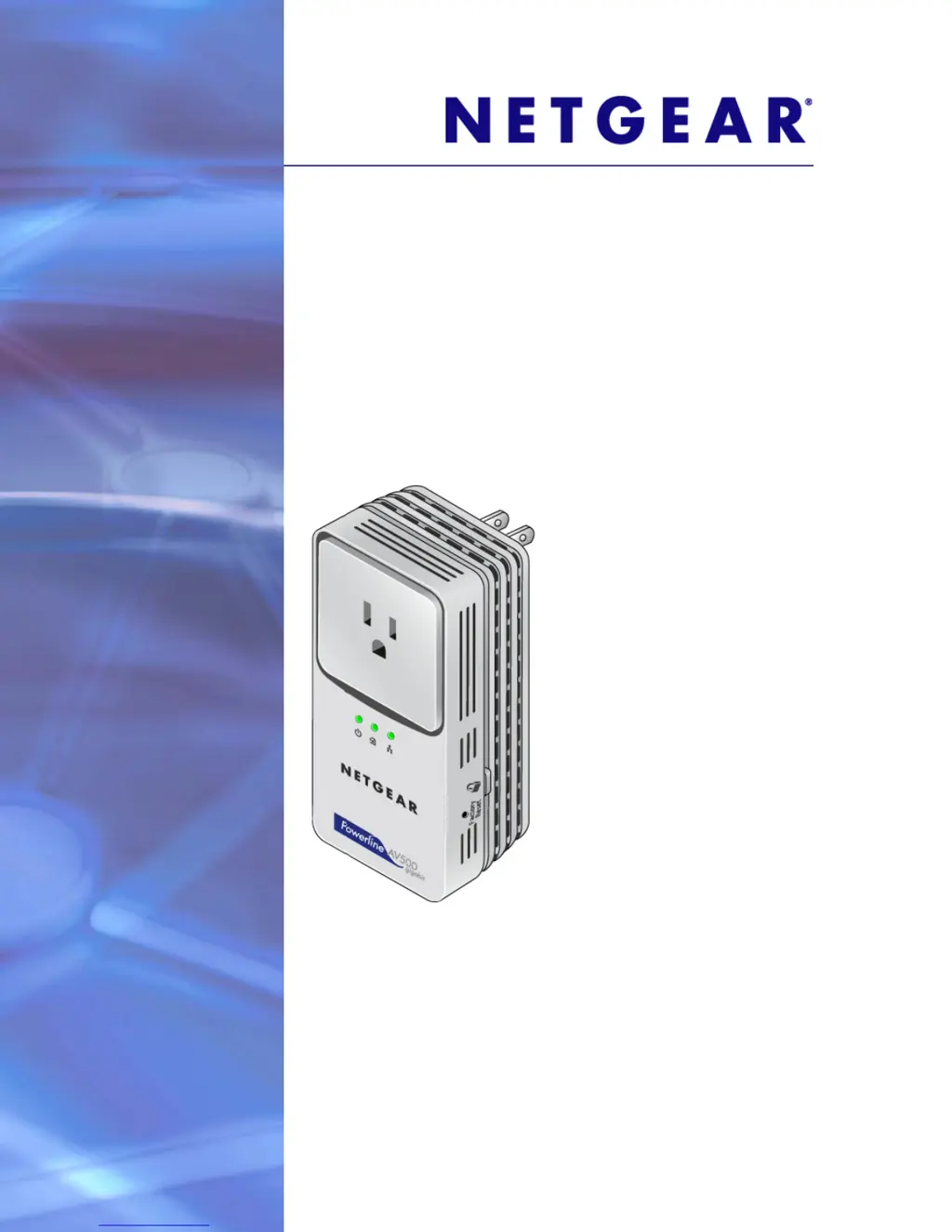
NETGEAR XAV5501 - Powerline AV+ 500 Adapter - User Manual

NETGEAR XAV5501 - Powerline AV+ 500 Adapter
32 pages
Print Icon
To Next Page IconTo Next Page
Loading...
350 East Plumeria Drive
San Jose, CA 95134
USA
February 2011
202-10711-01
v1.0
XAV5501 Powerline AV+
500 Adapter
User Manual

Other manuals for NETGEAR XAV5501 - Powerline AV+ 500 Adapter

Questions and Answers

  • B
    Belinda BassAug 12, 2025
    Why is the Powerline LED off on my NETGEAR XAV5501 - Powerline AV+ 500?
    • R
      Robin MillerAug 12, 2025
      If the Powerline LED is off on your NETGEAR Adapter, it means the Powerline devices can't find each other. Ensure they are plugged into powered outlets and use the same network encryption key. Try moving the Powerline device closer to the computer or other devices. If you have set up network security, ensure all Powerline devices use the same encryption key. If this occurred after changing the network encryption key, reset each device to its factory default settings.
  • E
    Elizabeth PetersonAug 16, 2025
    How to fix a NETGEAR XAV5501 - Powerline AV+ 500 when the Power LED is off?
    • Y
      yatkinsonAug 16, 2025
      If the Power LED on your NETGEAR Adapter is off, ensure that the electrical outlet is supplying power. Also, make sure the Powerline device is not plugged into an extension cord, power strip, or surge protector.
  • R
    rprestonAug 19, 2025
    Why is the Power LED amber on my NETGEAR Adapter?
    • M
      Michelle DelgadoAug 20, 2025
      When the NETGEAR Adapter's Power LED is amber, it signifies that the adapter has entered power saving mode because the Ethernet port has been unlinked for more than 10 minutes. The adapter will return to normal mode once the Ethernet port is linked again.
  • Z
    Zachary ZimmermanAug 23, 2025
    Why NETGEAR Adapter has not found any other compatible Powerline devices?
    • K
      kevin70Aug 25, 2025
      If your NETGEAR Adapter hasn't found compatible Powerline devices, check that all Powerline devices are on the same electrical circuit and using the same encryption key.
  • J
    Jeremy HughesAug 27, 2025
    How to turn on LEDs on my NETGEAR XAV5501 - Powerline AV+ 500?
    • T
      tracey11Aug 27, 2025
      If all LEDs are off on your NETGEAR Adapter when plugged into the AC line, use the Powerline utility to check if the LEDs have been turned off via the software. If they are off, use the utility to turn them back on.
  • E
    Eric GreenAug 31, 2025
    What to do if NETGEAR XAV5501 - Powerline AV+ 500 Adapter has no electrical power?
    • J
      Jacob LarsonAug 31, 2025
      If your NETGEAR Adapter has no electrical power, ensure that the adapter is properly plugged in and powered on.
  • W
    wrightsharonSep 4, 2025
    What to do if NETGEAR Adapter has no Ethernet connection?
    • J
      Jason HowellSep 4, 2025
      If your NETGEAR Adapter has no Ethernet connection, check the Ethernet cable and ensure it is securely connected.
  • S
    Stanley FosterSep 7, 2025
    What to do if the Ethernet LED is not blinking on my NETGEAR XAV5501 - Powerline AV+ 500 Adapter?
    • C
      Courtney ThomasSep 7, 2025
      If the Ethernet LED on your NETGEAR Adapter isn't blinking, it could be due to a lack of data traffic. Ensure your router and modem are on. Check that the Ethernet cable is working and securely connected between the Powerline adapter port and a router LAN port. Verify that a PC connected directly to the router can access the Internet. You can also press the Reset button on each device for 1 second to return the Powerline adapter to its factory default settings.

NETGEAR XAV5501 - Powerline AV+ 500 Adapter Specifications

General IconGeneral
TypePowerline Adapter
ModelXAV5501
Maximum Data Rate500 Mbps
Ports1
Powerline StandardHomePlug AV
Encryption128-bit AES
StandardsIEEE 802.3, IEEE 802.3u
Ethernet Ports1
Operating Temperature0°C to 40°C
Operating Humidity90% Maximum Relative Humidity, Noncondensing
Plug TypeNorth American

Related product manuals