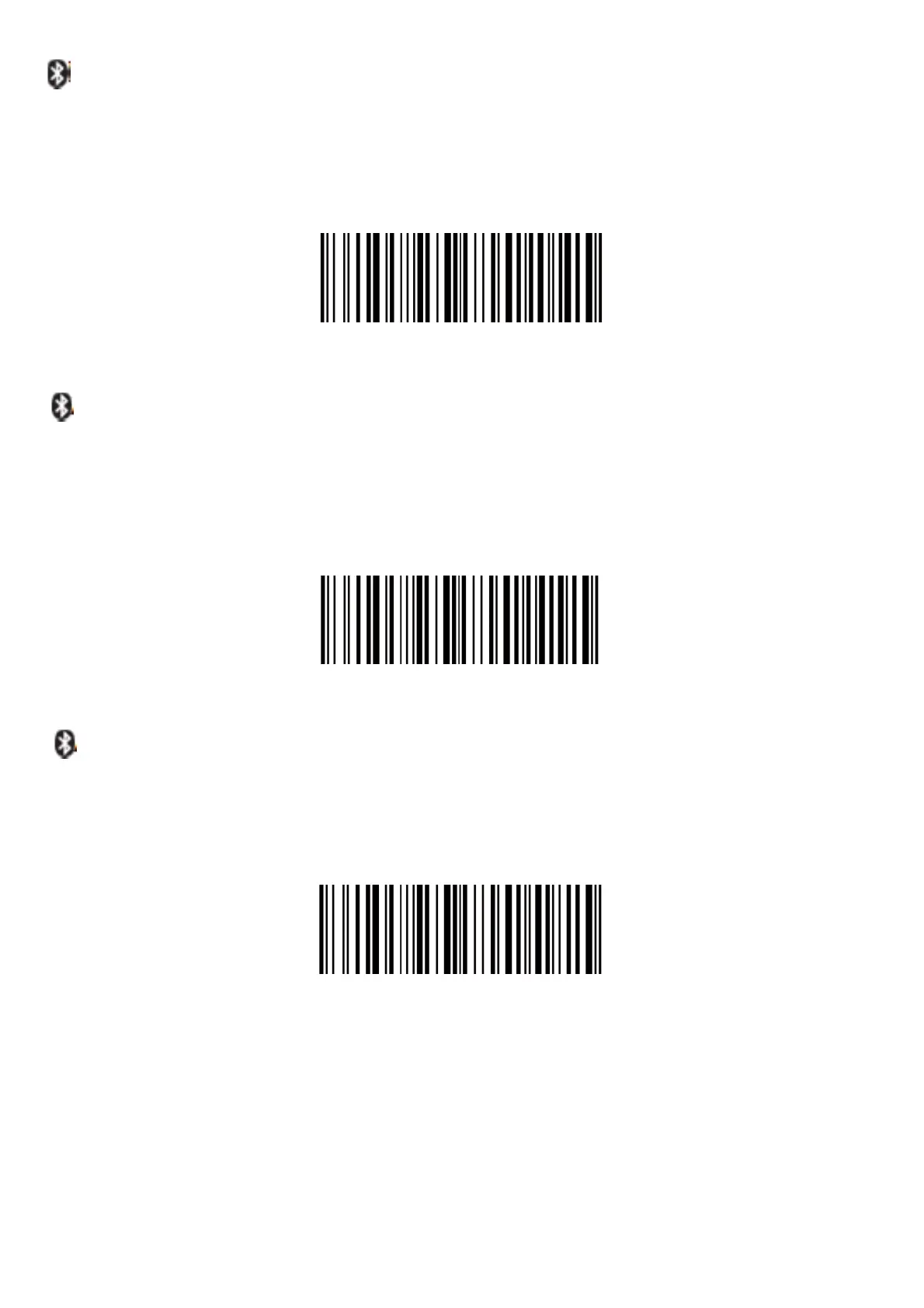
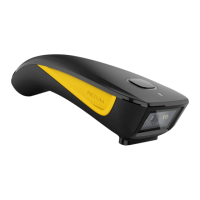
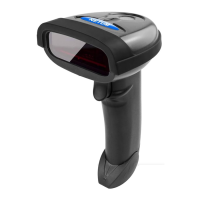
(4)
BasicMode(HID)(default)
•
NOsoftwareinstallationneeded
•
Connectstomostdevices
•
Scannerinteractswithhostdevicelikeakeyboard
AT+MODE=2
ApplicationMode(AppleSpeciicSerialProile)
•
ForAndroidorWindows
•
Softwareinstallationisrequired
•
Ifyouhaveanapplicationthatsupportsthisisthemoderecommended
AT+MODE=3
ApplicatinMode(SerialPortProile)
•
ForiOSDevices
•
IfyouhaveaniOSapplicationthatsupportsourScannersthisisthe
modetouse
ImportantNotes:
AT+MODE=1
IfyouwanttoshiftfromHIDtoSPPorBLEjustscantheCorresponding
commandbarcode.IfyouwanttoshiftfromSPPorBLEtoHIDmode,irst
ignore(ordelete)"NetumBluetooth"→turnoffbluetooth→scancommand
barcodeofHID→Openthebluetooth→re‐pairit.



 To Next Page