(4)
USB Interface (Optional)
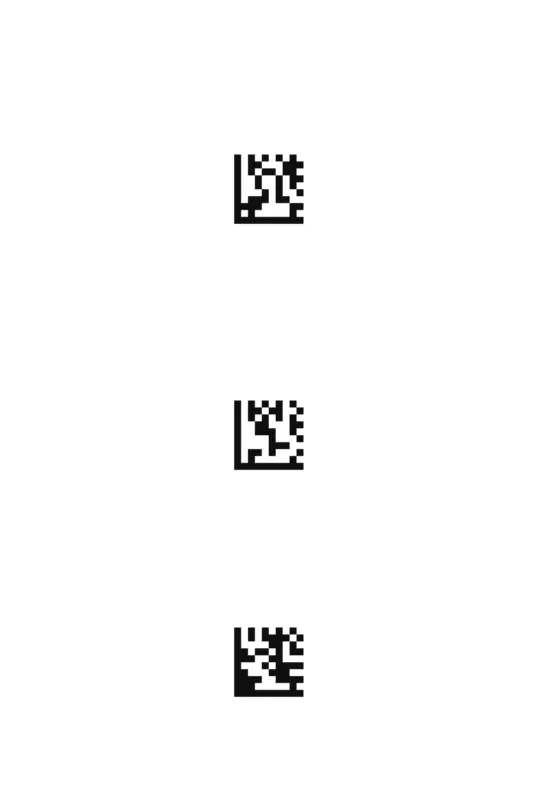
USB HID-KBW
By default, the scanner is in HID mode as a Keyboard device. It works on a
Plug and Play basis and no driver is required.
** USB HID-KBW
USB COM Port Emulation
USB COM Port Emulation
If you connect the scanner to the Host via a USB connection, the USB COM
Port Emulation feature allows the host to receive data in the way as a serial
port does.
** Trigger Mode
Scan Mode
Trigger Mode
Scanning this bar code will enable the scanner to enter manual trigger mode.


 To Next Page