EasyManua.ls Logo

Neumann.Berlin KH 80 DSP - User Manual

Neumann.Berlin KH 80 DSP
17 pages
Print Icon
To Next Page IconTo Next Page
Loading...
georg neumann gmbh · Leipziger str. 112 · 10117 berLin · germany
teL +49 (0)30 / 41 77 24-0 · fax -50 · headoffice@neumann.com · www.neumann.com
pubL. 11/21
KH 80 DSP
Instruction ManuaL

Other manuals for Neumann.Berlin KH 80 DSP

Questions and Answers

  • G
    ghernandezJul 28, 2025
    Why is my Neumann.Berlin Speakers KH 80 DSP humming?
    • A
      andre27Jul 28, 2025
      If your Neumann.Berlin KH 80 DSP speaker is humming, it may be due to incorrect wiring or poor grounding in the audio cable. Check the cabling, especially if unbalanced cabling has been used. Using gold plated connectors can help. Additionally, lower the output level of the KH 80 DSP while maximizing the output level of the audio source, being careful to avoid clipping.
  • G
    Gregory AriasAug 7, 2025
    How to turn on Neumann.Berlin Speakers logo?
    • E
      ericpatelAug 7, 2025
      If the Neumann logo on your Neumann.Berlin KH 80 DSP speaker is off or not clearly visible, but you can still hear sound, the logo may be switched off or dimmed. To resolve this, switch on the Neumann logo and switch off the dimming feature.
  • J
    Jordan MillerAug 16, 2025
    What to do if Neumann.Berlin KH 80 DSP have no sound and the logo is off?
    • S
      stacycomptonAug 16, 2025
      If the Neumann logo is off and no sound is coming from your Neumann.Berlin KH 80 DSP speaker, it is possible that the main fuse has blown. In this case, have the product checked by an authorized Neumann service partner.

Summary

KH 80 DSP Studio Monitor Introduction

Delivery and Manual Information

Lists package contents and provides details about the instruction manual for the KH 80 DSP.

Product Overview and Features

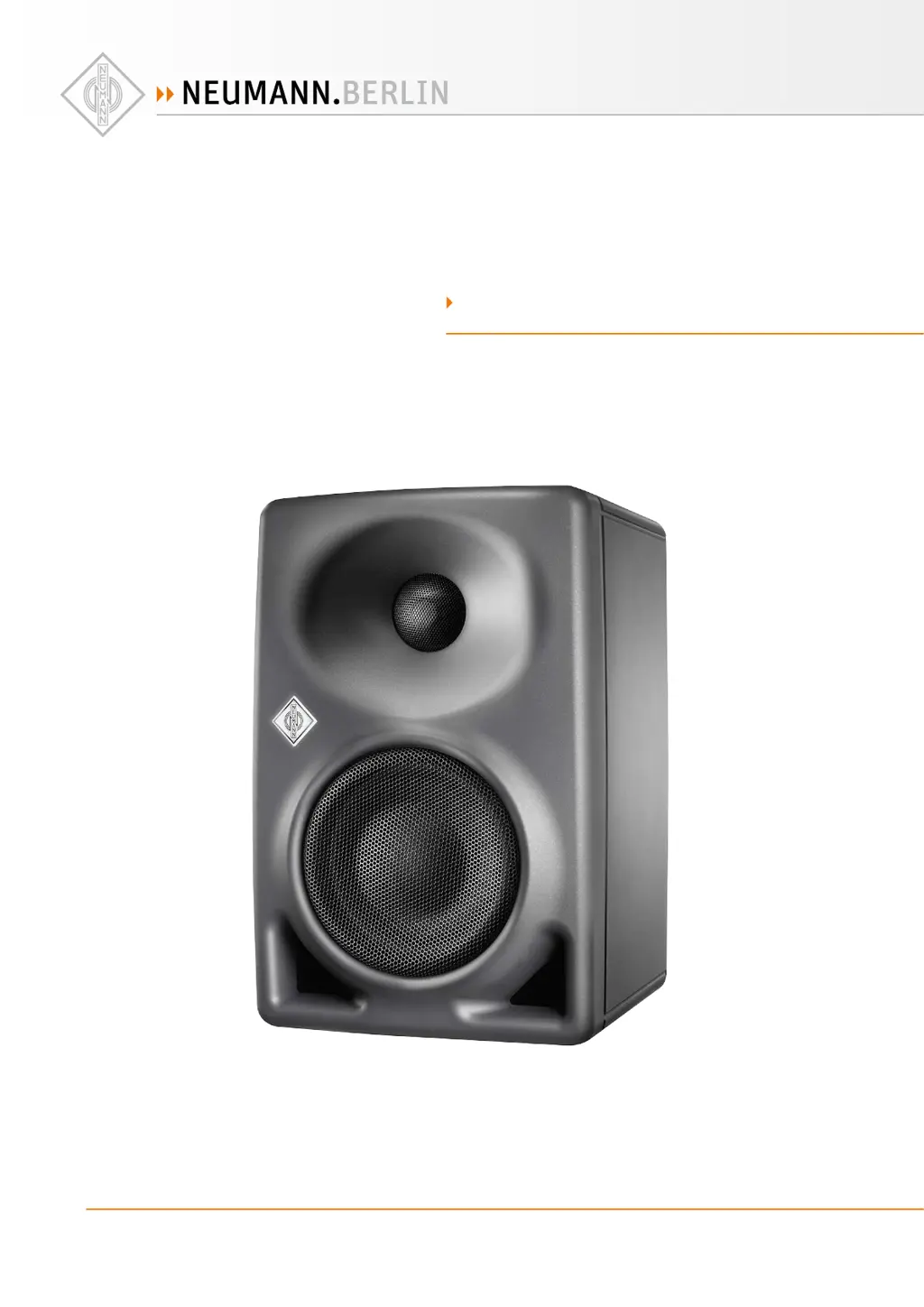
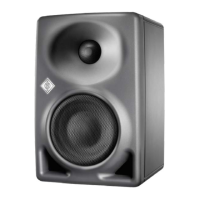
Describes the physical components and key features of the KH 80 DSP loudspeaker.

Installing and Connecting the KH 80 DSP

System Preparation and Placement

Guidance on preparing loudspeakers, room acoustics, and optimal positioning for the KH 80 DSP.

Signal and Power Connections

Instructions for connecting audio/network signals and mains power supply to the KH 80 DSP.

KH 80 DSP Configuration and Operation

Powering On;Off and Logo Indicators

How to power the KH 80 DSP on/off and interpret the Neumann logo's status indications.

Settings Switch and Control Options

Configuration using the SETTINGS switch, resetting, and firmware updates for the KH 80 DSP.

Acoustic Adjustments and Standby Behavior

Adjusting frequency response, acoustic level, and configuring standby mode and its sensitivity.

Maintenance, Troubleshooting, and Support

Cleaning, Maintenance, and Troubleshooting

Procedures for cleaning, maintaining, and resolving common issues with the KH 80 DSP.

Technical Specifications and Accessories

Detailed product specifications, acoustical data, and available accessories for the KH 80 DSP.

Installation Angles Guide

Visual representation of recommended installation angles for optimal sound dispersion.

Neumann.Berlin KH 80 DSP Specifications

General IconGeneral
TypeActive studio monitor
Configuration2-way
Frequency Response Tolerance± 3 dB
Amplifier Power (Total)100 W
Amplifier Power (Tweeter)30 W
EnclosureBass reflex
DSPYes
Tweeter TypeDome
Input ConnectorsXLR
Digital InputsAES3
DSP FeaturesRoom adaptation, EQ
Control InterfaceEthernet (for Neumann.Control software)
Tweeter Size1 inch
Max SPL108 dB SPL (peak per pair @ 1 m)

Related product manuals