4
NEURAL DSP // ARCHETYPE PLINI
NEURALDSP.COM
Basic Requirements
To start using NEURAL DSP Plugins you will need:
1. A computer capable of multitrack audio processing, Mac
or PC.
2. A supported host software.
3. An iLok User ID. Latest version of iLok License Manager
application.
4. A Neural DSP Account.
Note: You don’t need an iLok USB dongle to use our
products, since you can activate them directly into your
computer.
Supported Operating Systems
OSX 10.9 -10.15
Windows 7 - 10
Supported Host Softwares
To use NEURAL DSP software as a plugin, you need an
audio software which can load it. We officially support the
following Software to host our plug-ins:
Pro Tools 11 - 2019: Mac & PC: AAX Native
Logic Pro X: Mac: AU
Cubase 6 - 9.5: Mac & PC: VST
Ableton Live 9.x or later: Mac: AU & VST; Windows: VST
Reaper 5.x: Mac: AU & VST; Windows: VST
Presonus Studio One 3.x and 4.x
GETTING STARTED
FL Studio 20: VST
Reason 10: VST
*All our products contain a standalone version.
Support is offered for these operating systems and software
platforms. This doesn’t mean our plugins will not work in
your DAW, just download the Demo and try (Please check
that your host software is compatible with your operating
system first).
iLok User ID And iLok License Manager
Demo Product
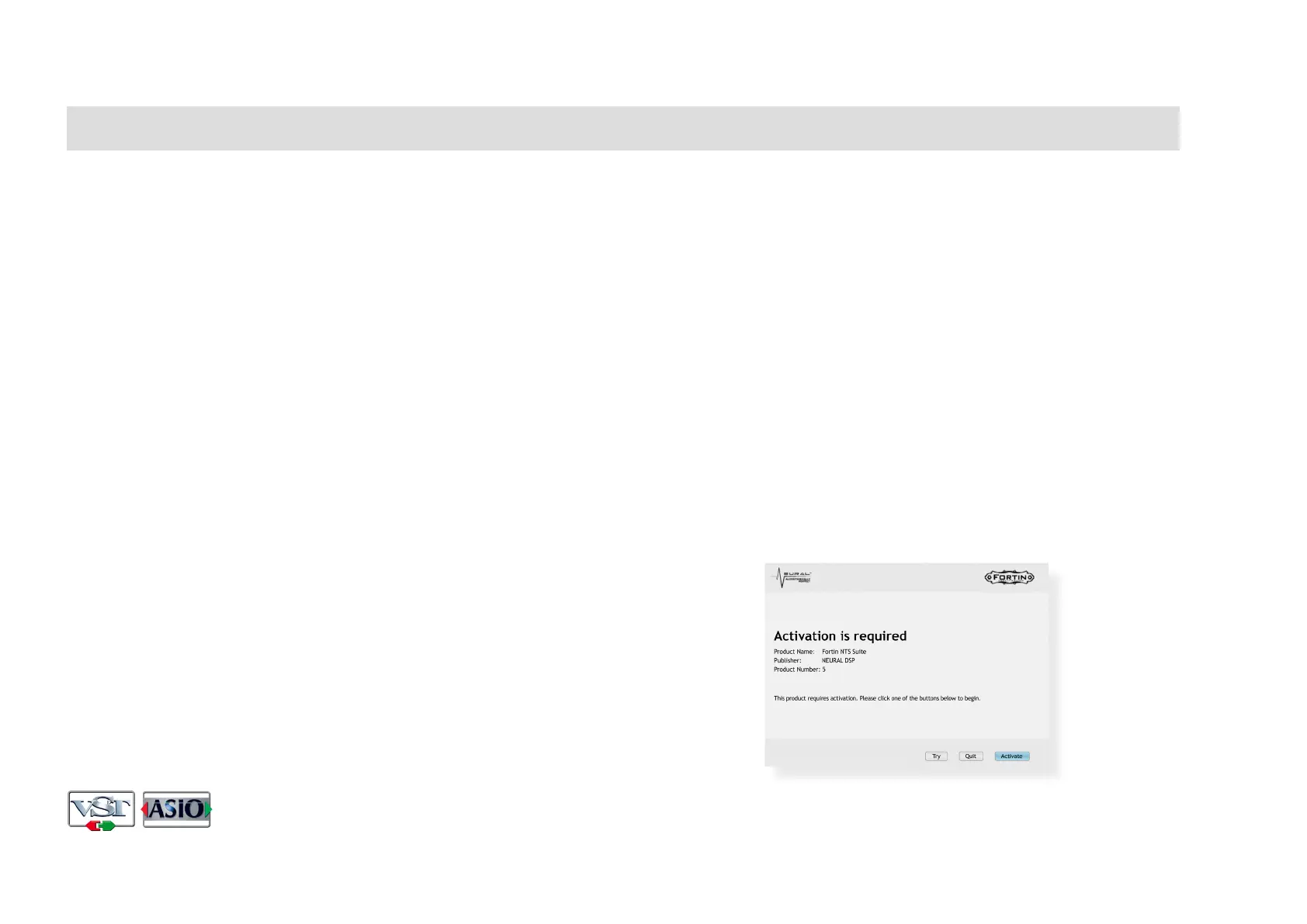
Right after the setup installation, you will see an activation
window. Please click on “Try” button.
VST and ASIO are trademarks of Steinberg Media Technologies GmbH


 To Next Page