6.3. OpticHD Local Video
Click local video to
video for an extended time will pop up a new menu presenting the option to delete the
video or cancel, click confirm to delete or click cancel to close the new menu.
Click share to upload vid
7.
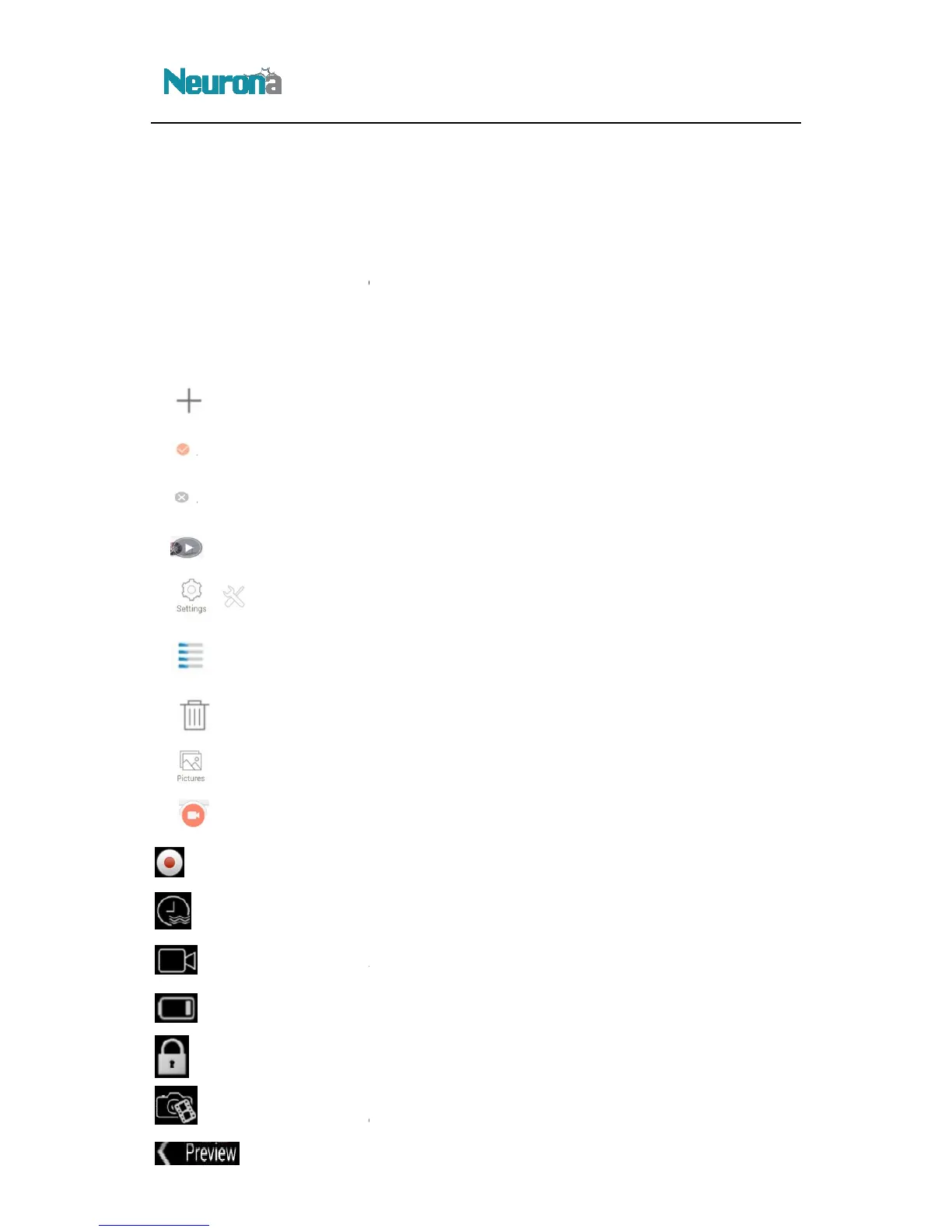
: Press to enter Wi-Fi
OpticHD :
OpticHD Glasses are wirelessly connected to the mobile device
OpticHD : OpticHD
Glasses are disconnected from the mobile device
: Press to preview video
: Press to enter S
: Press to enter
: Press to disconnect
OpticHD Glasses from the mobile device
: Press for the list of
: Press to
enter the OpticHD Glasses M
: Press to
: Press to enable or
: Press to modify the
:
Display the camera battery status
: Press to lock
or unlock the mobile device screen
: Press to enter preview
: Press to return to
:
that is stored on the mobile device. Pressing and holding the
video for an extended time will pop up a new menu presenting the option to delete the
video or cancel, click confirm to delete or click cancel to close the new menu.
a social media account (i.e. facebook).
Icons (Android)
OpticHD Glasses are wirelessly connected to the mobile device
Glasses are disconnected from the mobile device
s Menu
enu and OpticHD application version
OpticHD Glasses from the mobile device
sa
ved on the OpticHD Glasses' microSD card or the mobile device
enter the OpticHD Glasses M
ain Menu
timestamp feature
settings
Display the camera battery status
or unlock the mobile device screen
format
main interface
that is stored on the mobile device. Pressing and holding the
video for an extended time will pop up a new menu presenting the option to delete the
ved on the OpticHD Glasses' microSD card or the mobile device


 To Next Page