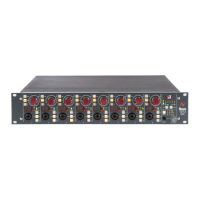
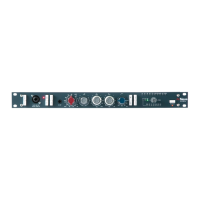
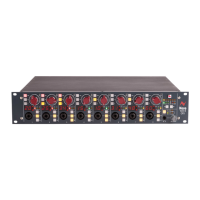
4081 User Manual Issue 3
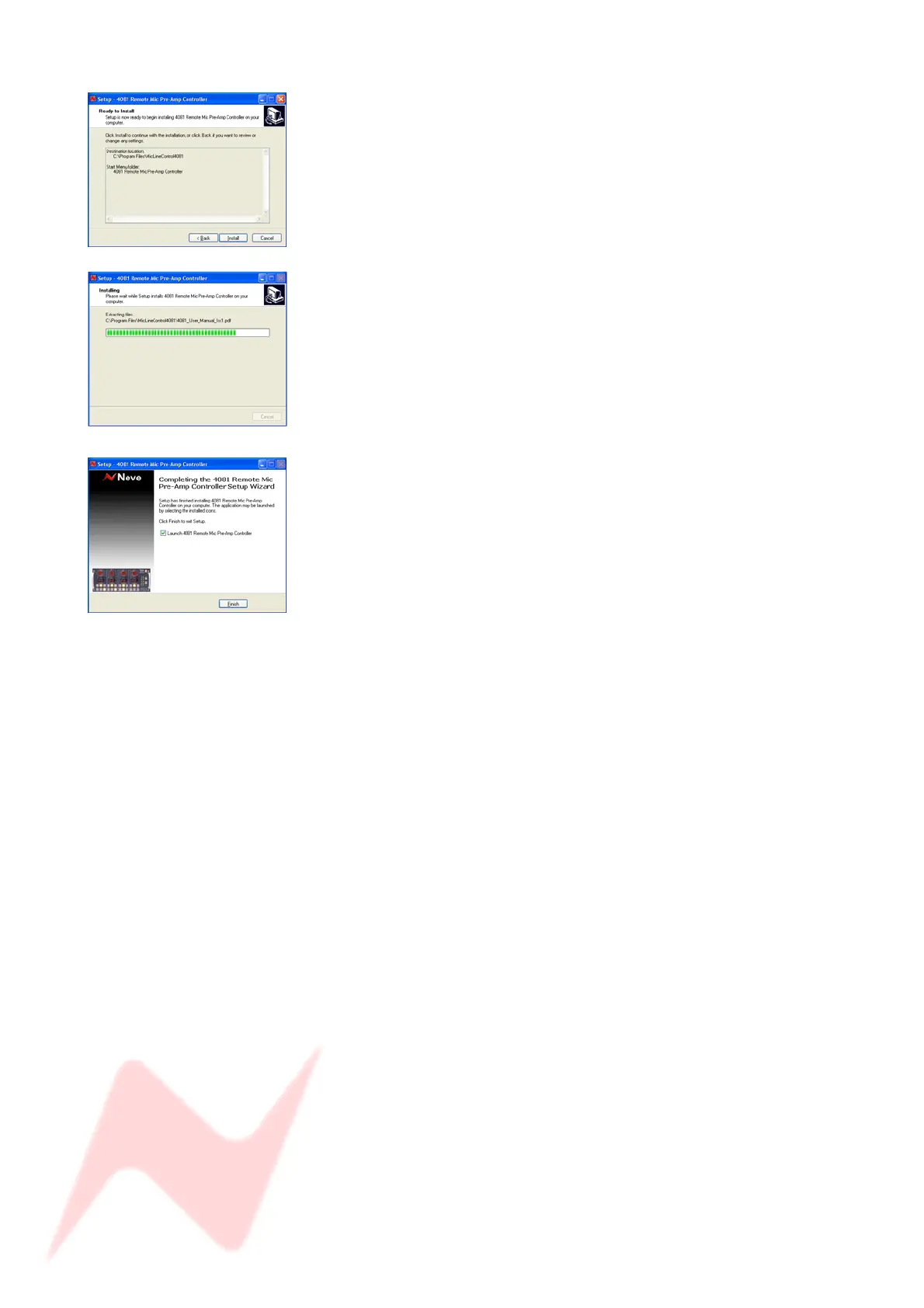
Click Install.
The software will start to install, with a bar indicating how far it has
progressed.
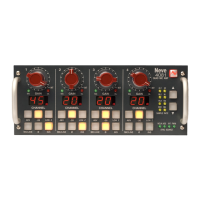
If you wish to launch the programme at this point, select Launch 4081
Remote Mic Pre-Amp Controller option before clicking Finish, and the
programme will then open.
Click Finish.
The first time the software is opened, you will need to set the Com Port so
that communication can be established.
Please refer to page 17 to see how to set this.
- 13 -


 To Next Page