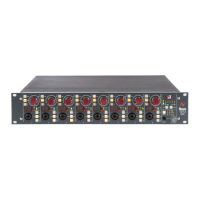
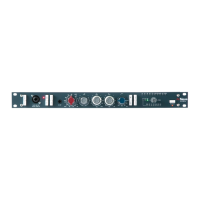
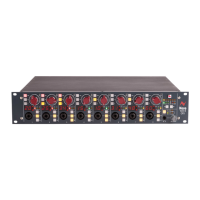
4081 User Manual Issue 3
Remote Control software
The install procedure is the same regardless of whether the software is
installed on a standalone PC or on a DAW PC.
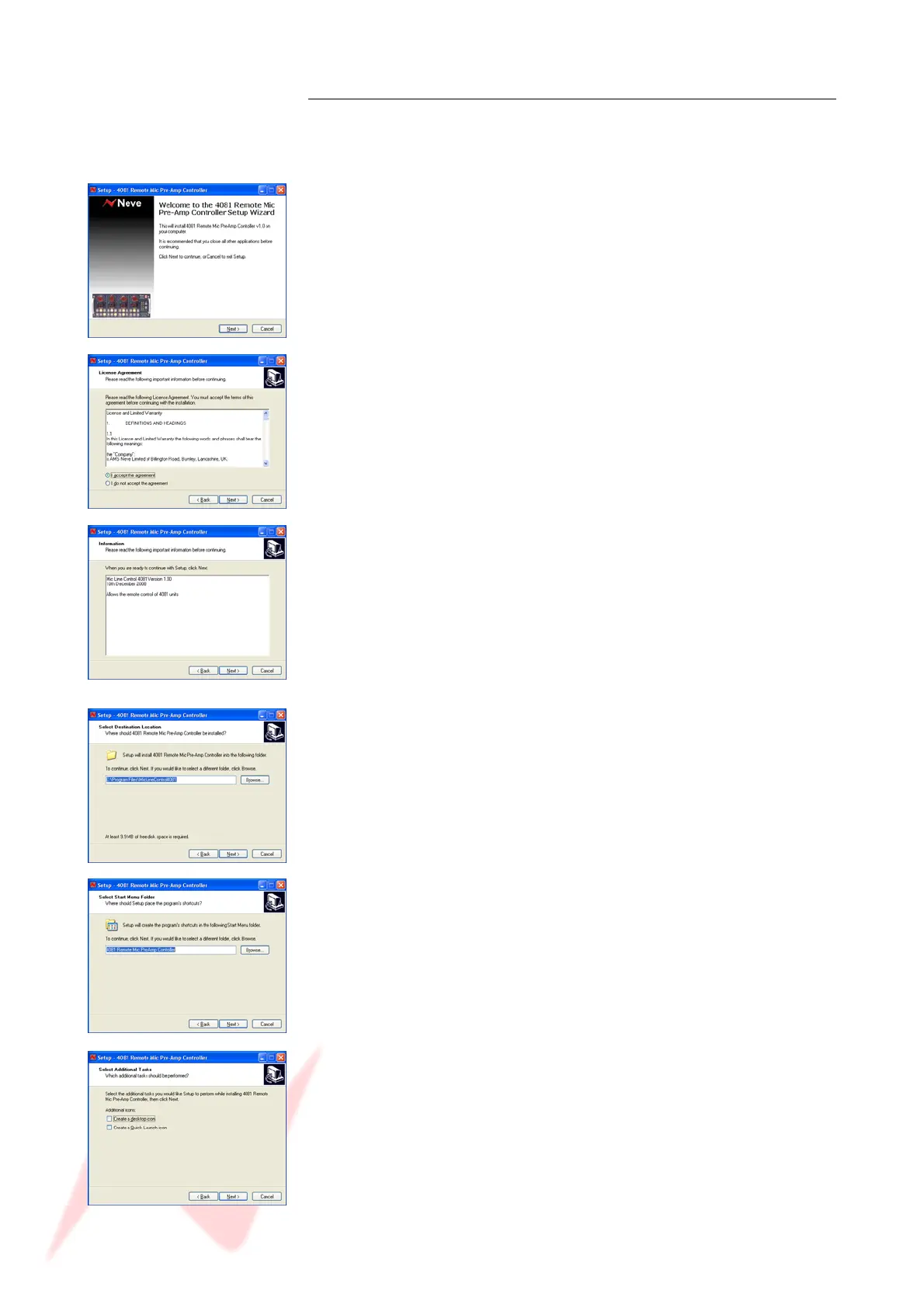
Double-click the Setup icon and the install will begin.
Click Next.
Select I Accept the Agreement (if you select I Do Not Accept The
Agreement, the install procedure will terminate here).
Click Next.
A summary of the software development will be shown.
Click Next.
Select the location to install the software to.
It is recommended you leave this set to the default location.
Click Next.
You will be asked where you wish to place the programme on the Start
menu.
Either select another destination or leave it at default location
(recommended).
Select either or both of these options if you wish to have a Desktop icon
or a Quick launch icon for the installed application.
Click Next.
- 12 -


 To Next Page