4081 User Manual Issue 3
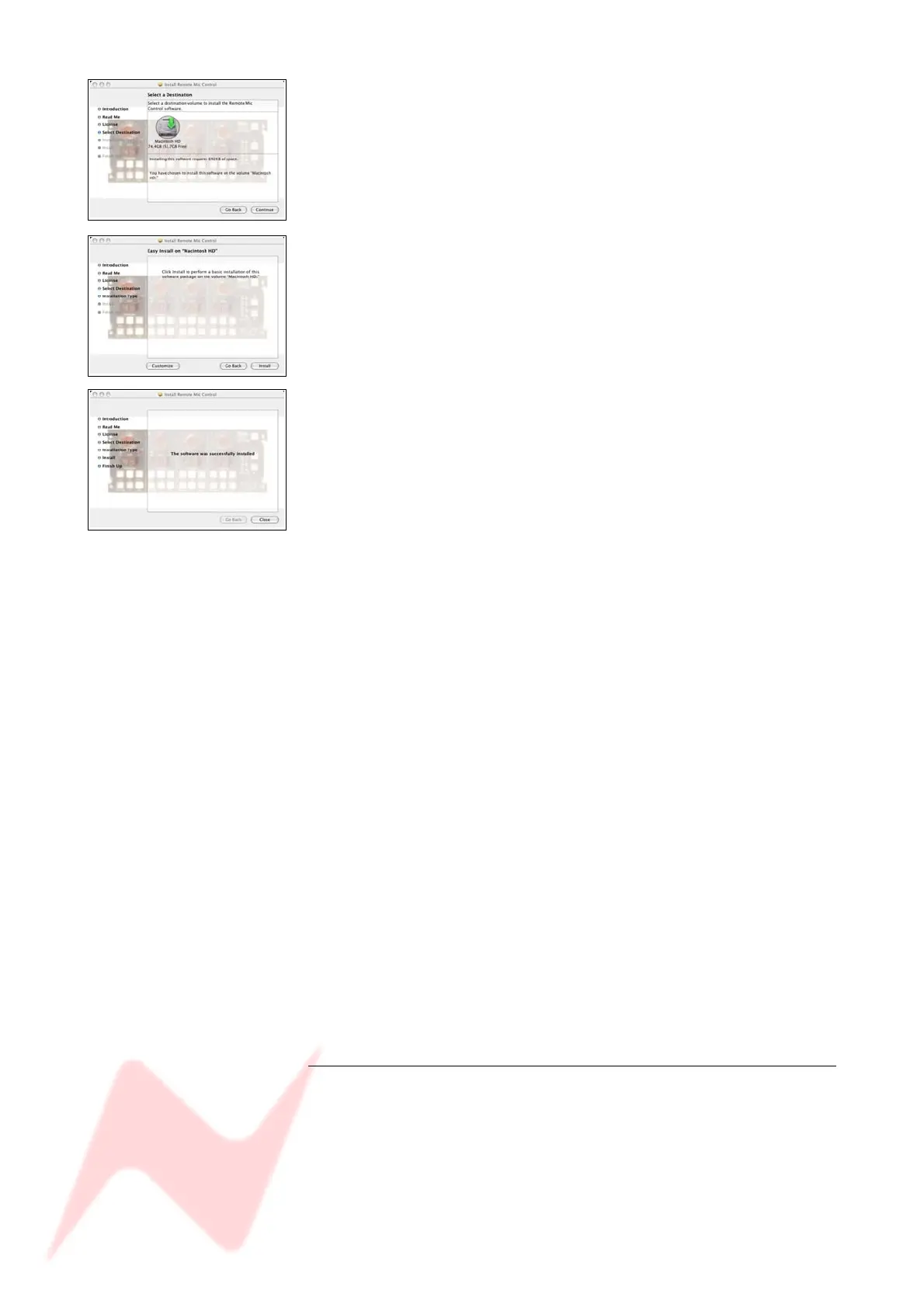
You will be asked to select a location to install the software to.
Click on Macintosh HD as shown left, so a green arrow is placed on
the drive on-screen (depending on the number of drives in your system,
this may be done automatically for you).
Click Continue.
Click Install to continue, and the software will start to be installed.
Once installed, a confirmation screen will report it has been installed
successfully.
Click Close.
Once installed, a program called Remote Mic Control will be placed in
the Applications folder.
The programme can either be run from there, or dragged onto the Dock
and run from there.
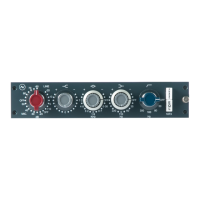
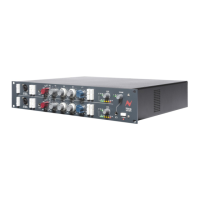
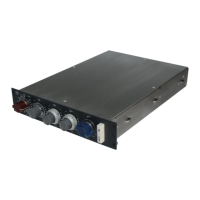
Operationally, there is no difference between controlling the 4081 from a
Mac or a PC.
- 15 -


 To Next Page