
 Need help?
Do you have a question about the Newland FM50 and is the answer not in the manual?
Overview of the FM50 barcode scanner and its capabilities.
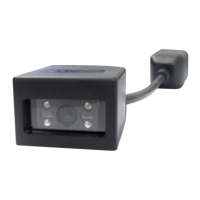
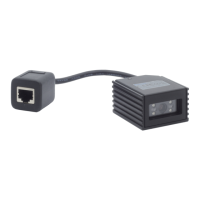
Details the physical components and indicators of the FM50 scanner.
Instructions on how to connect the FM50 scanner to a host device.
Steps for establishing a connection via the USB interface.
Steps for establishing a connection via the RS-232 interface.
Explains the process and technology used for scanning barcodes.
How to configure the scanner using programming barcodes.
Details on configuring serial communication parameters for RS-232.
Overview of available USB communication modes.
Configuration options for the Code 128 barcode type.
Configuration options for the EAN-8 barcode type.
 General
| Brand | Newland |
|---|---|
| Model | FM50 |
| Category | Barcode Reader |
| Language | English |



 To Next Page