
 Need help?
Do you have a question about the Newland NLS-HR15 and is the answer not in the manual?
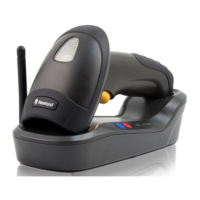
Step-by-step instructions for connecting the cradle to a host device using USB or RS-232 cables.
Guides on powering on, entering sleep mode, powering off, and rebooting the scanner.
Lists comprehensive technical specifications including performance, physical, and environmental data.
Provides clear, step-by-step instructions on how to perform a successful barcode scan.
Introduces barcode programming and command programming as methods for scanner configuration.
Explains how to use programming barcodes to enter setup mode and configure the scanner.
Details how to send command strings via serial port for scanner configuration and queries.
Procedure to restore the scanner and cradle to their original factory default settings.
Instructions for pairing the scanner with the cradle and Zigbee routers for communication.
Configures scan modes such as Manual, Auto, Blink, and Sense for different scanning scenarios.
Sets the maximum duration of a scan session and timeouts between scans.
Configuration options for wireless communication modes: Synchronous, Asynchronous, and Batch.
Configuration of Baud Rate, Parity Check, and Stop Bit for RS-232 serial communication.
Settings for RS-232 flow control methods and data bit configurations.
Options for configuring the USB interface, including HID-KBW and COM Port Emulation.
Enables and configures user-defined prefixes to be appended to scanned data.
Enables and configures user-defined suffixes to be appended to scanned data.
Guide to configuring various barcode symbologies to optimize scanner efficiency.
Configuration options for the Code 128 barcode symbology.
Configuration options for the UCC/EAN-128 barcode symbology.
Configuration options for the AIM 128 barcode symbology.
Configuration options for the EAN-8 barcode symbology, including add-on codes.
Configuration options for the EAN-13 barcode symbology, including add-on codes.
A comprehensive table listing default settings for various scanner parameters.
 General
| Humidity | 5% to 95% (non-condensing) |
|---|---|
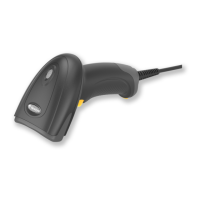
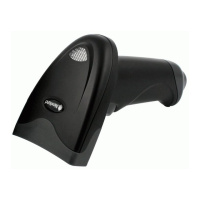
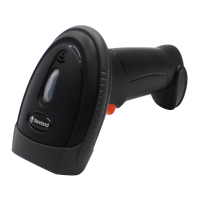
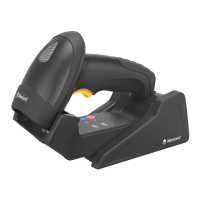
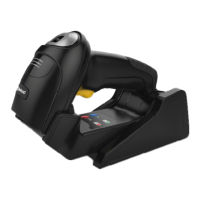
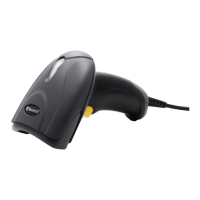
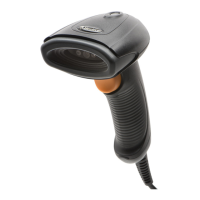
| Type | Handheld |
| Image Sensor | CMOS |
| Light Source | LED |
| Connectivity/Interface | USB, RS-232 |
| Decode Capability/Supported Barcode Types | 1D Barcodes |
| Operating Temperature | 0°C to 50°C |
| Drop Specification | 1.5m |
| ESD Protection | ±15kV (air discharge), ±8kV (contact discharge) |
| Power Supply | DC 5V |



 To Next Page