6
ICARUS SERIES
EN
IMPORTANT SAFETY PRECAUTIONS
Do not expose the monitor to a humid environment, rain or other liquids.
Do not open the monitor housing to avoid any shock due to electrical or mechanical hazards.
Operation
• Keep the monitor out of direct sunlight or other heat sources like stoves.
• Keep the monitor away from any liquid.
• Remove any object that could fall into the ventilation holes.
• Do not block the ventilation holes to avoid overheating.
• Do not knock or drop the monitor.
CAUTION
Unplug the power cable from the outlet before cleaning the monitor.
• To clean your screen, slightly moisten a soft, clean cloth with water.
• Please use a special screen-cleaning tissue if possible.
• Do not use benzene, thinner, ammonia, abrasive cleaners or compressed air.
• Inappropriate cleaning solutions may damage the monitor or leave a milky film on screen or housing.
• Unplug the monitor if you are not going to use it for a longer time period.
• Do not expose the monitor to dust, liquids or a humid environment.
• In case the monitor gets in touch with any liquid, wipe it down immediately using a dry cloth.
• In case any liquid gets spilled into the ventilation holes, do not use the monitor anymore. Please contact a professional service
technician..
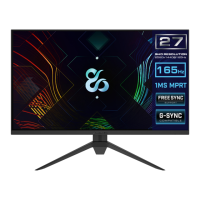
27 INCH QHD RESOLUTION
USER MANUAL
2560×1440@144Hz
QHD RESOLUTION
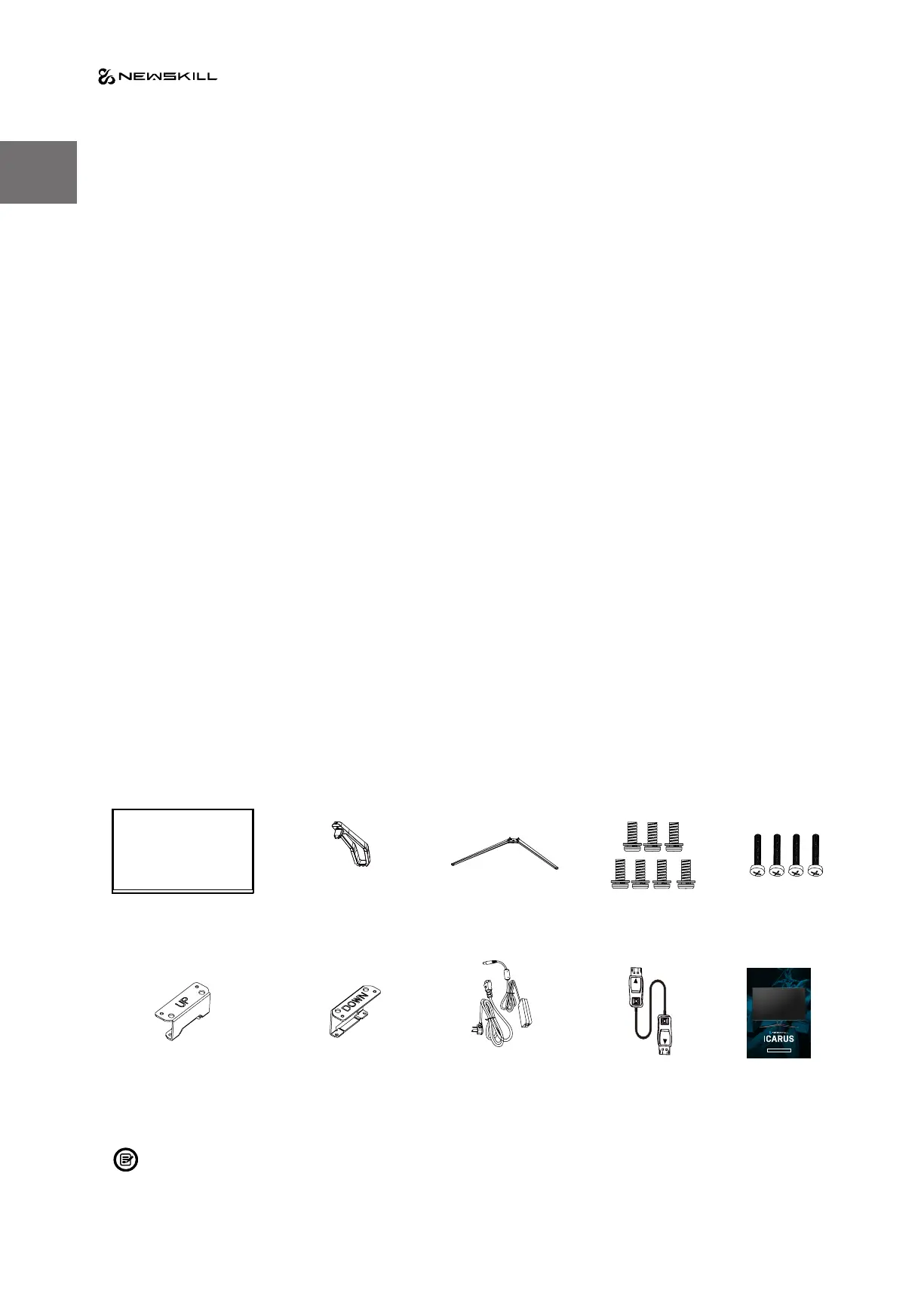
Monitor x1
VESA
connector up x1
VESA
connector down x1
Power Cable &
Adapter x 1
DP Cable x 1 User manual x1
Stand stem x 1 Stand base x 1 Screws x 7
(PM4*10)
Screws x 4 (PM4*16)
(for Stand Installation)
1. Product Description
Packing list
Please check the following items in the packing case before installation:
If any of above items is missing, please contact with the dealer.
Extra screws may be included as backup.


 To Next Page