June 2020
Shark SD110/SD120 | 9
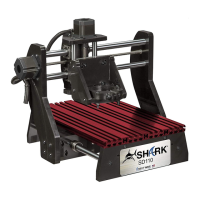
Shark SD110/SD120 Specifications
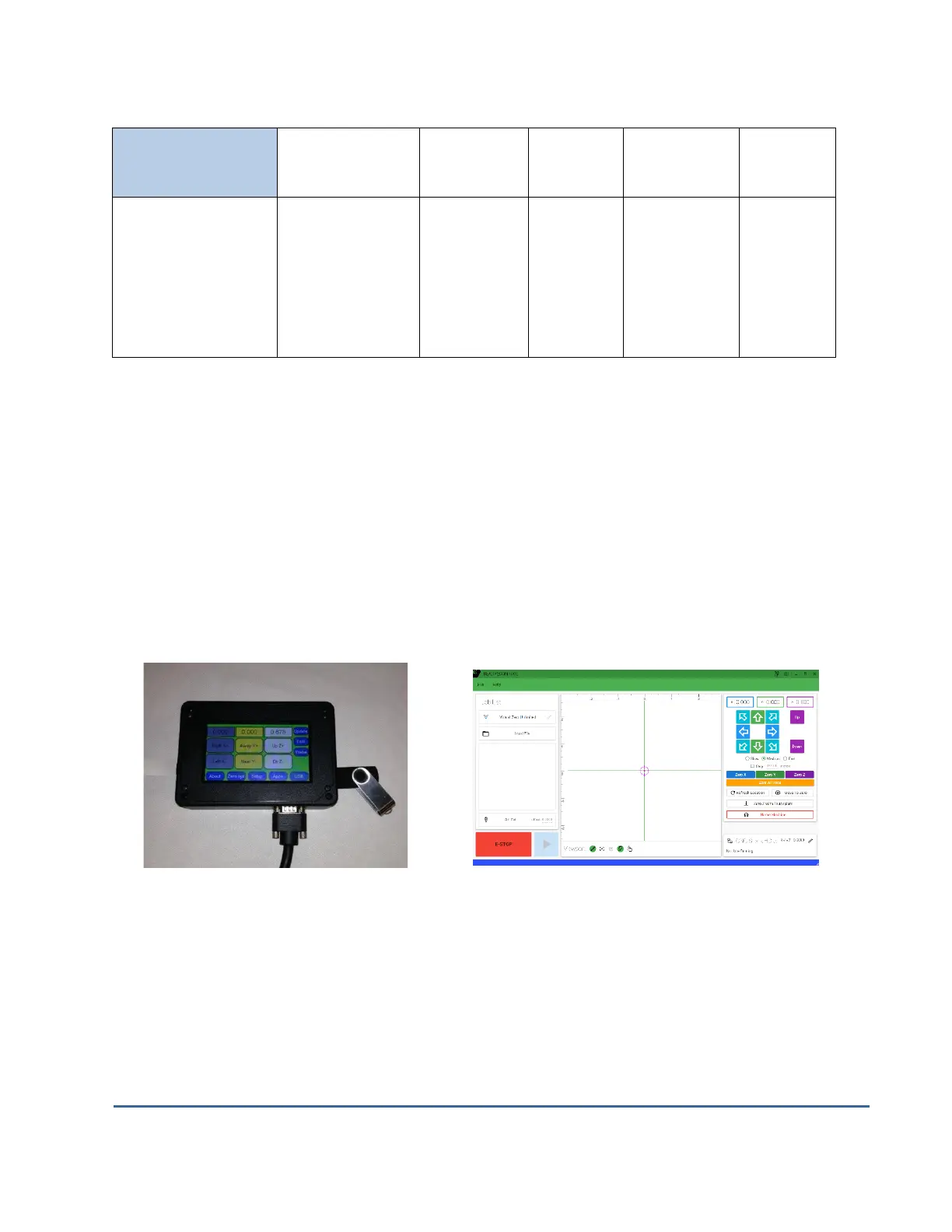
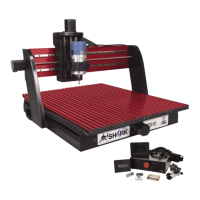
Two ways to control your Shark SD110/SD120
The Shark SD110/SD120 LCD Pendant stores the project’s tap file (instructions) on a flash drive
and controls the movement of the X, Y, and Z axis. The LCD Pendant is designed to be a
standalone unit and does not require you to take your computer into your shop. However, you
can also run your Shark SD110/SD120 directly from your computer using the Ready2Control
software. For information on using Ready2Control software see the separate manual that came
with your machine.
LDC Pendant Ready2Control


 To Next Page