June 2020
Shark SD110/SD120 | 10
Shark SD110/SD120 Assembly Instructions
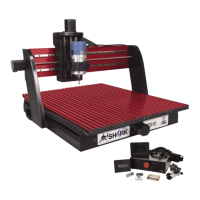
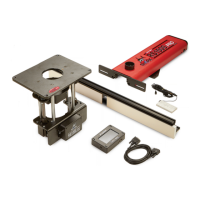
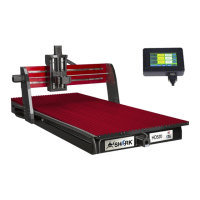
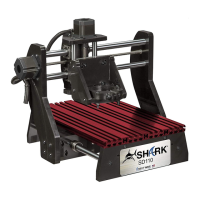
Unpack the Shark SD110/SD120 machine and verify that all items are present.
• Shark SD110/SD120
• CNC Controller
• 15 pin LCD Pendant Cable
• Touch Screen Pendant
• Power Supply
• Power Cord
• 2 Hold Down Clamps
• Router ON/OFF Controller (Available Shark SD120 Only)
Make sure when removing the Shark SD110/SD120 from its box that you lift it from the base,
lifting it by the gantry or table can cause misalignment.
WARNING: The axis cable connectors should never be disconnected or re-connected while
there is power to the Controller Interface. Doing so can damage the stepper driver board
inside the Controller Interface.
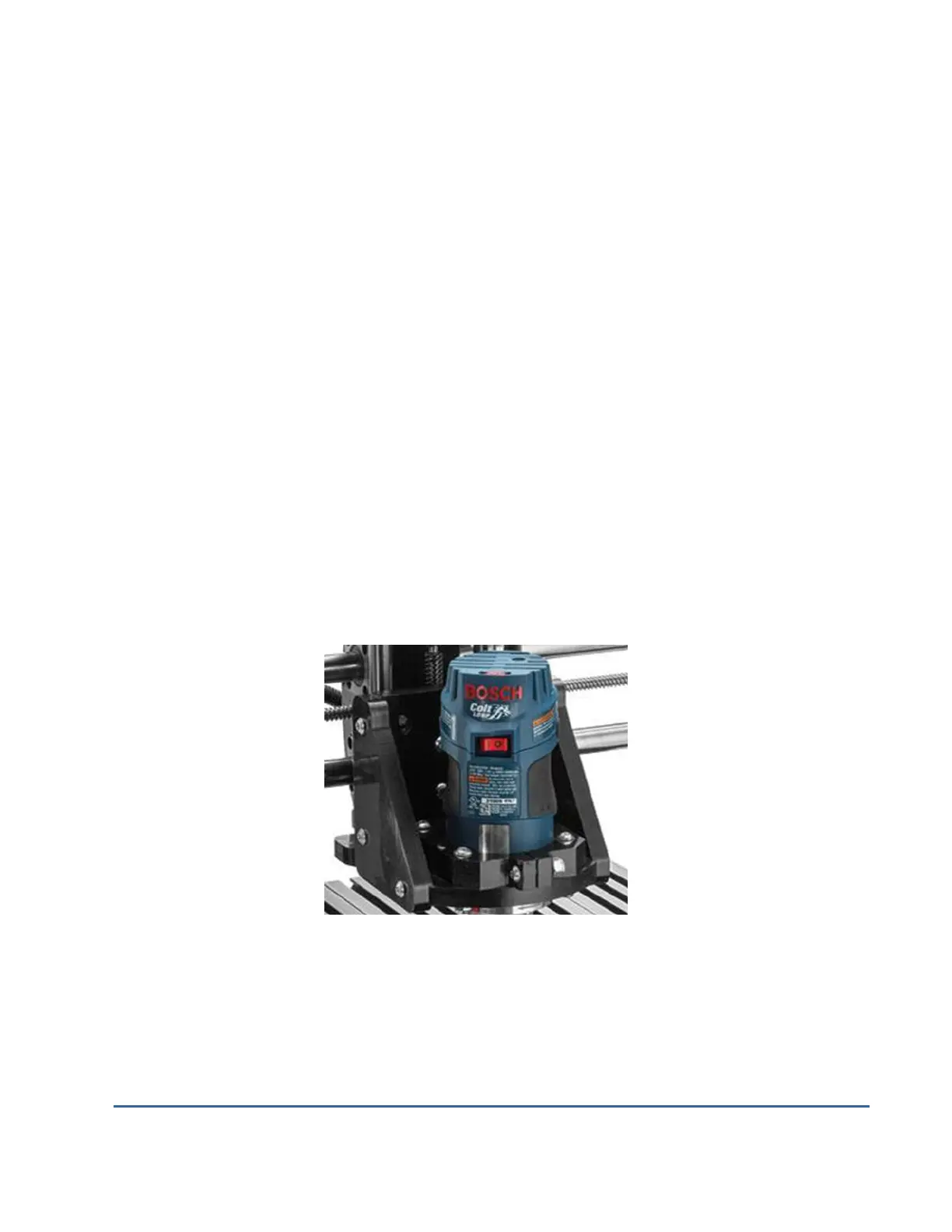
Install Router into Router Base by loosening the hold down clamp and sliding the Router in until
the motor protrudes about 1 ½” below the clamp.
Shark SD110/SD120 Router Mounting
Tighten all clamping bolts securely.


 To Next Page