June 2020
Shark SD110/SD120 | 16
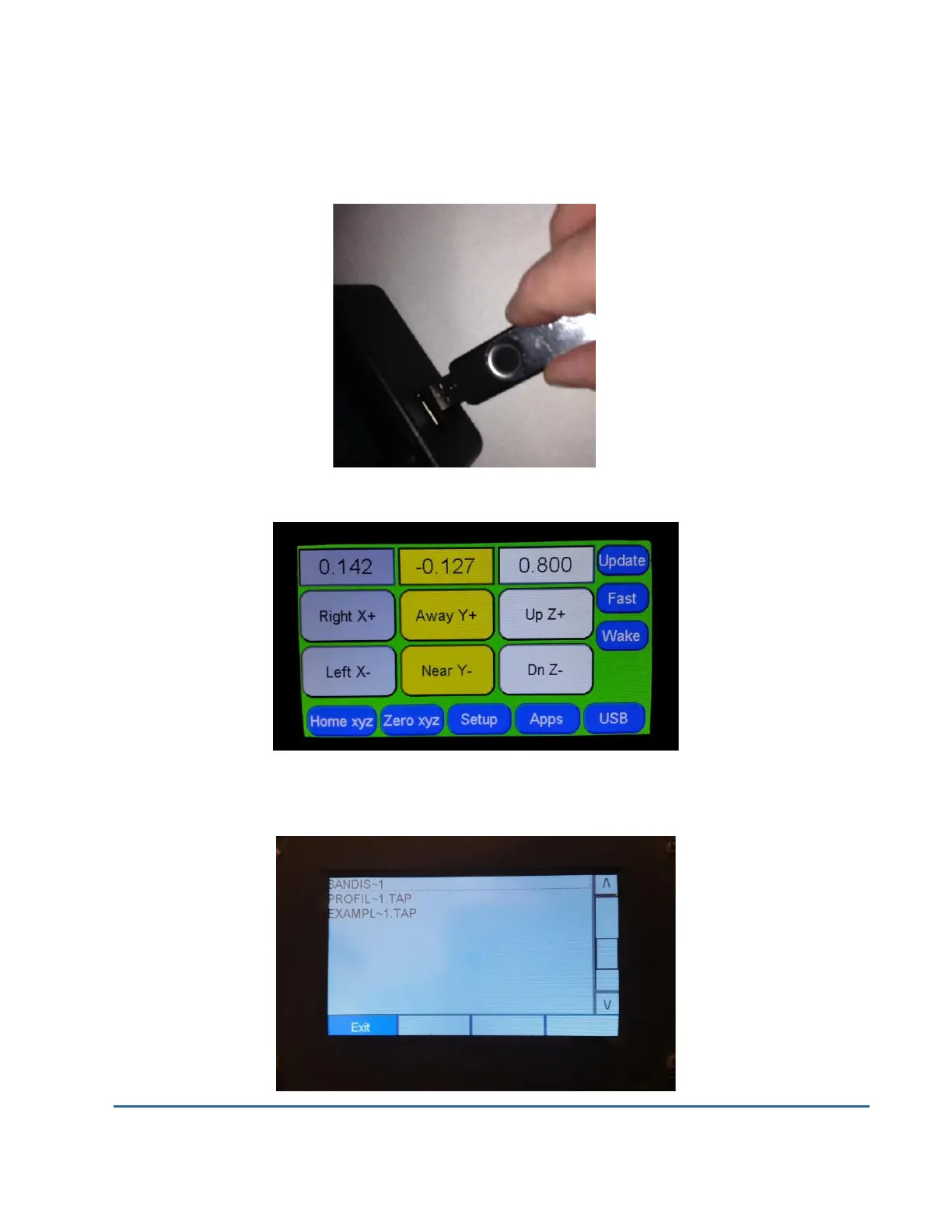
Next, plug the thumb drive containing the .tap file into the LCD Pendant using the USB port on
the right hand side of the Pendant.
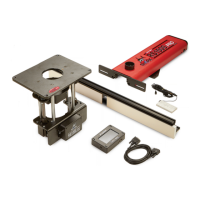
The USB button will now become accessible, press it now.
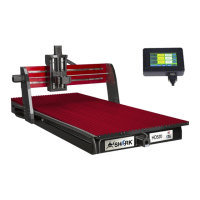
Next select the appropriate tap file. (Tap files only allow 8 characters so be sure you have
unique identifying names )


 To Next Page