EasyManua.ls Logo

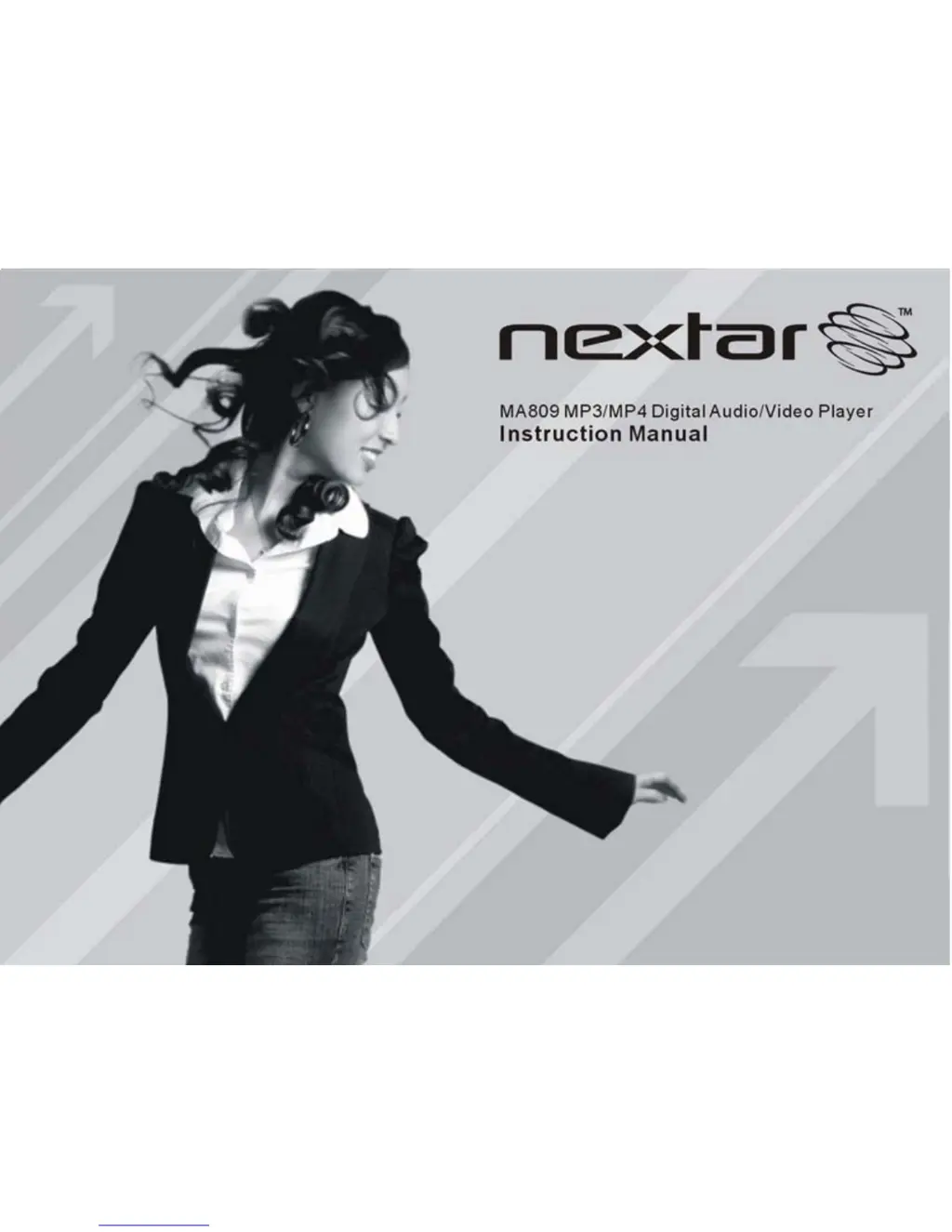
Nextar MA809 - User Manual

Nextar MA809
56 pages
Print Icon
To Next Page IconTo Next Page
Loading...
1

Questions and Answers

  • T
    tammy18Aug 13, 2025
    Why Nextar MA809 cannot be connected to the PC?
    • A
      Amanda WashingtonAug 13, 2025
      If your Nextar MP3 Player isn't connecting to your PC, the USB interface may not be supported by your PC’s motherboard. In this case, you may need to update or replace the PC’s motherboard.
  • D
    David Anderson Jr.Aug 17, 2025
    Why is there no sound on my Nextar MA809 MP3 Player?
    • R
      Robert Hendricks MDAug 17, 2025
      If you're not hearing any sound when playing an audio file on your Nextar MP3 Player, there are a couple of things to check. First, make sure the volume isn't set too low and adjust it accordingly. If the volume is fine, the audio file itself might be the problem. In that case, try deleting or skipping the file.
  • B
    brandithompsonAug 21, 2025
    What to do if the video cannot be played on Nextar MA809 MP3 Player?
    • C
      Craig ButlerAug 21, 2025
      If your Nextar MP3 Player is unable to play a video, the issue could be due to a couple of reasons. First, verify that the video is in AVI format, as other formats may not be supported. Alternatively, the video data might be corrupted, in which case you should skip the file or try reloading another one.
  • C
    Christopher MitchellAug 25, 2025
    How to fix a Nextar MA809 with a blank LCD screen?
    • J
      Javier HallAug 25, 2025
      If the LCD screen on your Nextar MP3 Player displays nothing when you turn it on, the battery might be too low. Try charging the battery.
  • D
    Dr. David EdwardsAug 27, 2025
    Why some MP3 files cannot be played on Nextar MP3 Player?
    • A
      Andrew WalterAug 28, 2025
      If some of your MP3 files aren't playing correctly on your Nextar MP3 Player, it could be due to the compression standard used. The player might not support standards like MPEG I Layer 1 or Layer 2. Here’s what you can do: 1. Delete the unsupported MP3 files. 2. Use MPEG I Layer 3 standard to compress the unsupported MP3 files.
  • R
    Rachel LivingstonSep 1, 2025
    What to do if the photo cannot be displayed on Nextar MA809?
    • R
      richardsjohnSep 1, 2025
      If your Nextar MP3 Player can't display a photo, it might be due to the file format or image resolution. You can try using an image editor to convert the file to a supported format or save it as another file. If that doesn't work, try decreasing the image resolution.
  • J
    Jillian RodriguezSep 4, 2025
    Why displayed time is changing constantly on Nextar MP3 Player?
    • A
      Anita JohnsonSep 4, 2025
      If the displayed time on your Nextar MP3 Player is constantly changing, it might be because the bit rate of the MP3 file changes during playback. Try using a fixed bit rate to compress the MP3 file.
  • S
    Susan ShieldsSep 8, 2025
    What to do if the TXT file cannot be read on Nextar MP3 Player?
    • J
      juliealvaradoSep 8, 2025
      If your Nextar MP3 Player can't read a TXT file, the file format might not be supported. In this case, skip the file or reload another one.

Nextar MA809 Specifications

General IconGeneral
Storage Capacity8 GB
Screen Size1.8 inches
Display TypeTFT LCD
Supported Audio FormatsMP3, WMA
ConnectivityUSB 2.0
FM RadioYes
Voice RecordingYes
Expandable StorageMicroSD

Related product manuals