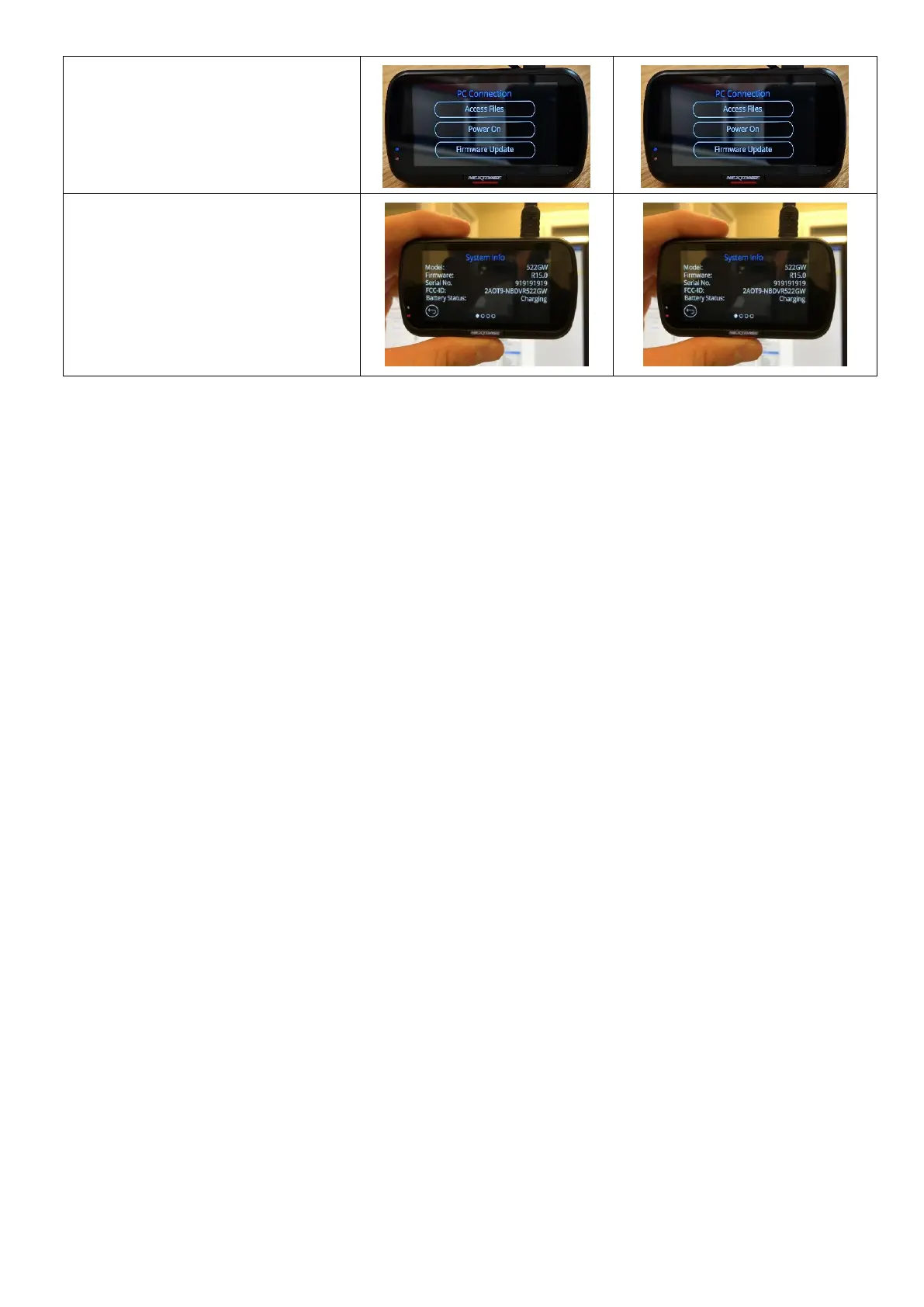
13. After the update has installed
your Dash Cam will restart
and display the PC
Connection Screen. Tap the
‘Power On’ option to
continue.
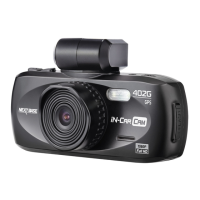
14. Tap the Menu button and
then tap ‘Setup’ to open the
Setup Menu, Swipe across to
page 4 you will see ‘System
Info’. Tap ‘System Info’ and
the firmware version installed
on your Dash Cam will be
displayed.



 To Previous Page