6
1. Set the FUNCTION selector to “RADIO” mode.
2. Select the desired band width using the “BAND” selector.
3. Adjust the radio frequency to your desired station by using the “TUNING” control.
4. Adjust the “VOLUME” control to the desired level.
1. Set the “BAND” selector to FM mode for MONO reception.
2. Set the “BAND” selector to FM ST. mode for FM Stereo reception.
The stereo indicator LED lights up showing you are in FM ST. mode.
Radio Operation
General Operation
AM/FM/FM-Stereo Reception
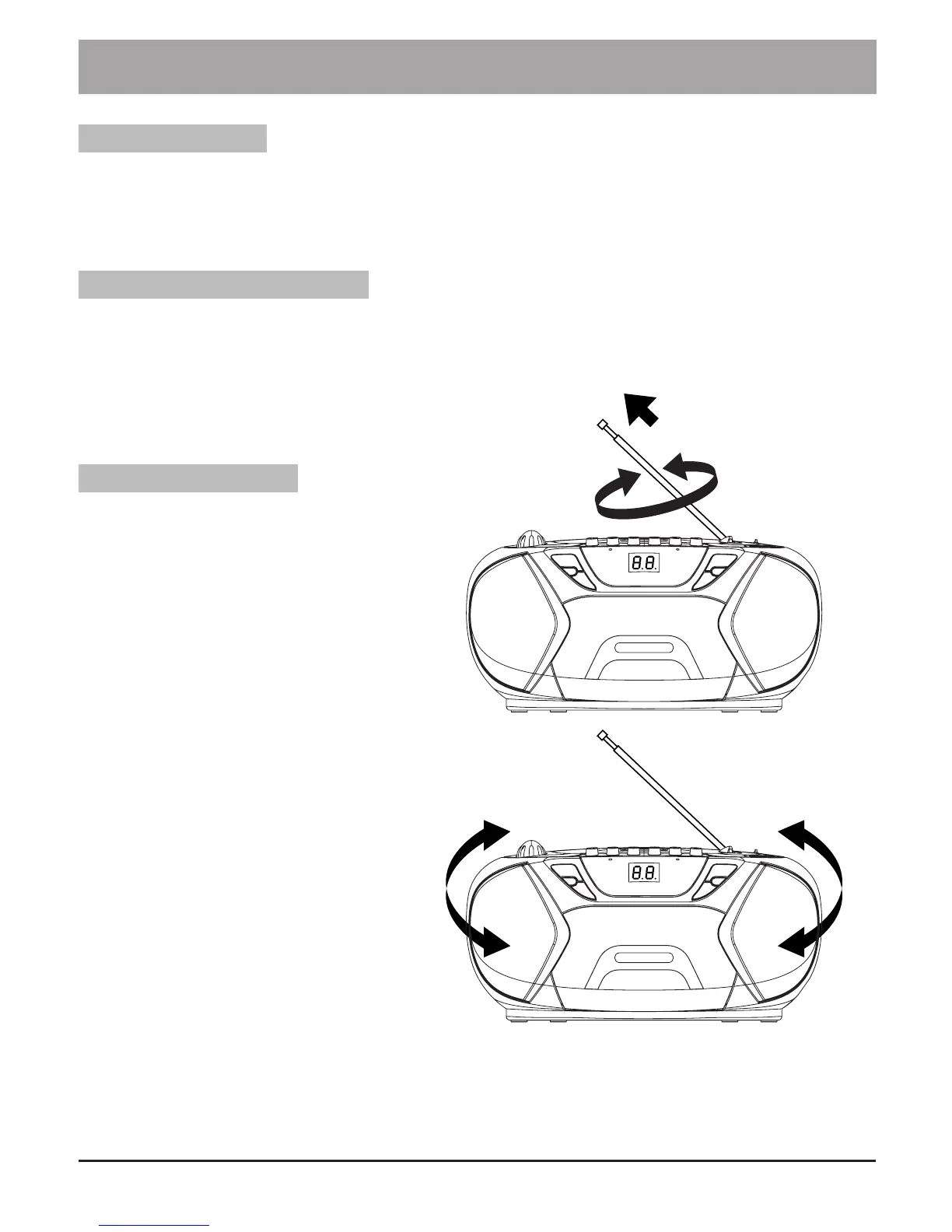
For Better Reception
• For FM reception reorient
the antenna by, pulling out
the telescopic antenna,
then incline and turn the
antenna.
• Reduce its length if the
spiral is too long
(very close to transmitter).
• For AM reception reorient
the antenna by turning the
whole product.
• The product is provided
with a built-in antenna so
the telescopic antenna is
not needed.



 To Next Page