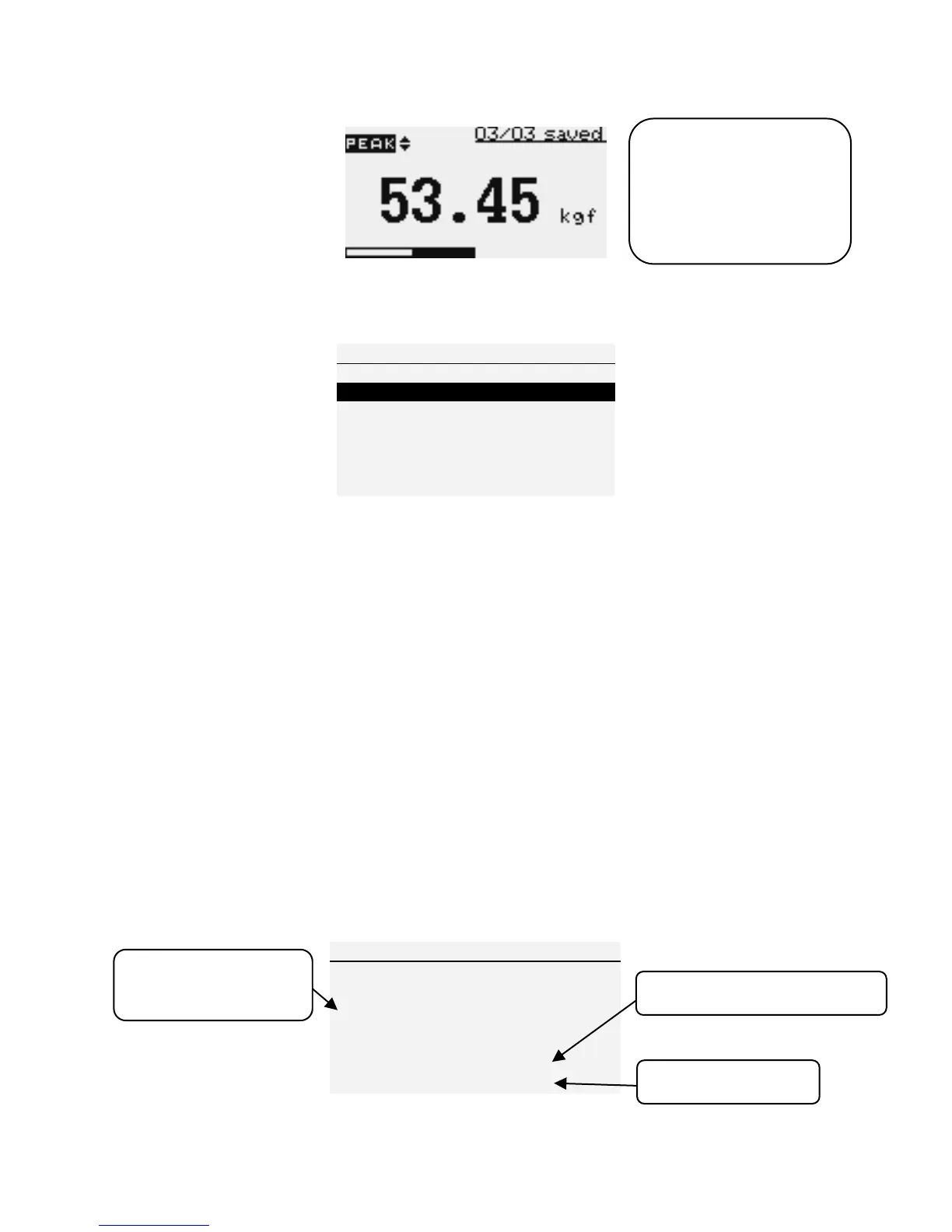
Figure 7b Memory Delete Menu
4) CALIBRATION This is used by service technicians when calibrating the
gauge. Contact your Nextech distributor for details.
5) DIAGNOSTIC This is used to check status of the load cell. If you suspect
that your load cell transducer has sustained an overload it is possible to check
the status of the load cell immediately.
1. Place the gauge horizontally on the flat level surface.
2. Press MENU to navigate to the Main Menu.
3. Use the UP and DOWN keys to highlight DIAGNOSTIC
4. Press the ENTER key to navigate to the DIAGNOSTIC menu.
5. Press THE ESC to return to Main Menu.
Figure 8 Diagnostic Menu


 To Next Page