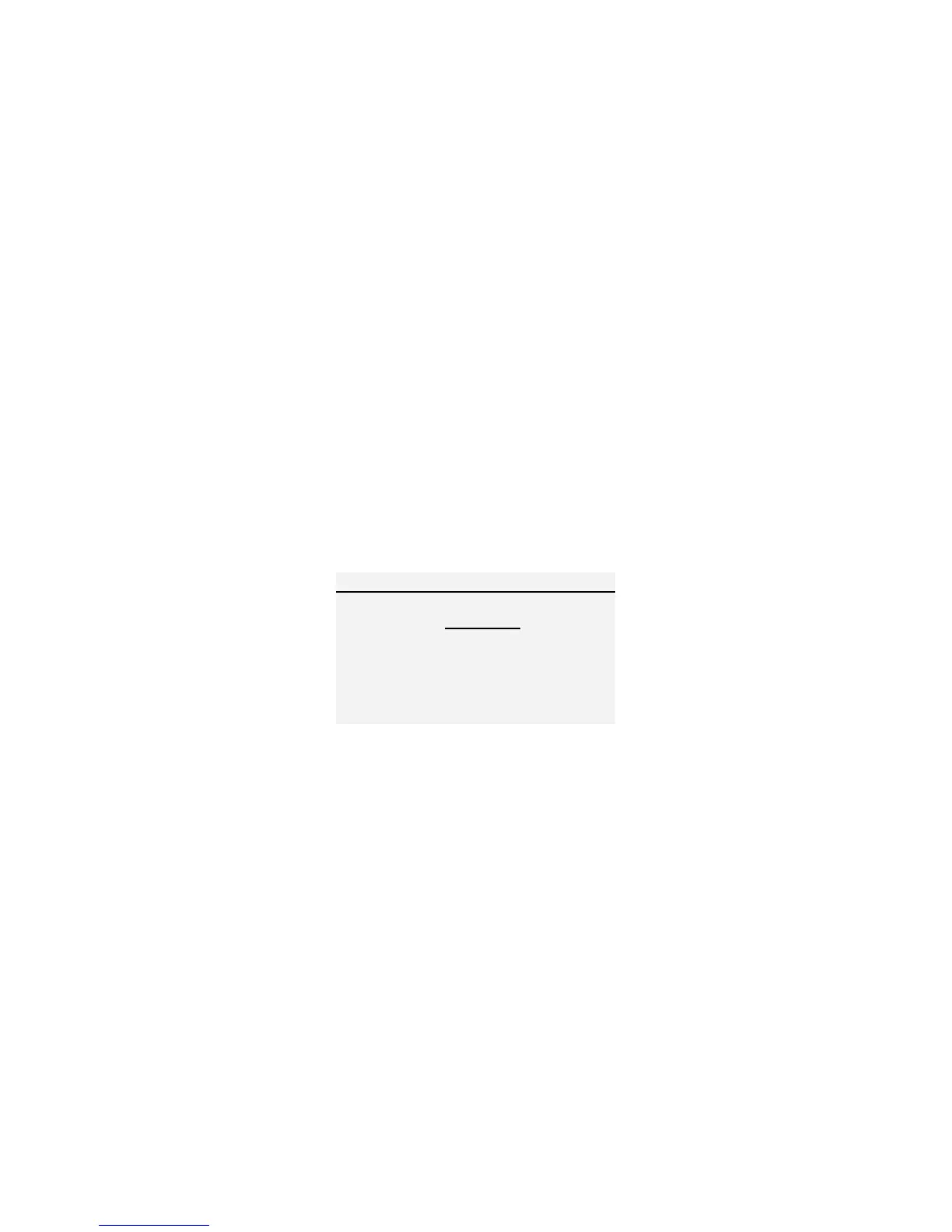
PASS-FAIL The Pass-Fail feature can be used to define an acceptable range
of applied force.
This feature is activated by navigating to the PASS-FAIL Menu.
1. Press the MENU Key to access the Main Menu.
2. Use UP and DOWN to move the cursor to highlight PASS-FAIL.
3. Press the ENTER key to access the PASS-FAIL menu.
4. In this screen the LEFT ARROW key will toggle the cursor between the
Upper and Lower values. (Notice that the selected value is underlined)
5. The RIGHT ARROW key will cycle through the units of measure.
6. Press the UP and DOWN keys to change these values incrementally, or
press and hold to scroll the values.
7. When you are satisfied with each of the settings, pressing ENTER will
save the values, enable the PASS-FAIL function and return you to the
Main Menu.
*When the PASS-FAIL feature is active the PF symbol will appear on the main
display. While using this feature, an applied load force that is outside of the set
range (higher or lower), will display the FAIL message. If the applied load is
within this range, the display will show the PASS message.
Figure 6 Pass-Fail Menu
*The Pass-Fail feature will automatically be disabled if you set LOWER
and UPPER = 0 N.
*The LOWER value must be less than the UPPER.


 To Next Page