Powering up
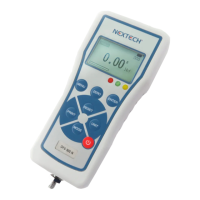
The control panel has eight keys, as show in figure 1.
To power up the gauge, press the ON/OFF key located at the lower
right of the keypad. A short self-test will begin, during which, the display will
show the maximum capacity in Newtons.
After completing the self-test, providing no load has been applied to the
instrument, the display will show all zeroes. This is because the gauge re-
zeroes itself during the self-test routine.
*If a force is applied via the load cell probe (threaded stem at bottom of the
DFS), the reading on display will register the applied force.
*Forces may not show zero if the DFS is moved, or weight/force applied during
the self-test routine. Once it is properly mounted in either vertical or horizontal
position and zeroed, the reading will be stable.
To power-down the gauge, press the ON/OFF key.
*All of the current DFS settings are saved when the gauge is turned off
and the gauge will function in the same mode when powered-up again.
Basic Functions
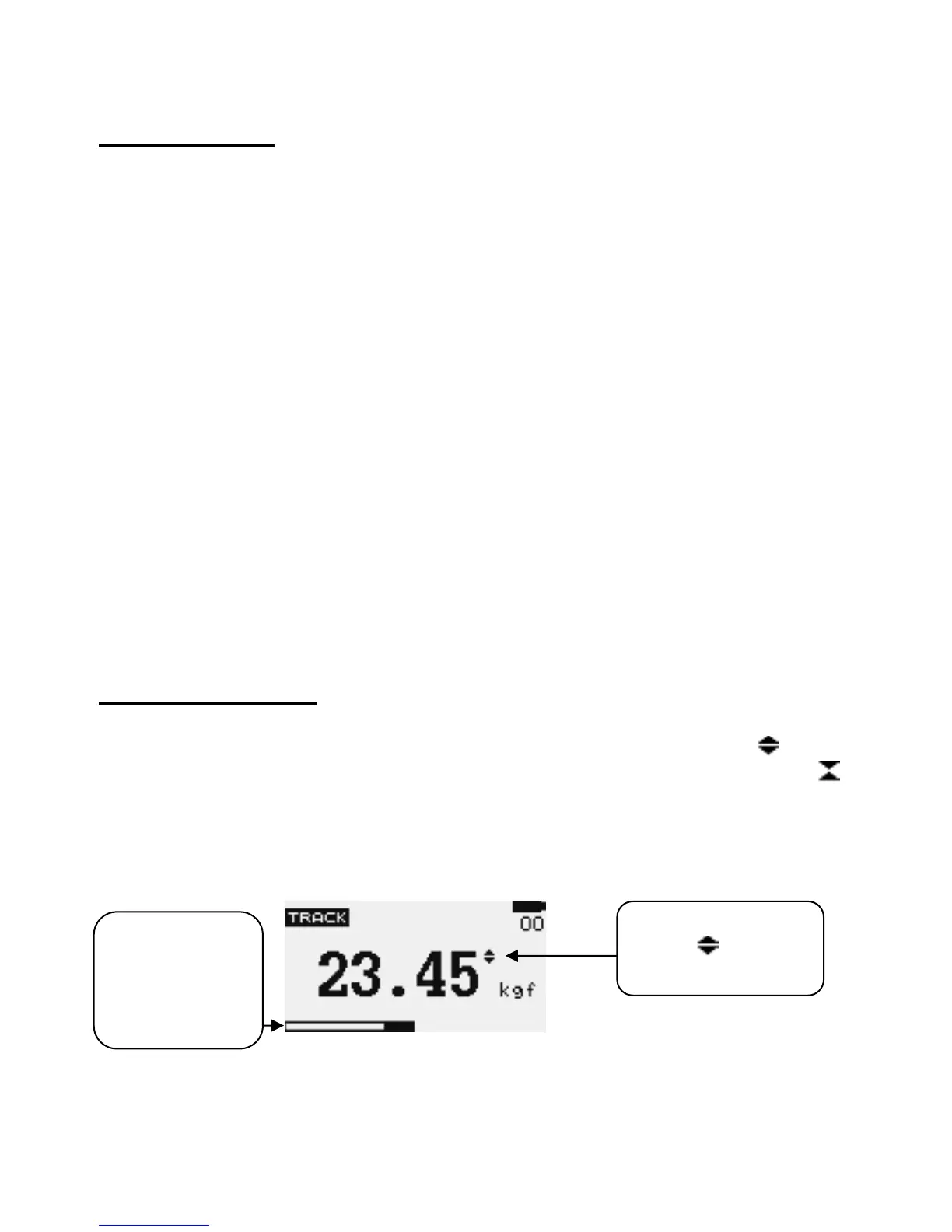
Tensile forces are displayed on the DFS and recognized by the symbol ,
Compressive forces are displayed on the DFS and recognized by the symbol
Display of Tension/Compression


 To Next Page