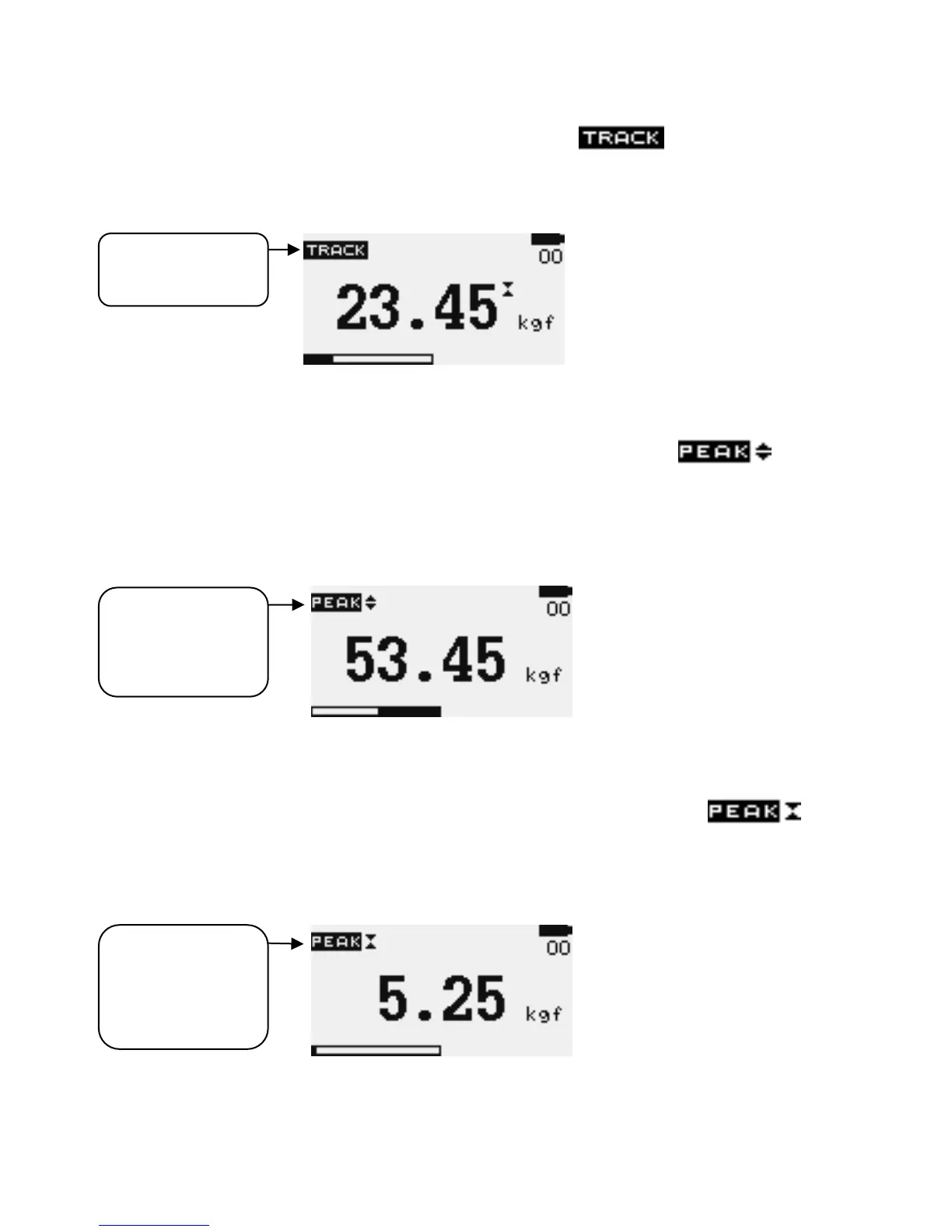
Track mode Press MODE key until the appears on the
display. The display will now indicate forces applied in both directions as they
are applied to the load sensor in real-time. See Figure 3a
Figure 3a Track
Peak-Tension mode Press the MODE key until the appears
on the display. The display will now show the maximum tensile force that has
been applied to the sensor. See Figure 3b (Again, do not exceed the gross
maximum capacity of the DFS model that you are using.)
Figure 3b Peak Tension
Peak-Compression mode Press the MODES key until
appears on the display. The display will now show the maximum compressive
force that has been applied to the sensor. See Figure 3c
Figure 3c Peak Compression


 To Next Page