Warning
● When using the camera, please avoid rain, fire and lightning.
The camera’s working humidity range is: 20%-50% indoor,
20%-70% outdoor. Working temperature range is: -10°-50℃
(14°-122°F) indoor; -20°-55℃ (-4°-131°F) outdoor.
● The IP Camera is designed to ensure the security and
confidentiality of its users, but cannot completely guarantee
the threat of being compromised, due to various setup
circumstances. We highly advise that you only use the camera
on a trusted password protected Wi-Fi network. This camera is
recommended for general purpose monitoring only. The user
acknowledges the risk of using the device otherwise.
Troubleshooting:
Ensure the volume on your smartphone is all the
way up.
Make sure the sound level in your environment is
quiet to avoid the camera picking up additional
sounds.
The email address must be typed in all lowercase.
Ensure the email address you input is correct.
Pls check if the mail (subject: Email verification
code) was delivered into your spam folder.
Hold the phone as close as possible to the camera.
Check the cameras is in pairing model; the LED
indicator should be flashing blue.
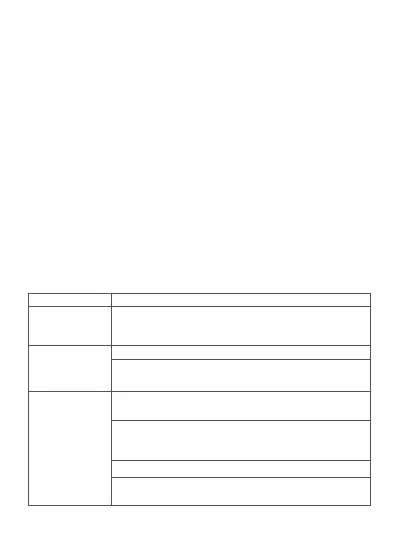
Problem Solution
The camera
will not pair
Shown “invalid
email” when
sign up by email
Didn’t receive the
verification code
(Email register)
-13-


 To Next Page