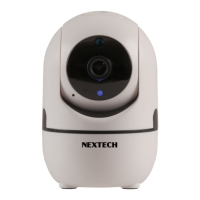
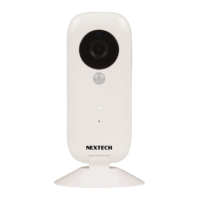
Click Add Camera button, click on ‘connecting my camera’
Step 1: Check to see if the front LED light is flashing: After
powering on the camera, the LED light should be flashing
blue, click on ‘Next’ and proceed to Step 2.
Step 2: Connect to your wifi network(802.11 b/g/n 2.4GHz):
a. Find your wireless network in the first field. You can
select ‘Other’ if you do not see your wireless network.
b. Enter your Wi-Fi password. If your wireless network does
not have a password, click on the ‘No Wi-Fi password’ box.
Then click ‘Next’, select your timezone.
c. Follow the instructions on the screen and move your phone
speaker close to the camera’s microphone. Before doing so,
make sure you are in a quiet environment without any noise
interference and make sure your phone is not on silent. Then
click ‘send sound wave’.
3.4 Camera Device and Phone Synchronization
-5-


 To Next Page