NEXUS 7 GUIDEBOOK GOOGLE NOW & SEARCH 44
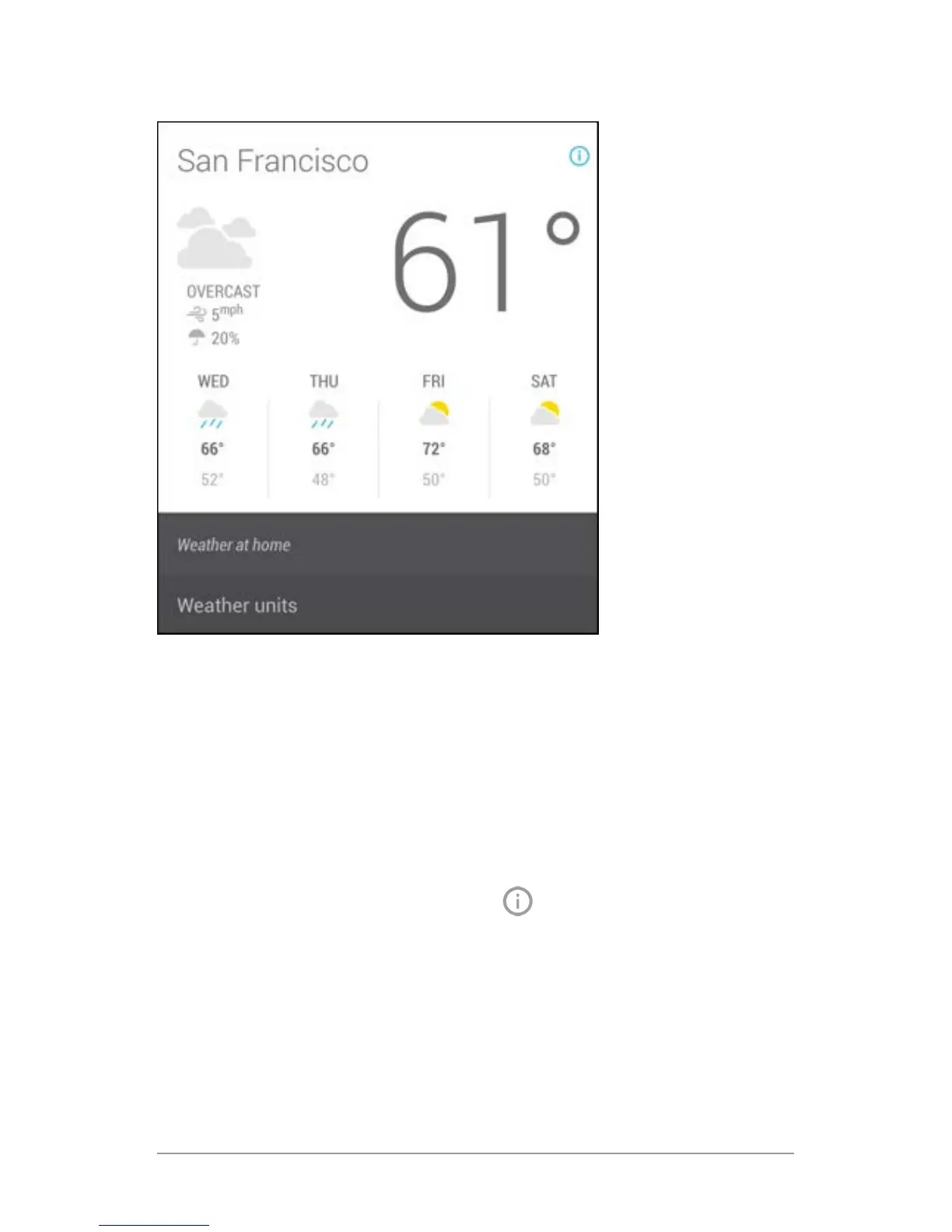
The icon turns blue, and the card expands downward, like this:
The italicized text explains why the card has appeared at the cur-
rent time or location.
In some cases, you can also adjust preferences related to that
card (such as Fahrenheit or Celsius for the Weather card). Some
cards also let you answer questions that help Google Now ne-
tune its performance.
To hide this information, touch the
Info icon again.
Some cards rely on details you specify about your home and work
addresses, the sports team or stocks you’re following, and so on.
To edit such details, go to Menu > Settings > My stuff.



 To Next Page