NEXUS 7 GUIDEBOOK EXPLORE YOUR TABLET 17
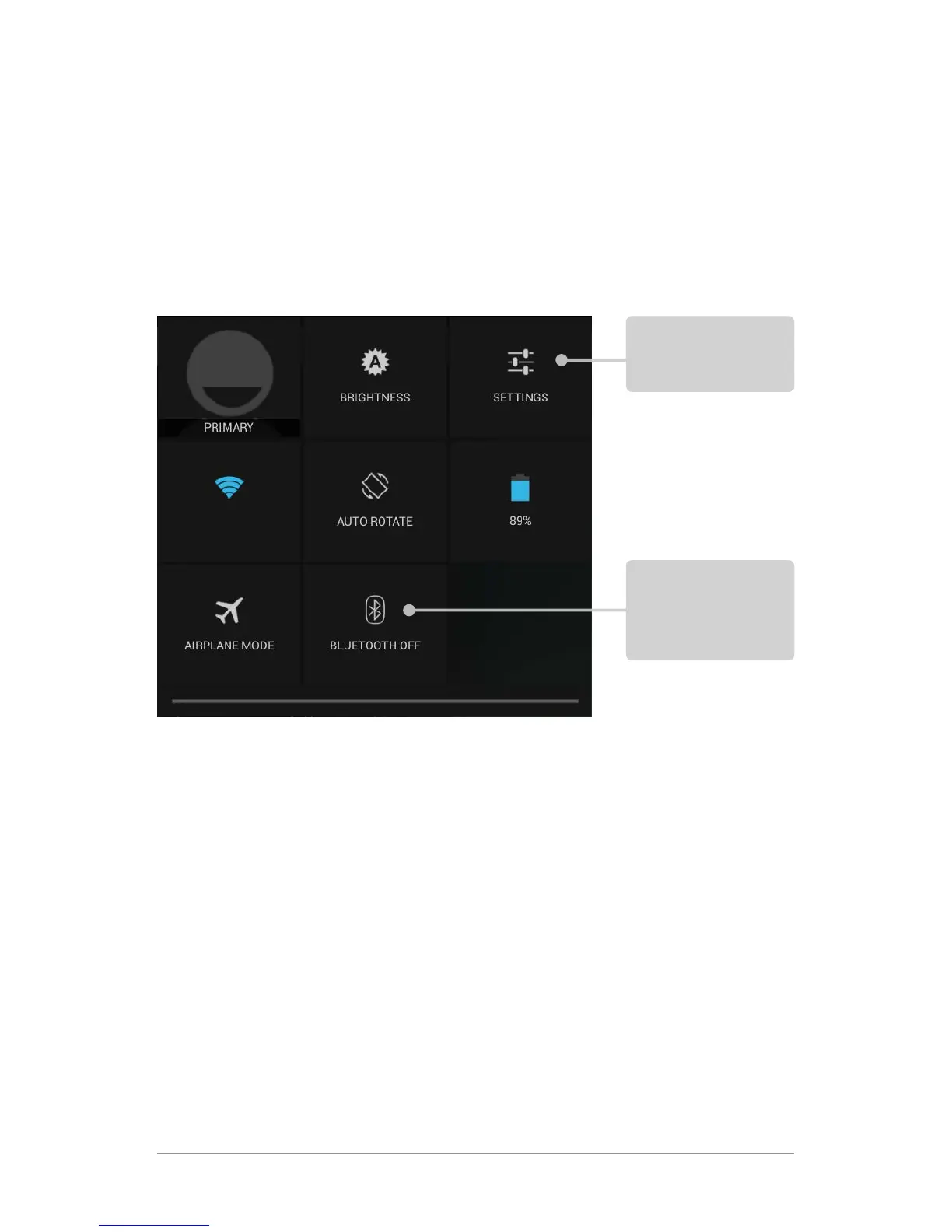
Quick Settings
Available for Android 4.2 and later.
Use Quick Settings to easily access Wi-Fi settings, manage dis-
play brightness, open the main Settings menu, and more. To
open Quick Settings, swipe down from the top right corner of any
screen:
Relax with Google Play
Google Play brings together all your favorite content in one place
– movies, TV shows, books, music, magazines, apps, and more –
so you can reach it from any of your devices.
Use Google Play widgets
These widgets are available on your Home screens:
• My Library. Displays your most recently used music, books,
and so on. Touch any of the images to see your content.
Touch to open
all settings
Touch a square
to open the
specic setting



 To Next Page