NEXUS 7 GUIDEBOOK GET STARTED 4
• Your Nexus 7 can be charged via the USB port on a computer
only when Nexus 7 is in sleep mode (screen off) or turned off.
Charging through the USB port will take longer than charging
with the USB charging unit.
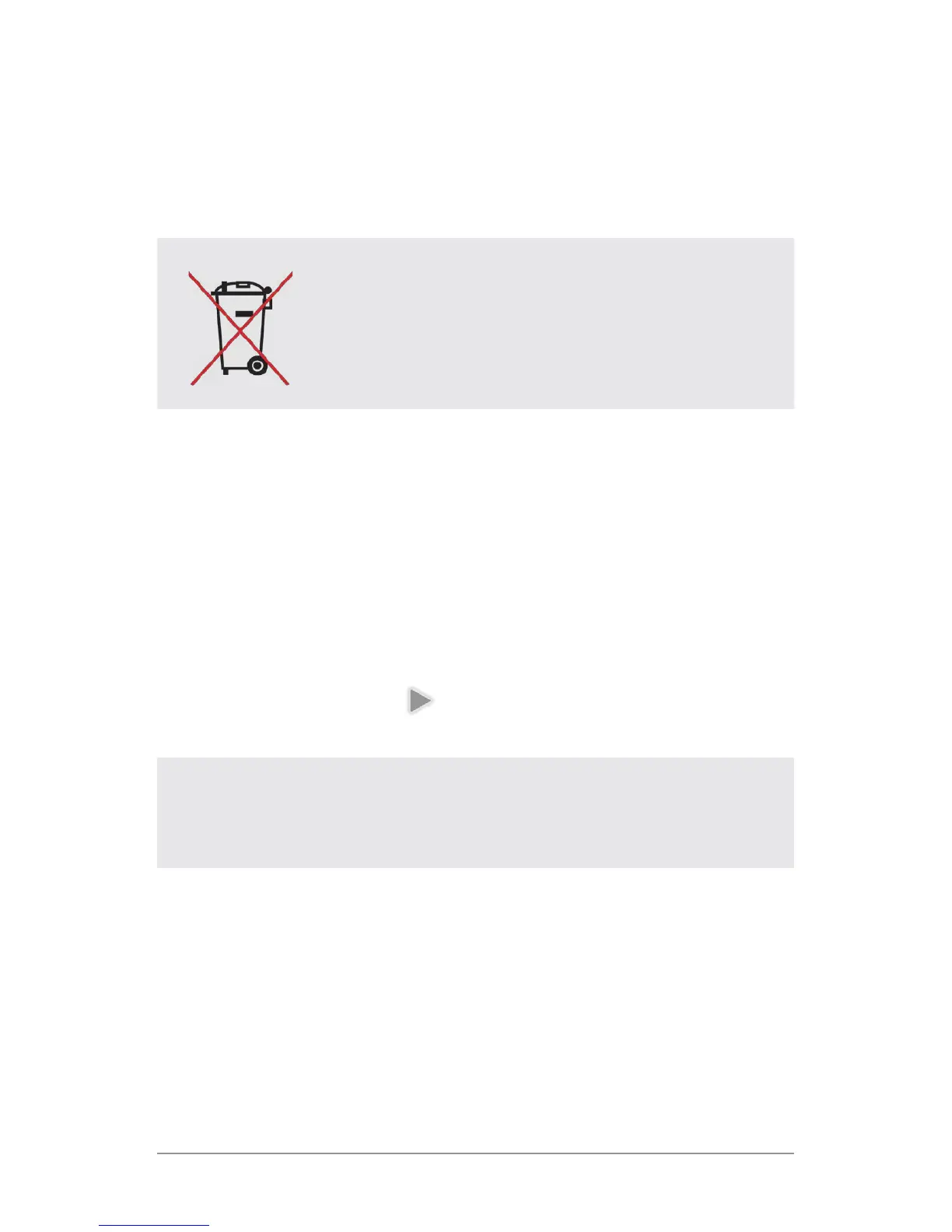
DO NOT throw the battery in municipal waste.
The symbol of the crossed out wheeled bin
indicates that the battery should not be
placed in municipal waste.
Set up your tablet
To turn on your Nexus 7, press the Power button on the right edge
near the top for a few seconds, then release it.
The rst time you turn on the tablet, you’ll see a Welcome screen.
• To choose a different language, touch the menu.
• To continue, touch the Play icon and follow the instructions.
IMPORTANT: You must have a Wi-Fi connection to com-
plete the setup process.
When prompted, you can sign in with your Google Account or cre-
ate one at that time. You can also choose to skip this step and
create one later.
An email address that you use for any of the following counts as
a Google Account:



 To Next Page