NEXUS 7 GUIDEBOOK GET STARTED 3
Charge the battery
The battery may not be fully charged at rst. It’s a good idea to
fully charge it as soon as you can.
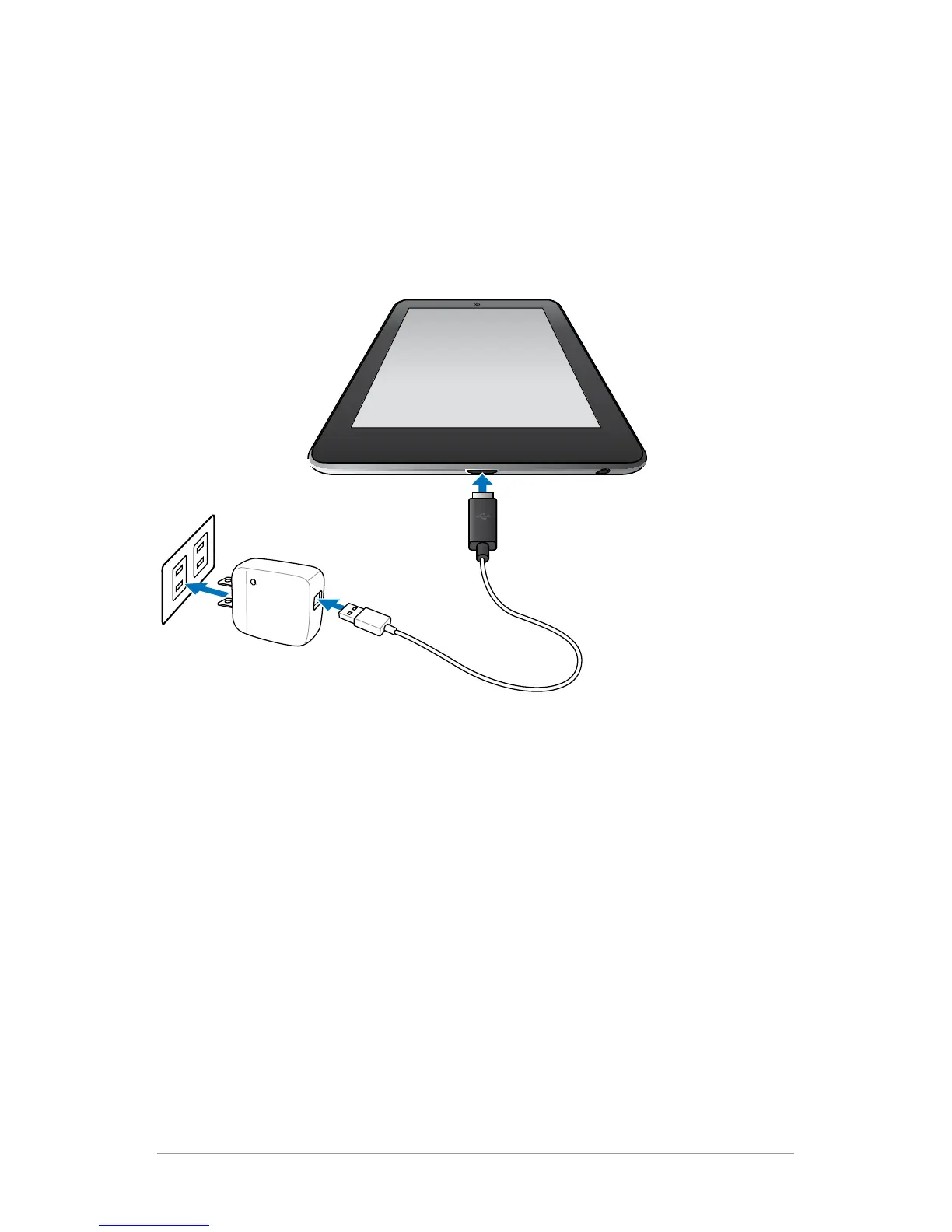
Connect the micro USB cable to Nexus 7 and to the charging unit,
and the charging unit to a power outlet:
• The USB charging unit varies by country or region.
• Use only the USB charging unit and micro USB cable that come
with your Nexus 7. Using a different charging unit or cable may
damage your tablet.
• To avoid risk of injury or damaging your device, peel the pro-
tective lm from the USB charging unit and USB cable before
charging the battery.
• The input voltage range between the wall outlet and this
charging unit is AC 100V–240V, and the charging unit’s output
voltage is DC 5V, 2A.
a



 To Next Page