NEXUS 7 GUIDEBOOK GET STARTED 1
1
Get started
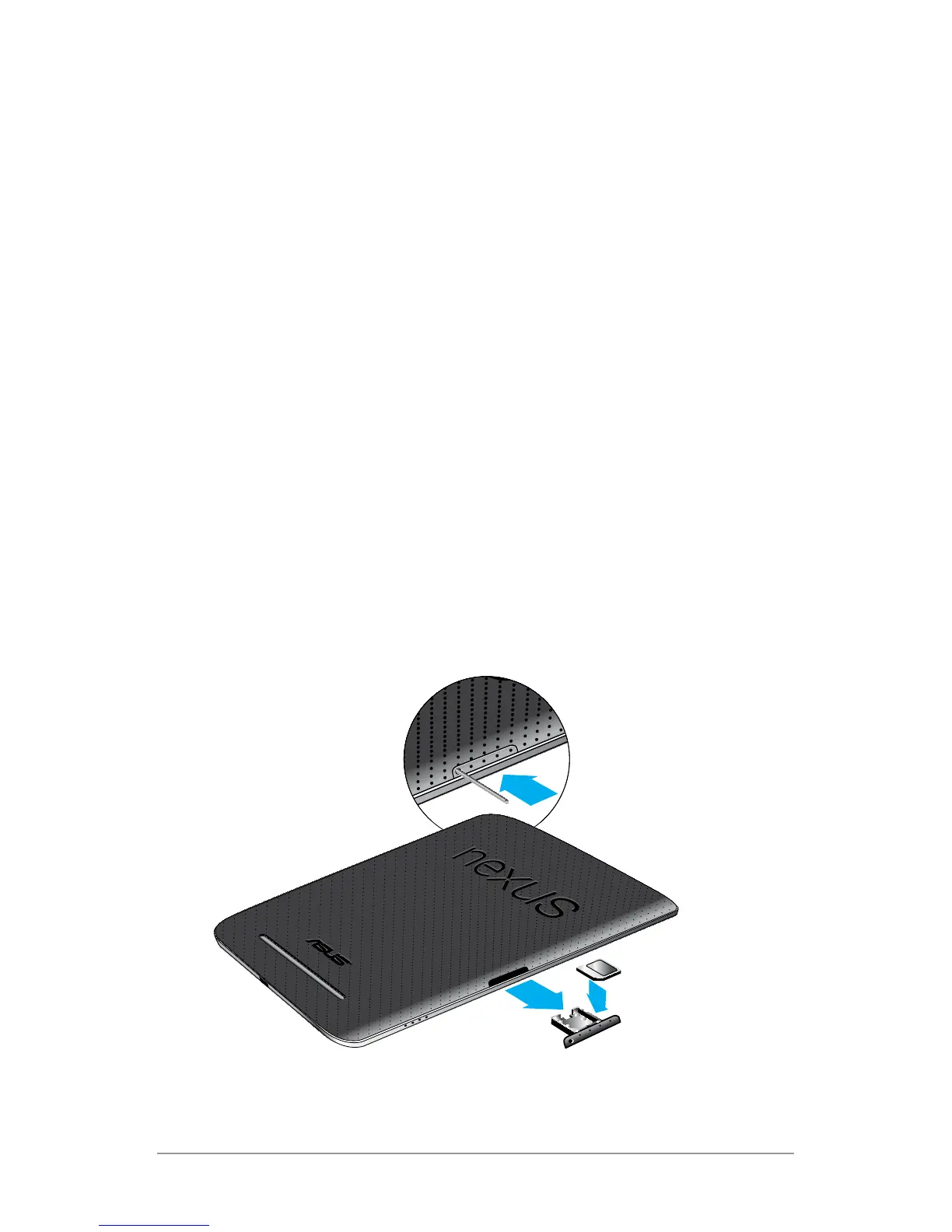
Insert & activate a SIM card
Applies only to Nexus 7 with mobile data.
To use your tablet with mobile network data, you must rst insert
& activate a SIM card. If no card is installed, the message “No SIM
card” appears on the tablet’s lock screen.
Only the Nexus 7 with mobile data can accept a SIM card. Wi-Fi
versions of the tablet can’t.



 To Next Page