NEXUS 7 GUIDEBOOK EXPLORE YOUR TABLET 18
• Recommended on Play. Suggests music, movies, and other
content that may interest you. Touch the suggestion to learn
more about it.
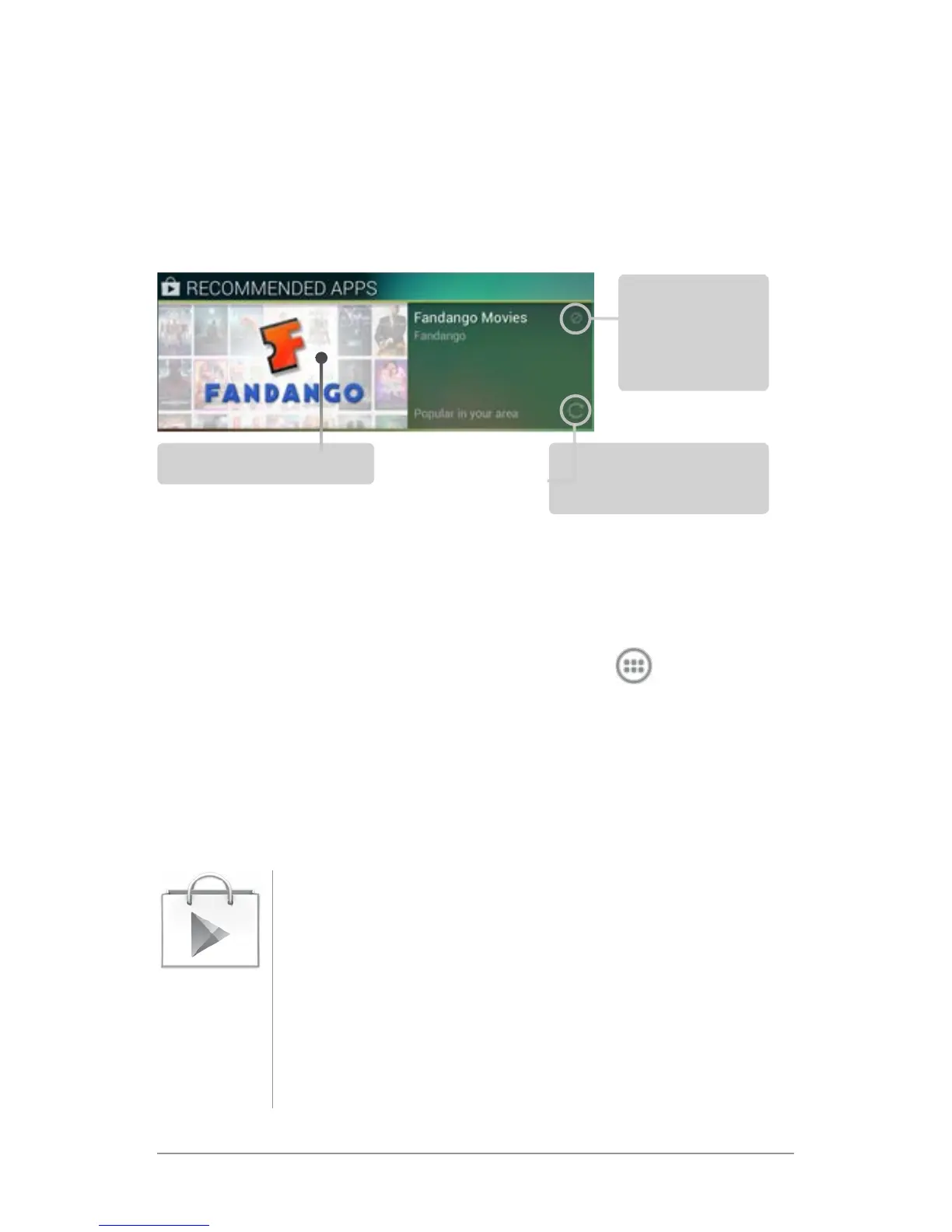
• Recommended apps. Recommends apps that you can add to
your Home screen. Touch the recommendation to learn more
about it.
To resize a widget, touch & hold, then let go and drag the blue
dots. To remove it, touch & hold, then drag it to the Remove icon
at the top of the screen.
To add another Google Play widget, touch the
All Apps icon,
then Widgets, and swipe from right to left until you see the one
you want. Then touch & hold, and let go in the Home screen loca-
tion you want.
Shop on Google Play
To open the Google Play Store app, touch the Play
Store icon in your Favorites tray on every Home
screen.
Most things you purchase on Google Play are avail-
able from your computer as well as from any of your
Android mobile devices. (Android apps are one ex-
ception – they run only on Android devices.)
Touch to
avoid future
suggestions
like this
Touch to learn more
Touch to see a
different suggestion
Play Store



 To Next Page