NEXUS 7 GUIDEBOOK EXPLORE YOUR TABLET 19
Sign in to play.google.com to get your entertainment from
anywhere.
Find your content
If you purchased on Google Play in the past, you’ll automatically
have access to this content on your Nexus 7 — just make sure
you’re signed in using the same account that you used to pur-
chase it.
You can get to your content using any of the Google Play icons
in your Favorites tray, including Books, Magazines, Movies, and
Music.
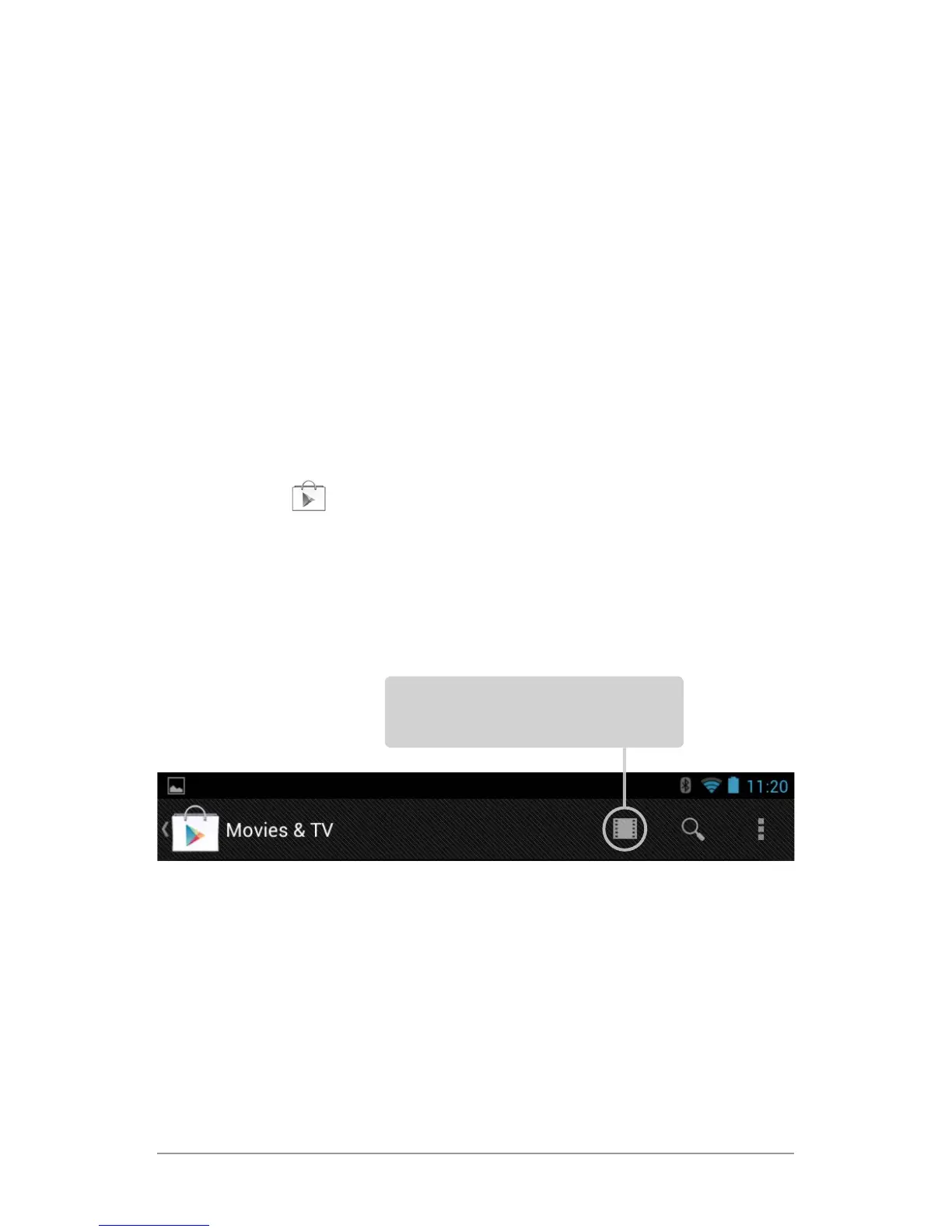
Or, touch the
Play Store icon to open Google Play. In the top
right corner, to the left of the Menu and Search icons, you’ll nd
a My Library icon corresponding to the section of Google Play
you’re currently viewing. For example, while browsing the Movies
& TV section, you’ll see the Google Play Movies app icon, which
will take you to My Movies & TV:
You can quickly access your content this way, from the Google
Play Store app, even if you originally purchased it on Google Play
using a different phone or tablet. If you get a new device, all your
media will automatically be waiting for you here when you turn
on and sign in.
Touch icon in this location to
see your content of that type



 To Next Page