MULTI CONTROL
24
7.3 Remote Co
The NX2 Multi Control
NX2 instruments.
All digital NX2 instrum e
Nexus Network. At pow r up the ID numbers are displayed for a
short time.
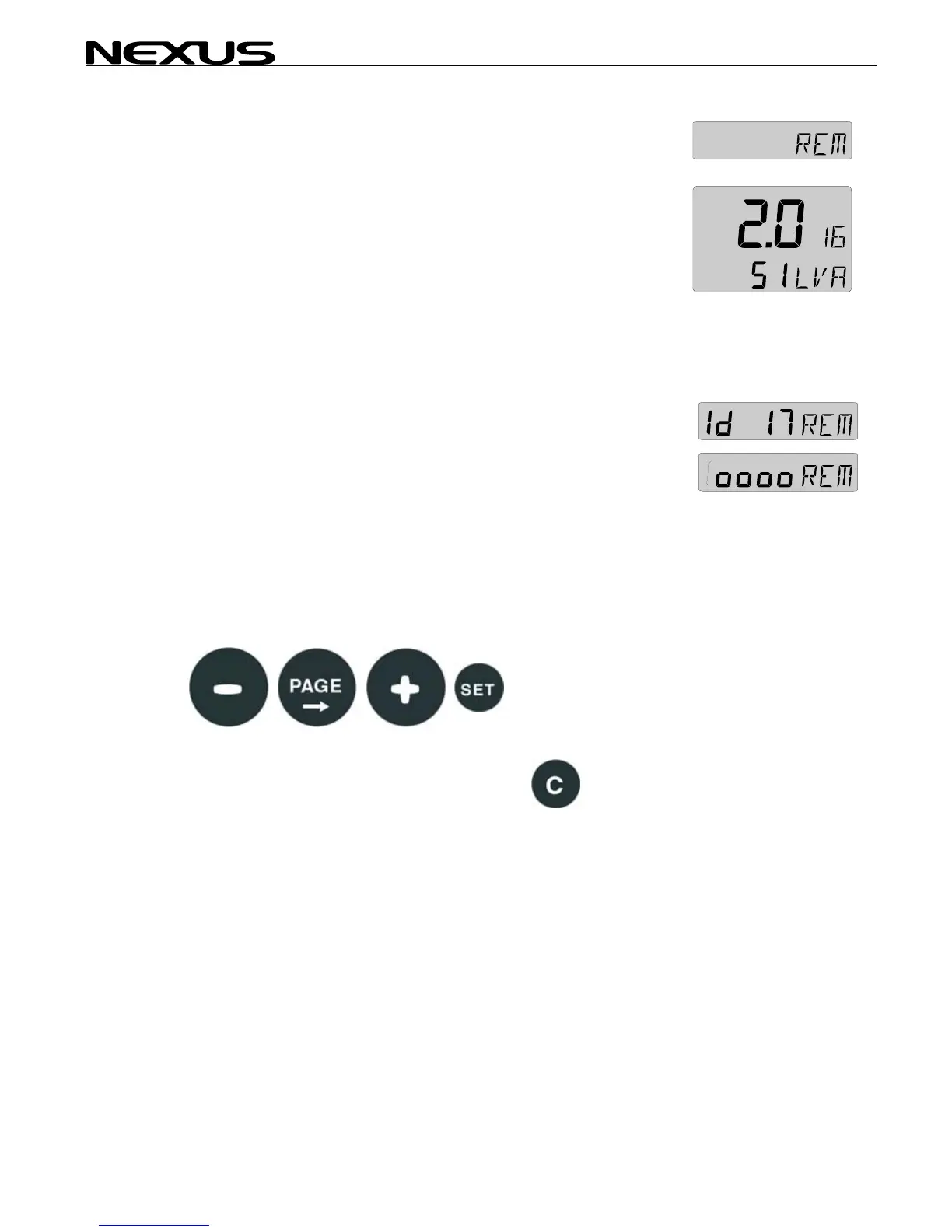
The instrument to the right has ID number 16 (version number is
2.0)
Note the ID numbers r the instrument you want to remote
control.
Press SET and the selected ID number is flashing.
Select the ID number for the instrument you want to control with
PLUS and MINUS as required. Press SET to start remote control.
Four push button symbols are displayed to tell you are in remote
mode. The display of the instrument you selected will flash once
and then the PAGE symbol of that instrument will continue to flash
to tell it is remote controlled.
Now you can use the four push buttons:
To exit the remote control page, press CLEAR:
ntrol (REM)
can be used to remote control other digital
ents has their unique ID number on th
e
fo



 To Next Page