Add device
Step 1
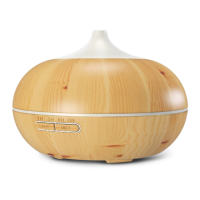
Select Add device, followed by the smart aroma diuser.
Step 2
1. The device will boot
into pairing mode
automatically when
powered on for the rst
time. Manually pair the
device if it fails to go into
pairing mode
automatically or if the
aroma diuser was
paired before.
2. Press and hold the
Light button for 5
seconds or until a beep
is heard.
3. Press and hold the Light button again for 3 seconds or
until you hear another beep, and then release it. Wait until
the LED starts blinking, this indicates that the device has
entered into the pairing mode.


 To Next Page