4 | ni.com | NI 9229/9239 Calibration Procedure
3. Connect the NI cDAQ-9178 to the system safety ground.
a. Attach a ring lug to a 14 AWG (1.6 mm) wire.
b. Connect the ring lug to the ground terminal on the side of the NI cDAQ-9178 using
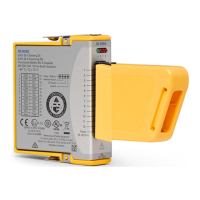
the ground screw.
c. Attach the other end of the wire to the system safety ground.
4. Install the NI 9229/9239 in slot 8 of the NI cDAQ-9178 chassis. Leave slots 1 through 7 of
the NI cDAQ-9178 chassis empty.
5. Connect the NI cDAQ-9178 chassis to your host computer.
6. Connect the power source to the NI cDAQ-9178 chassis.
7. Launch Measurements & Automation Explorer (MAX).
8. Right-click the device name and select Self-Test to ensure that the device is working
properly.
Verification
The following performance verification procedures describe the sequence of operation and
provide test points required to verify the NI 9229/9239. The verification procedures assume that
adequate traceable uncertainties are available for the calibration references.
Accuracy Verification
Complete the following procedure to determine the As-Found status of the NI 9229/9239.
1. Set the calibrator to Standby mode (STBY).
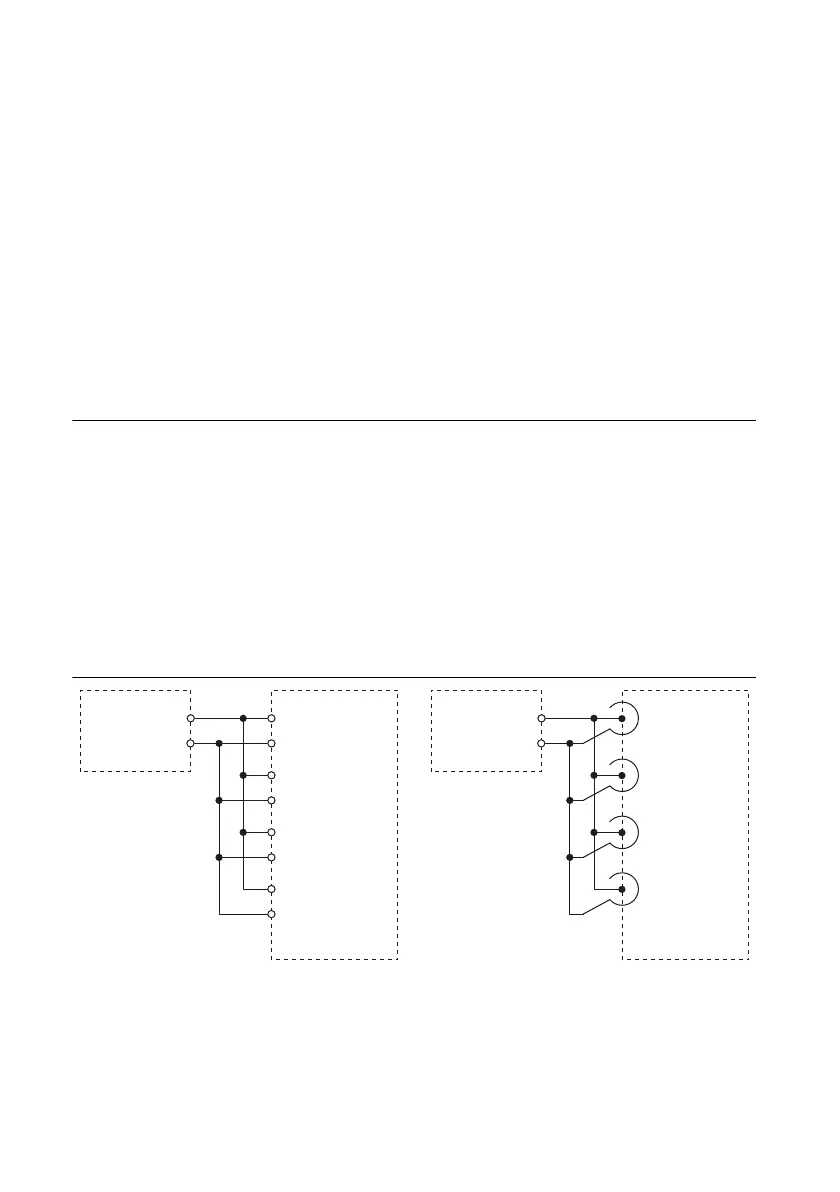
2. Connect the NI 9229/9239 to the calibrator as shown in Figure 1.
Figure 1. Accuracy Verification Connections
3. Set the calibrator voltage to a Test Point value indicated in Tables 4 or 5.
4. Set the calibrator to Operate mode (OPR).
NI 9229/9239 with
Screw-Terminal
Calibrator
HI
LO
AI1
–
+
AI0
–
+
AI2
–
+
AI3
–
+
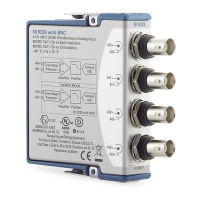
NI 9229/9239
with BNC
Calibrator
HI
LO
AI1
AI0
AI2
AI3
+
–
+
–
+
–
+
–


 To Next Page