language
ODQJXDJH
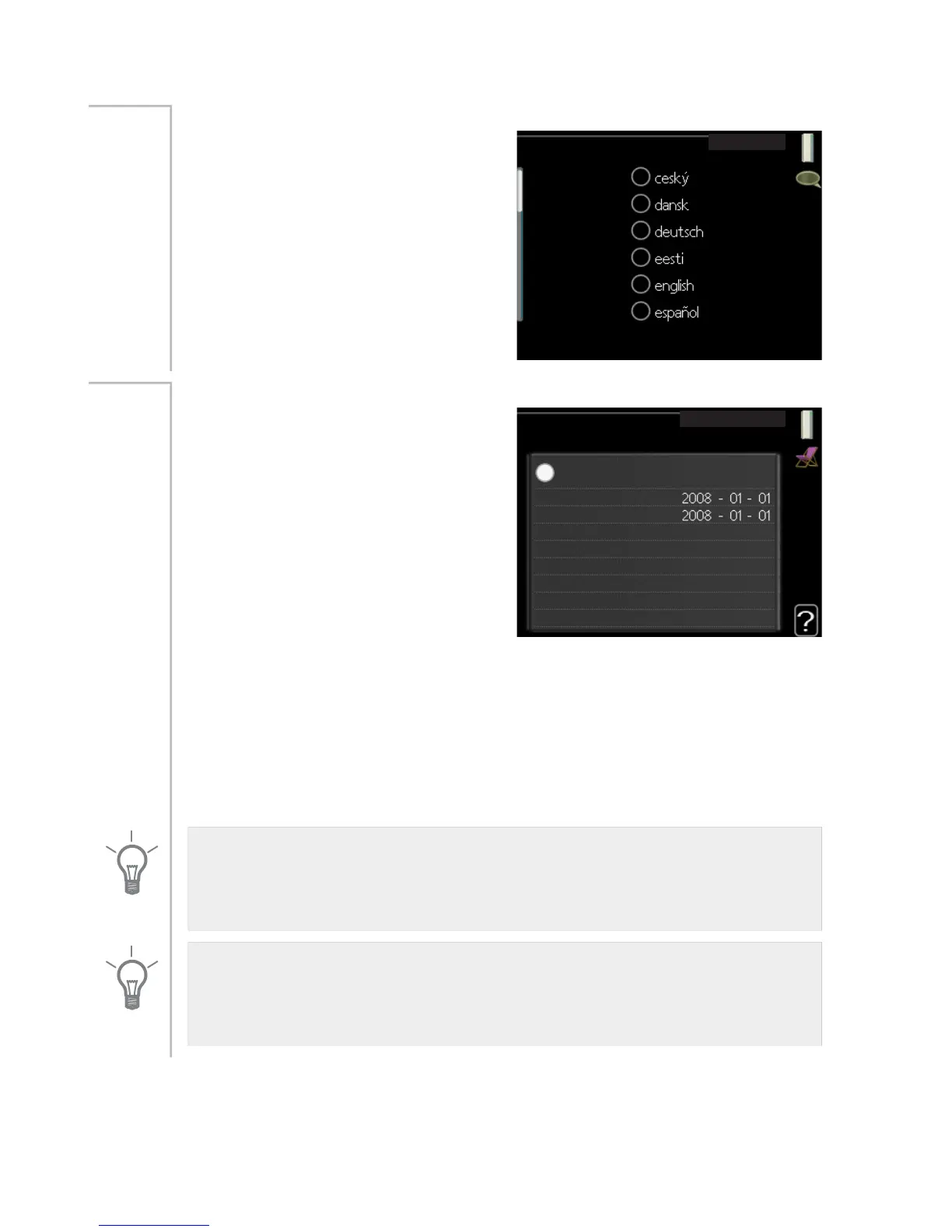
Choose the language that you want
the information to be displayed in
here.
Menu
4.6
holiday setting
KROLGD\ VHWWLQJ
DFWLYDWHG
VWDUW GDWH
VWRS GDWH
KHDWLQJ
GHVLUHG URRP WHPSHUDWXUH
KRW ZDWHU FRPIRUW
FRROLQJ
YHQWLODWLRQ
HFRQRP\
RII
QRUPDO
r
RII
SRRO
To reduce energy consumption during
a holiday you can schedule a reduc-
tion in heating and hot water temper-
ature. Cooling, ventilation, pool and
solar panel cooling can also be
scheduled if the functions are connec-
ted.
If a room sensor is installed and activ-
ated the desired room temperature
(°C) is set during the time period. This
setting applies to all climate systems
with room sensors.
Menu
4.7
If a room sensor is not activated, the desired offset of the heating curve is
set. This setting applies to all climate systems without room sensors. One
step is usually enough to change the room temperature by one degree,
but in some cases several steps may be required.
Vacation scheduling starts at 00:00 on the start date and stops at 23:59
on the stop date.
TIP
Complete holiday setting about a day before your return so that room
temperature and hot water have time to regain usual levels.
TIP
Set the vacation setting in advance and activate just before departure in
order to maintain the comfort.
NIBE™ F1145Chapter 3 | F1145 – at your service56



 To Next Page