HELPING THE CIRCULATION PUMP TO
START
1.
Turn off F1355 by setting the switch (SF1) to " ".
2.
Remove the front cover
3.
Remove the cover for the cooling module.
4.
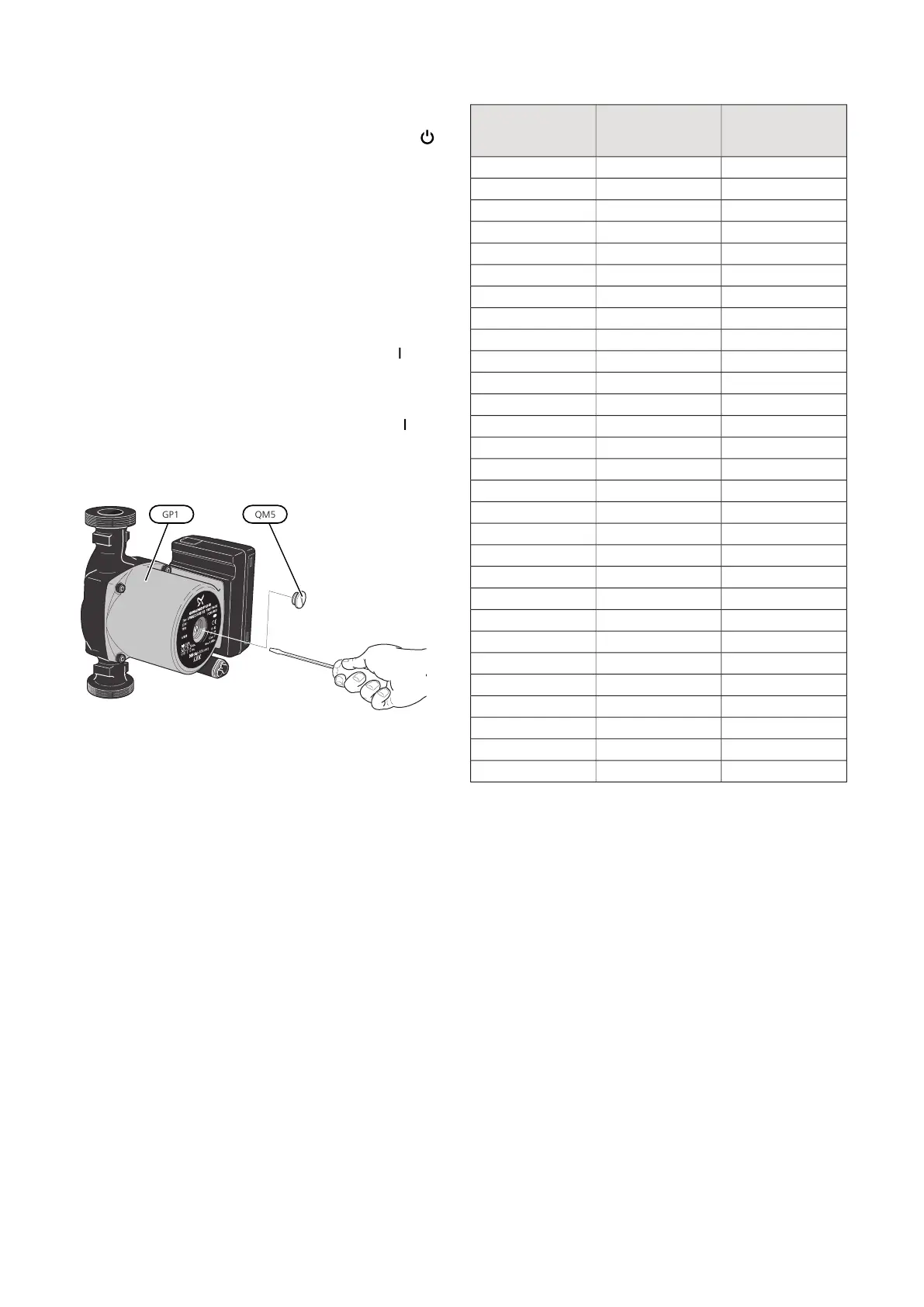
Loosen the venting screw (QM5) with a screwdriver.
Hold a cloth around the screwdriver blade as a small
amount of water may run out.
5.
Insert a screwdriver and turn the pump motor
around.
6.
Screw in the venting screw (QM5).
7.
Start F1355 by setting the switch (SF1) to "" and
check that the circulation pump is working.
It is usually easier to start the circulation pump with
F1355 running, and with the switch (SF1) set to "". If the
circulation pump is helped to start while F1355 is run-
ning, be prepared for the screwdriver to jerk when the
pump starts.
The image shows an example of what a circulation pump can look
like.
TEMPERATURE SENSOR DATA
Voltage (VDC)Resistance
(kOhm)
Temperature (°C)
3.256351.0-40
3.240251.6-35
3.218182.5-30
3.189133.8-25
3.15099.22-20
3.10574.32-15
3.04756.20-10
2.97642.89-5
2.88933.020
2.78925.615
2.67320.0210
2.54115.7715
2.39912.5120
2.24510.0025
2.0838.04530
1.9166.51435
1.7525.30640
1.5874.34845
1.4263.58350
1.2782.96855
1.1362.46760
1.0072.06865
0.8911.73970
0.7851.46975
0.6911.24680
0.6071.06185
0.5330.90890
0.4690.77995
0.4140.672100
NIBE F1355Chapter 4 | Service46



 To Next Page