TIP
Wait 24 hours before making a new setting, so that the room temperat-
ure has time to stabilise.
If it is cold outdoors and the room temperature is too low, increase the
curve slope in menu 1.9.1.1 by one increment.
If it is cold outdoors and the room temperature is too high, reduce the
curve slope in menu 1.9.1.1 by one increment.
If it is warm outdoors and the room temperature is too low, increase
the value in menu 1.1.1 by one increment.
If it is warm outdoors and the room temperature is too high, reduce the
value in menu 1.1.1 by one increment.
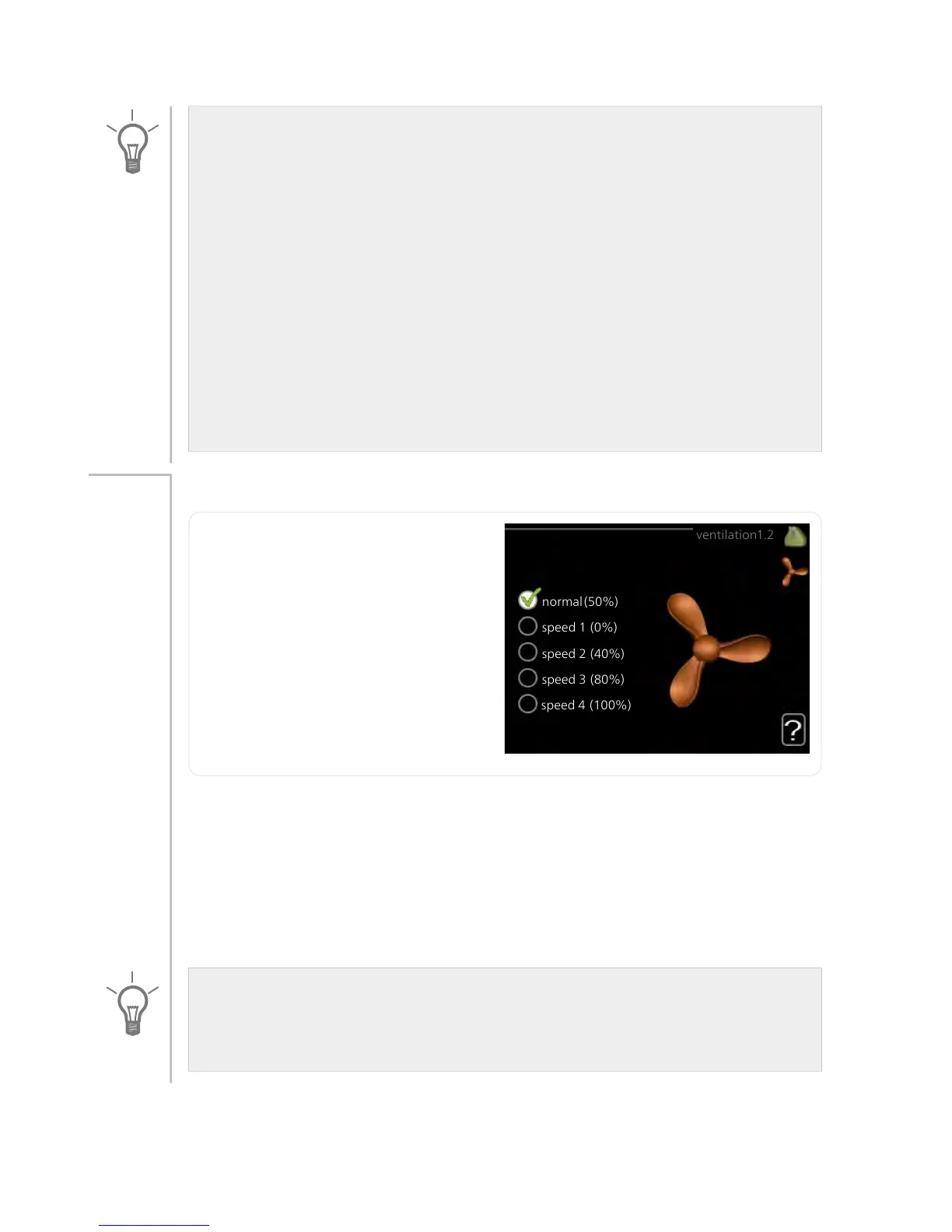
ventilation
Setting range: normal and speed
1-4
Default value: normal
Menu
1.2
The ventilation in the accommodation can be temporarily increased or
reduced here.
When you have selected a new speed a clock starts a count down. When
the time has counted down the ventilation speed returns to the normal
setting.
If necessary, the different return times can be changed in menu 1.9.6.
The fan speed is shown in brackets (in percent) after each speed alternative.
TIP
If longer time changes are required use the holiday function or
scheduling.
29NIBE™ F370Chapter 3 | F370 – at your service



 To Next Page