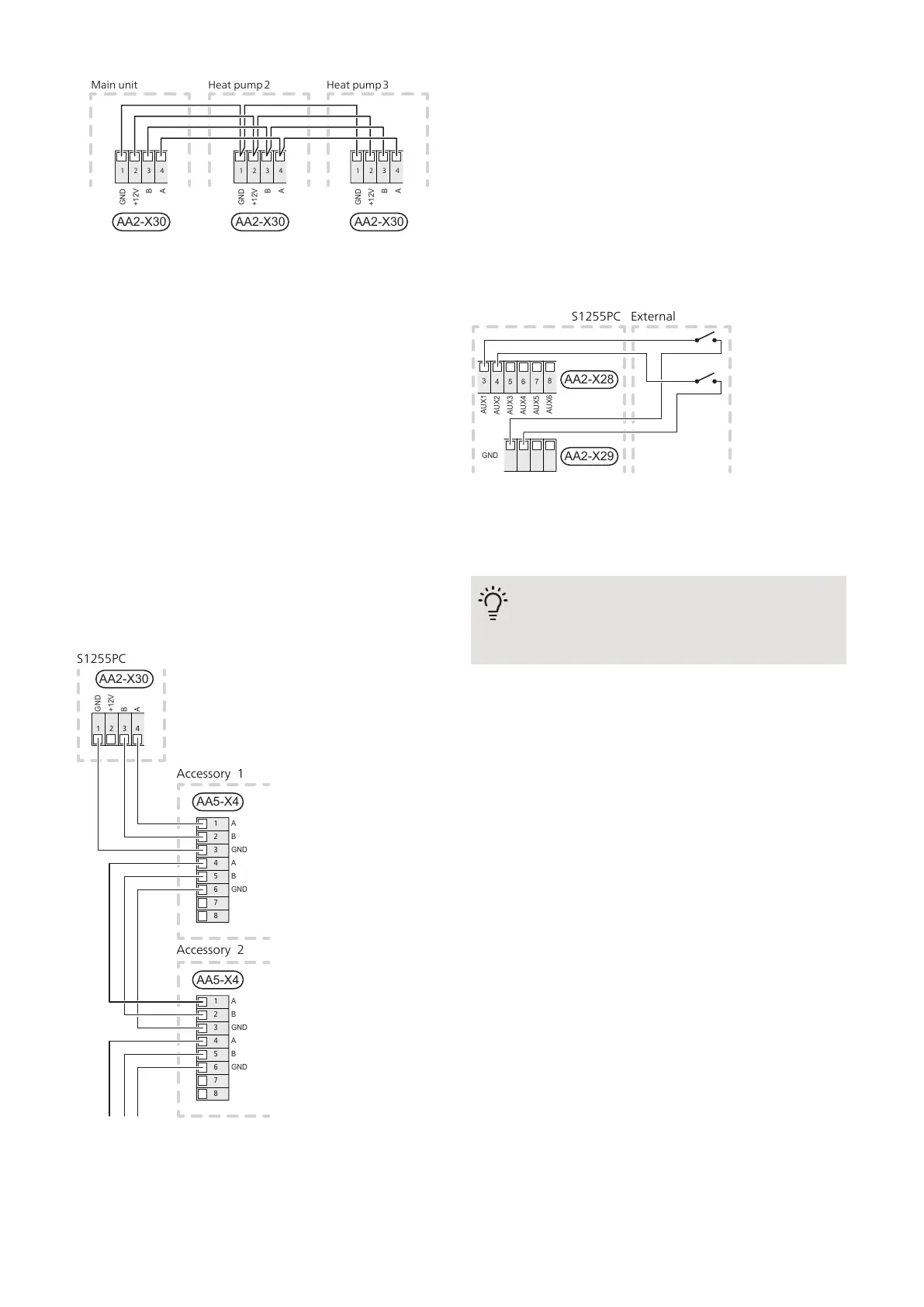
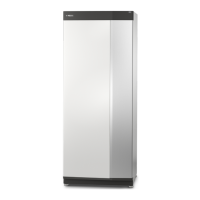
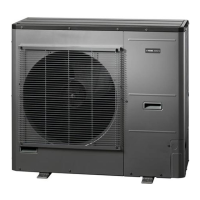
Huvudenhet Värmepump 2 Värmepump 3
2 3 41
B
A
GND
+12V
AA2-X30 AA2-X30 AA2-X30
2 3 41
B
A
GND
+12V
2 3 41
B
A
GND
+12V
Main unit Heat pump 2 Heat pump 3
Connecting accessories
Instructions for connecting accessories are provided in
the manual accompanying the accessory. See section
"Accessories" for a list of the accessories that can be
used with S1255PC. Connection for communication
with the most common accessories is shown here.
Accessories with accessory board (AA5)
Accessories with accessory board (AA5) connect to
terminal block AA2-X30:1,3,4 in S1255PC. Use cable
type LiYY, EKKX or equivalent.
If several accessories are to be connected, connect the
first accessory board directly to the terminal block in
S1255PC. Other accessory boards are connected to the
first in series.
Because there can be different connections for accessor-
ies with accessory board (AA5), you should always read
the instructions in the manual for the accessory that is
to be installed.
B
A
GND
+12V
AA2-X30
1 2 3 4
AA5-X4
1
2
3
4
5
6
7
8
A
B
GND
A
B
GND
AA5-X4
1
2
3
4
5
6
7
8
A
B
GND
A
B
GND
Accessory 1
S1255PC
Accessory 2
SELECTABLE OUTPUTS/INPUTS
On the PCB (AA2), S1255PC has software-controlled
AUX inputs and outputs for connecting the external
switch function (contact has to be potential free) or
sensor.
Go into menu 7.4 "Selectable in/outputs" on the display
to select to which AUX connection each function con-
nects.
Selectable inputs for these functions are AA2-X28:3-11.
Each function connects to any input and GND (AA2-X29).
6 7
8
54
3
AUX4
AUX5
AUX6
AUX3
AUX2
AUX1
AA2-X28
AA2-X29
GND
The example above uses the inputs AUX1 (AA2-X28:3) and AUX2
(AA2-X28:4).
A selectable output is AA2-X27.
For certain functions, accessories may be required.
TIP
Some of the following functions can also be
activated and scheduled via menu settings.
Possible selection for AUX inputs
Temperature sensor
Temperature sensor can be connected to S1255PC. Use
a 2-core cable of at least 0.5 mm² cable area.
Available options are:
• Boiler (BT52) (only shown if shunt-controlled additional
heat is selected in menu 7.2.1)
• cooling/heating (BT74), determines when it is time to
switch between cooling and heating operation.
Monitor
Available options are:
• alarm from external units. The alarm is connected to
the control, which means that the malfunction is
presented as an information message in the display.
Potential-free signal of type NO or NC.
• level (accessory NV10)/, pressure/flow monitor for the
brine (NC).
External activation of functions
An external switch function can be connected to
S1255PC to activate various functions. The function is
activated during the time the switch is closed.
Possible functions that can be activated:
NIBE S1255PCChapter 5 | Electrical connections22


 To Next Page