Operation in the start guide
Start guide
Language
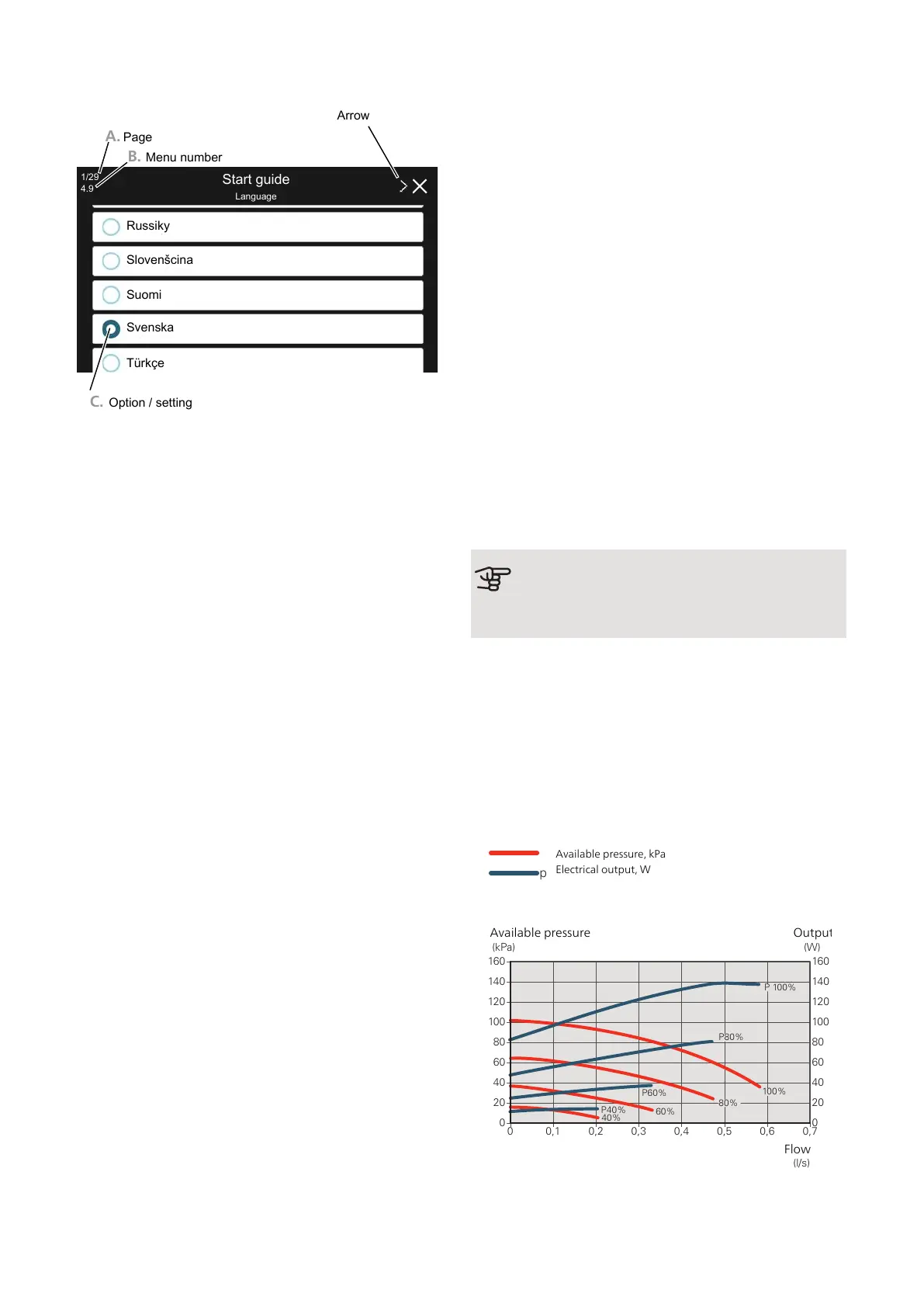
A. Page
B. Menu number
C. Option / setting
Russiky
Slovenšcina
Suomi
Svenska
Türkçe
1/29
4.9
Arrow
A. Page
Here you can see how far you have come in the start
guide.
Drag to the right or left with your finger to browse
between the pages.
You can also press the arrows in the top corners to
browse.
B. Menu number
Here, you can see which menu in the control system
this page of the start guide is based on.
If you want to read more about the affected menu, either
consult its help menu or read the Installer Manual.
C. Option / setting
Make settings for the system here.
POST ADJUSTMENT AND VENTING
Pump adjustment, automatic operation
Brine side
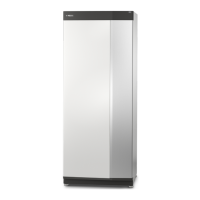
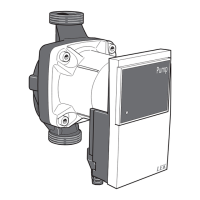
To set the correct flow in the brine system, the brine
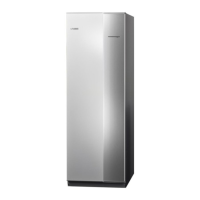
pump must run at the correct speed. S1255PC has a
brine pump that is controlled automatically in standard
mode. Certain functions and accessories may demand
that it be run manually, in which case the correct speed
must be set.
If several S1255PC are installed in a multi-installation,
all S1255PC must be the same size (for example 12 kW)
for the automatic control to function. Should the install-
ation contain, for example, a 6 kW and a 12 kW, adjust-
ment must be carried out according to manual operation.
This automatic control occurs when the compressor is
running and sets the speed of the brine pump so that
the optimum temperature difference between the supply
and return lines is attained.
Heating medium side
To set the correct flow in the heating medium system,
the heating medium pump must run at the correct
speed. S1255PC has a heating medium pump that can
be automatically controlled in standard mode. Certain
functions and accessories may require it to run manually
and the correct speed must then be set.
This automatic control occurs when the compressor is
running and sets the speed of the heating medium
pump, for the present operating mode, so the optimum
temperature difference between the supply and return
lines is achieved. During heating operation, the set DOT
(dimensioned outdoor temperature) and temperature
differential in menu 7.1.6.2 are used. If necessary, the
maximum speed of the circulation pump can be limited
in menu 7.1.2.2.
Pump adjustment, manual operation
Brine side
S1255PC has a brine pump that can be controlled auto-
matically. For manual operation: deactivate "Auto" in
menu 7.1.2.7 and then set the speed according to the
diagram below.
Caution
When passive cooling is used, the brine pump
speed must be set in menu 7.1.2.7.
Set the pump speed when the system has come into
balance (ideally 5 minutes after compressor start).
Adjust the flow so that the temperature difference
between brine out (BT11) and brine in (BT10) is between
2 - 5 °C. Check these temperatures in menu 3.1 "Oper-
ating info" and adjust the brine pump’s (GP2) speed until
the temperature difference is attained. A high difference
indicates a low brine flow and a low difference indicates
a high brine flow.
Available pressure, kPa
Electrical output, W
0
0,0
0,05 0,10 0,15 0,20 0,25 0,30 0,45
10
20
30
40
50
60
Tillgängligt tryck, kPa
Eleffekt, W
Flöde l/s
P100%
P80%
P60%
P40%
Tillgängligt tryck, kPa
Eleffekt, W
1
2
3
4
70
80
0,35 0,40
p
S1255PC 6 kW
60%
100%
80%
40%
0
0 0,1 0,2 0,3 0,4 0,5 0,6 0,7
80
60
40
20
100
120
140
160
0
80
60
40
20
100
120
140
160
(kPa)
(W)
Flöde
(l/s)
P 100%
P80%
P60%
P40%
Available pressure
Flow
Output
NIBE S1255PCChapter 6 | Commissioning and adjusting28


 To Next Page