EasyManua.ls Logo

Nidec NE300-4T3550G/4000P-F - User Manual

Nidec NE300-4T3550G/4000P-F
244 pages
Print Icon
To Next Page IconTo Next Page
Loading...
Serial No -3101A003
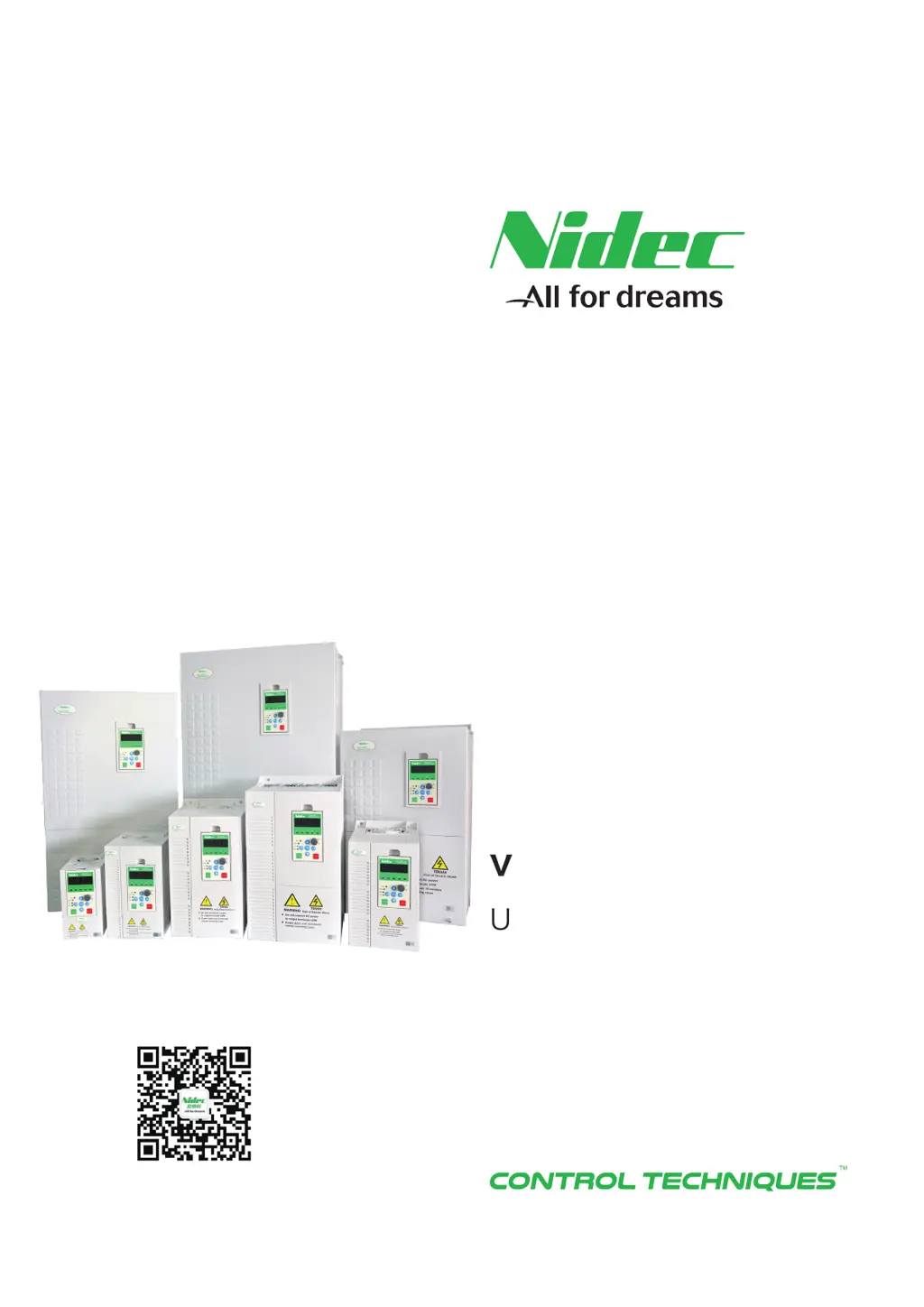
User Manual
NE200/NE300
High performance
vector control drive
Scan QR to follow us

Table of Contents

Other manuals for Nidec NE300-4T3550G/4000P-F

Questions and Answers

  • D
    Dana FlynnSep 23, 2025
    What to do if Nidec NE300-4T3550G/4000P-F show EEPROM error?
    • C
      Charles ThomasSep 23, 2025
      If your Nidec DC Drives are showing an EEPROM error: 1. Recover factory defaults if function code parameter writing error. 2. Ask for service from supplier, if EEPROM damaged.
  • T
    timothy16Aug 23, 2025
    What causes over current in Nidec DC Drives during acceleration and how to fix it?
    • L
      Lauren JenkinsAug 25, 2025
      Overcurrent during acceleration in Nidec DC Drives can stem from a few reasons. If the acceleration time is too short, increase it. Also, check the input power source for low voltage. Finally, if the drive power rating is too small, choose a drive with higher capacity.
  • J
    Jessica DunnAug 25, 2025
    What causes over current at constant-speed in Nidec NE300-4T3550G/4000P-F DC Drives?
    • R
      Regina JohnsonAug 26, 2025
      If you're experiencing overcurrent at a constant speed with your Nidec DC Drives, several factors could be the cause. Check the load for any abnormal mutations. Also, verify the input power source isn't experiencing low voltage. Ensure your drive has sufficient power capacity. Finally, if you're using closed-loop vector control, inspect the encoder and its wiring for any sudden disconnections.
  • C
    Carrie SchmidtAug 27, 2025
    What to do if Nidec NE300-4T3550G/4000P-F show drive overload?
    • T
      Terry SullivanAug 27, 2025
      If your Nidec DC Drives are showing a drive overload, first check the input power source for low voltage. If the load is too heavy, select a drive with a bigger capacity. If the acceleration is too fast, increase the acceleration time. Also, avoid restarting the motor while it's still turning.
  • N
    Nicholas BerryAug 27, 2025
    What causes over current in Nidec NE300-4T3550G/4000P-F DC Drives during deceleration?
    • M
      Monica HowellAug 27, 2025
      Overcurrent during deceleration in Nidec DC Drives can occur due to several reasons. If the deceleration time is too short, increase it. If there is a large load inertia, add suitable brake devices. Finally, if the drive power rating is too small, choose a higher capacity drive.
  • D
    David BrownSep 16, 2025
    What to do if Nidec NE300-4T3550G/4000P-F show keypad & control board communication interrupted?
    • A
      Ashley LutzSep 16, 2025
      If communication between the keypad and control board is interrupted on your Nidec DC Drives, check the connection cable between the keypad and control panel.
  • A
    Anthony KrauseSep 13, 2025
    What to do if Nidec NE300-4T3550G/4000P-F show external terminal fault?
    • K
      Katrina FrederickSep 13, 2025
      If your Nidec DC Drives are showing an external terminal fault, check the external input, as the fault likely originates from the external control circuit.
  • K
    Katherine GutierrezSep 14, 2025
    What to do if Nidec NE300-4T3550G/4000P-F DC Drives show Parameter copy Error?
    • C
      Christopher SkinnerSep 15, 2025
      If your Nidec DC Drives are showing a Parameter copy Error: 1. Shorten the cable between Keypad and control board to reduce interference if too long connection cable between keypad and control board leads to interference in parameters transmission. 2. Before downloading, make sure the parameters match the drive, if the downloading parameters do not match the existed parameters in the drive.
  • N
    nicolemartinSep 6, 2025
    What to do if Nidec NE300-4T3550G/4000P-F show ground fault?
    • S
      Susan MckinneySep 6, 2025
      If your Nidec DC Drives are indicating a ground fault, it could be due to a short circuit in one of the output phases. Check whether the electric motor insulation is weakening. Also, check whether the wiring between the frequency converter and the electric motor is damaged.
  • A
    Angel FinleySep 3, 2025
    What to do if Nidec NE300-4T3550G/4000P-F show fast current limit fault?
    • K
      kirkalexisSep 3, 2025
      If your Nidec DC Drives are showing a fast current limit fault, it could be due to a load that is too large or a motor blocked to stall, so decrease the load and check the motor and mechanical part status. If the drive power rating is too small, choose a higher power drive. If the drive output circuit loop is grounded or short-circuited, remove the external fault.

Summary

Chapter 1 NE200;300 Product Introduction

1.4 Specifications

Detailed technical specifications for NE200 and NE300 drives.

Chapter 2 Installation

Chapter 3 Wiring

3.1 Connection of the Product and Peripheral Devices

Diagram showing connections between the drive and peripheral devices.

3.5 Attention for Main Circuit Wiring

Important considerations and precautions for main circuit wiring.

Chapter 4 Operation and Display

Safety Information

Use

Safety warnings and precautions related to the use of the drive.

Installation

Safety warnings and precautions related to the installation of the drive.

Wiring

Safety warnings and precautions related to wiring the drive.

Chapter 5 Parameters Brief

Chapter 6 Parameter description

6.4 Vector Control Parameters (F3)

Description of parameters for vector control (F3 group).

6.13 Protection and fault parameters group (FC)

Description of parameters for protection and faults (FC group).

Chapter 7 Fault information and trouble shooting

7.1 Fault information and solutions

Information on fault codes, possible causes, and solutions.

Chapter 8 Routine Repair and Maintenance

Appendix B: Modbus Communication Protocol

Nidec NE300-4T3550G/4000P-F Specifications

General IconGeneral
BrandNidec
ModelNE300-4T3550G/4000P-F
CategoryDC Drives
LanguageEnglish

Related product manuals