EasyManua.ls Logo

Nidek Medical AR-600 - User Manual

Nidek Medical AR-600
70 pages
Print Icon
To Next Page IconTo Next Page
Loading...
NIDEK
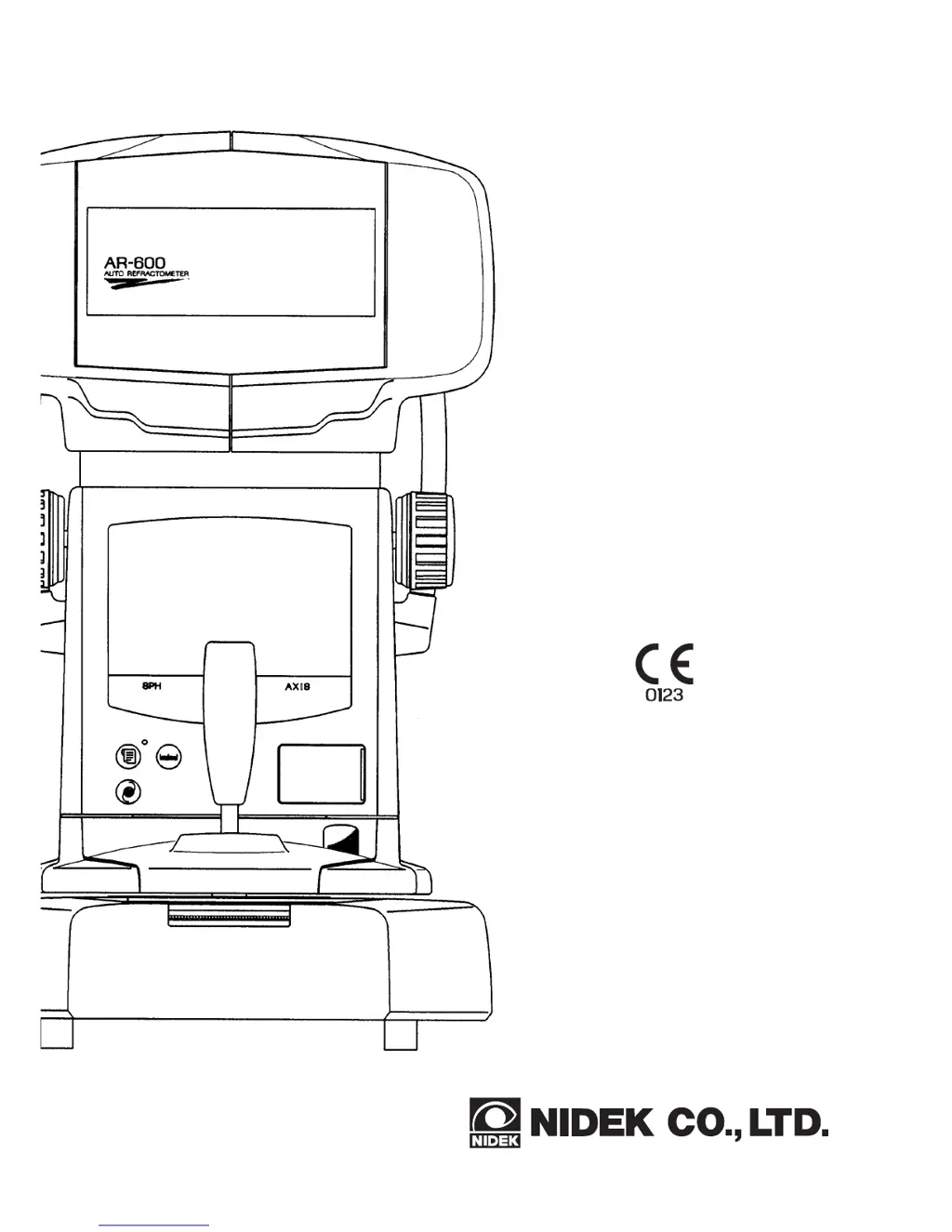
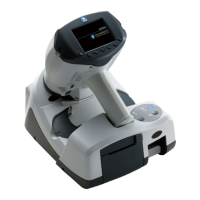
AUTO REFRACTOMETER
Model AR-600
OPERATOR’S
MANUAL

Questions and Answers

  • A
    Anthony HarrisonAug 13, 2025
    What to do if 'Err' appears on Nidek Medical Equipment?
    • M
      Melissa CarrAug 14, 2025
      If 'Err' appears on your Nidek Medical Equipment, it could be due to several reasons: * The patient may have blinked during measurement. Instruct them not to blink and try again. * The eyelid or eyelashes may be obstructing the measurement. Instruct the patient to open the eye widely, or gently open it with your hand, being careful not to press against the eyeball. * The pupil may be too small for measurement. Have the patient remain in a dark room until the pupil opens enough, then try again. * If measuring an IOL-implanted eye or an eye wearing a CL, press and try again. * The data may have exceeded the measurable limit.
  • E
    Elizabeth AlvarezAug 17, 2025
    How to fix Nidek Medical Equipment TV monitor if it does not turn on?
    • S
      Stephanie RubioAug 17, 2025
      If the TV monitor and display panel of your Nidek Medical Equipment do not turn on, consider these possible causes: * The power cord may not be securely connected. Reconnect it securely. * The power switch may not be turned on. Check the power switch. * The fuses may be blown. Replace the fuses with new ones if needed.
  • P
    Paula MercerAug 21, 2025
    What to do if Nidek Medical Equipment instrument does not print?
    • K
      Kathryn CampbellAug 21, 2025
      If your Nidek Medical Equipment is not printing, check the following: * The printer paper may be out. If so, insert a new printer roll. * The Print Form parameters may be set to 'NO'. Reset the Print Form parameters.
  • T
    troseAug 25, 2025
    Why does the Nidek Medical Equipment monitor display disappear suddenly?
    • J
      joseph62Aug 26, 2025
      The monitor display on your Nidek Medical Equipment may disappear suddenly if the auto-OFF function has been activated. Try to recover the ON condition by pressing any button.
  • S
    Sandra YoungAug 29, 2025
    What to do if the Nidek Medical Equipment TV monitor does not turn on properly?
    • B
      Benjamin HarringtonAug 29, 2025
      If the TV monitor on your Nidek Medical Equipment does not turn on properly, even when the power is on: * The auto-OFF function may have been executed. Try pressing any button to recover the ON condition. * The brightness may be set too low. Open the cover for the switches and adjust the brightness using the brightness control.
  • M
    Margaret HallSep 1, 2025
    How to resolve lateral movement issues with Nidek Medical Equipment?
    • G
      Gregory CampbellSep 1, 2025
      If the main body of your Nidek Medical Equipment cannot be moved laterally, the locking knob may be engaged. Loosen the locking knob located beside the joystick.
  • P
    pricerodneySep 5, 2025
    How to fix wrong date and time on Nidek Medical Equipment?
    • R
      Ryan GordonSep 5, 2025
      If the date and time setting on your Nidek Medical Equipment goes wrong, or the system parameters and comment settings revert to factory settings, the internal battery may be dead. Turn the power on and leave it on for 24 hours to recharge the battery.
  • A
    amandavaldezSep 9, 2025
    How to adjust Nidek Medical Equipment if the monitor display runs?
    • K
      kriveraSep 9, 2025
      If the monitor display on your Nidek Medical Equipment runs, the TV display is not horizontally or vertically locked. Adjust it using the H or V control.

Summary

Introduction to the NIDEK Auto Refractometer

Outline of the Product

Describes the NIDEK AR-600 auto refractometer and its main components.

Indications for Use

Specifies the intended use of the AR-600 for automated eye refractive error measurement.

Device Classifications

Details the device's classifications regarding shock protection, liquid ingress, and flammability.

Symbol Information

Explains various symbols used in the operator's manual and on the device.

Safety Precautions and Guidelines

Operation Safety

Details essential safety precautions and warnings for operating the device.

Storage Safety

Provides safety guidelines for storing the device to prevent damage and ensure safety.

Transportation Safety

Outlines safe procedures for transporting the device to prevent damage or injury.

Installation Safety

Covers crucial safety aspects and environmental conditions for installing the device.

Wiring Safety

Specifies essential safety rules for connecting and wiring the device to a power source.

After Use Precautions

Provides safety instructions for device usage and handling after operation.

Maintenance and Checks Safety

Details important safety checks and maintenance procedures for the device.

Disposal Safety

Provides guidance on the safe and environmentally responsible disposal of the device.

Label Information

Explains the safety information provided by various labels on the device.

Configuration of the NIDEK AR-600

Device Component Overview

Illustrates and labels the primary physical components and controls of the AR-600.

Main Controls and Indicators

Details the functions of the device's buttons, knobs, and indicators (Items 1-12).

Monitor Displays and Auxiliary Switches

Explains TV monitor indications and auxiliary control switches for operation.

Additional Control Explanations

Describes further controls like pupil markers, switches, and mode settings (Items 13-21).

External Features and Connections

Details external components like windows, knobs, fuses, and ports, with explanations.

Operating Procedures for AR-600

Operation Flow

Outlines the sequence of operations from power on to completion.

Preparation for Measurement

Details steps for preparing the device and patient before measurement.

AR Measurement Procedure

Explains the step-by-step process for performing refractive error measurements.

PD Measurement Procedure

Describes how to perform both automatic and manual Pupillary Distance measurements.

Printout Functionality

Printing Measurement Results

Details how to print measurement results and interpret the output format.

Eyeprint Feature

Explains the Eyeprint function, its output, and its use in patient explanation.

Other Functions and Settings

System Setup and Parameter Configuration

Guides users through setting up system parameters and configuring device settings.

Setting Date and Time

Details the procedure for adjusting the device's internal clock for date and time.

Entering Comments and Text

Explains how to input custom text comments for printouts, including character selection.

Troubleshooting Common Issues

Device Malfunction Solutions

Provides a guide to diagnose and resolve common issues with the device's operation.

Maintenance and Replacement Parts

Replacing Printer Paper

Step-by-step guide for replacing the printer paper roll when it runs out.

Setting Chinrest Paper

Instructions on how to properly set a stack of chinrest paper for patient use.

Replacing Fuses

Details the procedure for safely replacing blown fuses in the device.

Cleaning Procedures

Covers cleaning the measuring window and the exterior of the device.

List of Replacement Parts

Provides a list of articles and their order numbers for replacement parts.

IC Card System (Optional)

Data Transmission Methods

Explains two methods for transmitting measured data to IC cards.

Device Specifications

Refractive Error Measurement Specs

Details specifications for spherical, cylindrical, and axis measurements, including accuracy.

Device Operation Specifications

Covers specs for printout, chart, interface, and movement range of the device.

Power, Dimensions, and Environment

Lists power source ratings, physical dimensions, and environmental conditions for use and storage.

Accessories for the AR-600

Standard Accessories Included

Lists the standard accessories provided with the AR-600 unit.

Optional Accessories Available

Lists optional accessories that can be purchased for the AR-600.

EMC Compliance Information

Emissions Compliance and Guidance

Details compliance with emissions standards and guidance for the electromagnetic environment.

Immunity Compliance and Guidance

Provides guidance on immunity tests and conditions for the electromagnetic environment.

RF Separation Distances

Specifies recommended separation distances for RF communications equipment to ensure compatibility.

Glossary of Technical Terms

Glossary of Terms

Defines key terms and functions used throughout the operator's manual.

Nidek Medical AR-600 Specifications

General IconGeneral
Display5.7-inch color LCD
PrinterBuilt-in thermal printer
TypeAuto Refractometer / Keratometer
Minimum Pupil Diameter2.0 mm
Power RequirementsAC 100-240V, 50/60Hz
WeightApprox. 19kg
Measurement Range (Refraction)-25D to +22D
Measurement Range (Keratometry)5.00mm to 10.00mm

Related product manuals