EasyManua.ls Logo

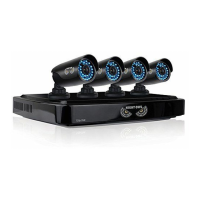
Night Owl AHD SERIES - User Manual

Night Owl AHD SERIES
69 pages
Print Icon
To Next Page IconTo Next Page
Loading...
For more information on this product visit www.NightOwlSP.com
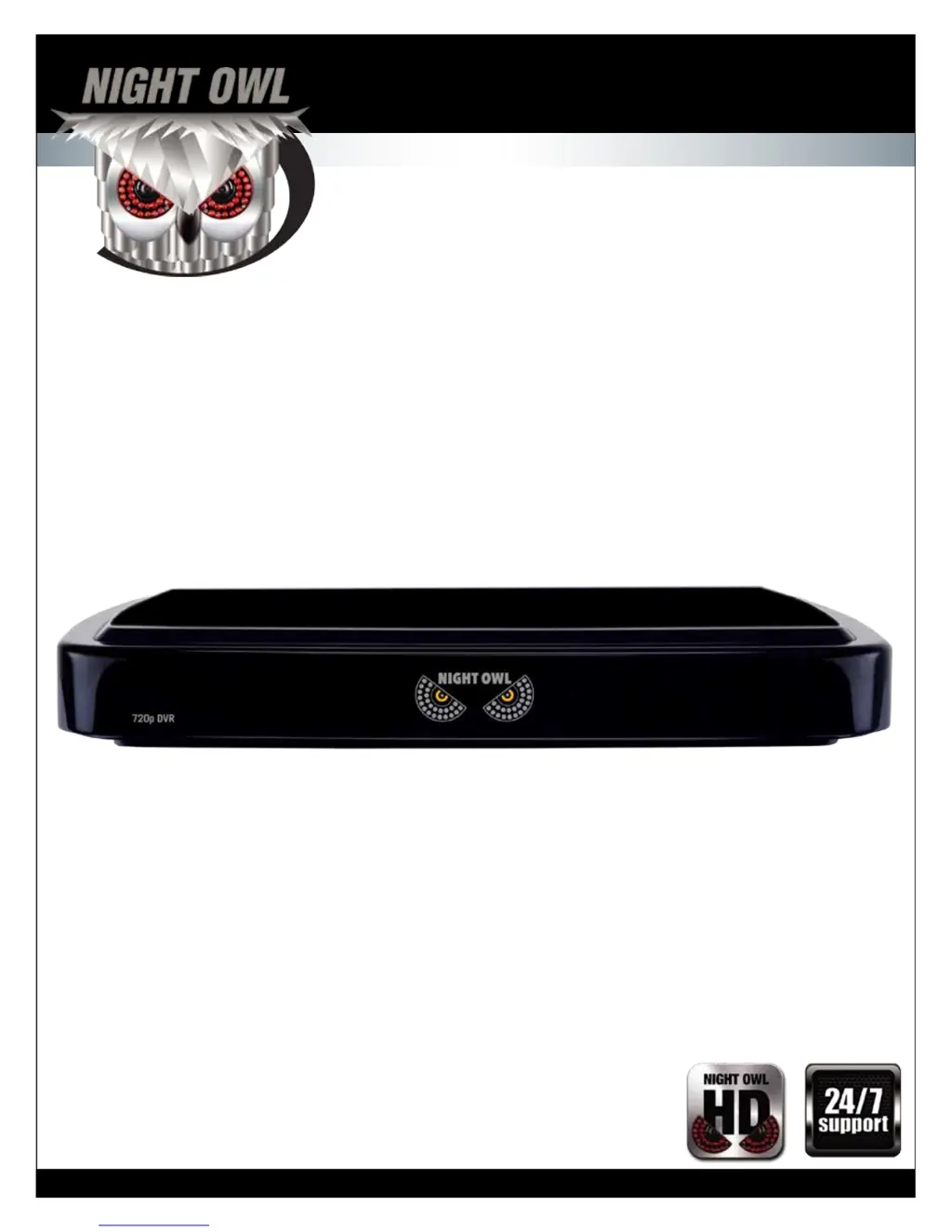
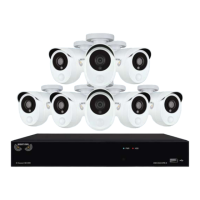
AHD SERIES
4/8 CHANNEL
USER MANUAL

Questions and Answers

Summary

FCC Warnings and Compliance

Safety Instructions

General Operation and Environment Safety

Provides essential safety instructions for operating the DVR and its components in various conditions.

Electrical and Handling Precautions

Details precautions for device placement, handling, and electrical safety to prevent shock.

Camera Installation Guide

Connecting Video and Audio Cables

Step-by-step instructions for connecting camera cables to the DVR.

Camera Power Setup

Guidance on connecting power to the cameras using a splitter and power supply.

DVR Installation Procedures

Getting Started with Your DVR

Menus and Settings Configuration

Remote Access Setup

Network Configuration for Remote Access

Setting up network parameters for connecting the DVR to the internet.

Port Forwarding and DDNS Setup

Configuring router ports and DDNS for remote viewing.

Internet Viewing and Mobile Access

Enabling remote viewing via computer and the Night Owl HD app.

Troubleshooting Common Issues

System Power and Connectivity Problems

Solutions for common problems related to power, remote control, and hard drive detection.

User Information Log

Summary

FCC Warnings and Compliance

Safety Instructions

General Operation and Environment Safety

Provides essential safety instructions for operating the DVR and its components in various conditions.

Electrical and Handling Precautions

Details precautions for device placement, handling, and electrical safety to prevent shock.

Camera Installation Guide

Connecting Video and Audio Cables

Step-by-step instructions for connecting camera cables to the DVR.

Camera Power Setup

Guidance on connecting power to the cameras using a splitter and power supply.

DVR Installation Procedures

Getting Started with Your DVR

Menus and Settings Configuration

Remote Access Setup

Network Configuration for Remote Access

Setting up network parameters for connecting the DVR to the internet.

Port Forwarding and DDNS Setup

Configuring router ports and DDNS for remote viewing.

Internet Viewing and Mobile Access

Enabling remote viewing via computer and the Night Owl HD app.

Troubleshooting Common Issues

System Power and Connectivity Problems

Solutions for common problems related to power, remote control, and hard drive detection.

User Information Log

Night Owl AHD SERIES Specifications

General IconGeneral
CategoryDVR
SeriesAHD SERIES
Video OutputHDMI, VGA
CompressionH.264
Operating SystemEmbedded Linux
Motion DetectionYes
Recording Resolution1080p
Hard Drive CapacityUp to 6TB
Network InterfaceRJ45
Mobile ViewingYes
Remote AccessYes
Power Supply12V DC
Operating Temperature-10°C to 55°C

Related product manuals