EasyManua.ls Logo

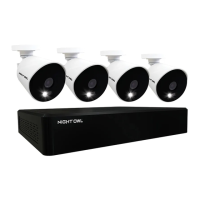
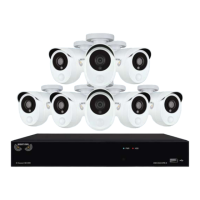
Night Owl AHD7 SERIES - User Manual

Night Owl AHD7 SERIES
41 pages
Print Icon
To Next Page IconTo Next Page
Loading...
www.NightOwlSP.com
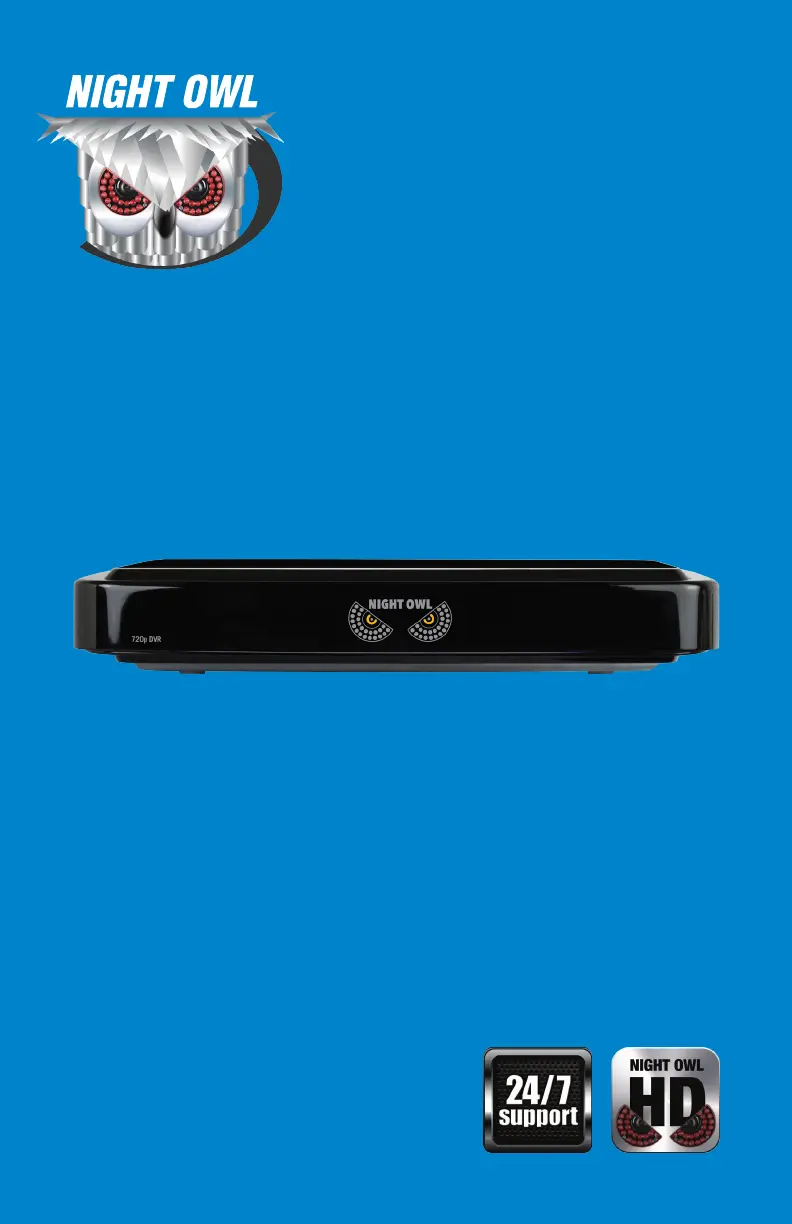
USER MANUAL
AHD7 SERIES
4/8/16 CHANNEL

Questions and Answers

  • K
    Kristin MarquezAug 13, 2025
    What to do if my Night Owl AHD7 DVR system is not receiving power?
    • S
      Stephanie ArnoldAug 13, 2025
      If your Night Owl DVR system isn't powering up, first, check that all power cables are correctly and securely connected, including the power adapter at the back of the unit. Confirm the system is powered ON (LED indicators on the front should be ON). If connected to a power bar or surge protector, try plugging directly into the wall outlet. Check if there is power at the outlet by testing with another device like a phone charger, or try another outlet.
  • M
    Malik SmithAug 16, 2025
    Why is my Night Owl AHD7 DVR beeping during motion detection?
    • T
      Tyrone AdamsAug 16, 2025
      The system beeps during motion detection because motion detection is enabled, and the alarm buzzer is activated. To stop the beeping, go to the General Menu, then Alarm, select the channel, and turn the Buzzer to OFF.
  • M
    Michael WattsAug 20, 2025
    Why is my Night Owl AHD7 making a whirring noise?
    • R
      Rhonda HarveyAug 20, 2025
      A “whirring” noise coming from the system means the exhaust fan is working normally.
  • Z
    Zachary HallAug 25, 2025
    How to fix Night Owl AHD7 DVR when hard drive is full and not recording?
    • C
      Carol HolderAug 25, 2025
      If your Night Owl DVR stops recording because the hard drive is full (0%), go to the Device Menu, then HDD, and make sure 'Overwrite' is set to 'Auto'.
  • J
    Joseph HesterAug 27, 2025
    What to do if Night Owl DVR remote control is not working?
    • D
      Dr. Christina Lane DDSAug 28, 2025
      If the remote control is not detected by the system, install two fresh AAA alkaline batteries in the remote control.
  • E
    edwardswansonAug 31, 2025
    How to fix no picture on Night Owl DVR channels?
    • R
      Robin AyalaSep 1, 2025
      If there is no picture on selected channels, check the camera video cable and connections. Disconnect and reconnect the cable at both the system and the camera. You can also try moving the camera to another channel or use another cable.
  • T
    Travis HarrisSep 4, 2025
    What to do if the mouse is not detected by my Night Owl DVR system?
    • L
      larry16Sep 5, 2025
      If the mouse is not detected by your Night Owl DVR system, first ensure the mouse cable is firmly connected to the USB Mouse port on the front panel. If that doesn't work, power off the system (disconnect the power cable), firmly connect the mouse to the USB Mouse port, and then reconnect the power cable to the DC 19V port on the rear panel.
  • A
    alexandranorrisSep 8, 2025
    Why is there no sound on my Night Owl AHD7 DVR?
    • M
      Mark ClarkSep 8, 2025
      If the image on the Night Owl DVR appears but has no sound, check the AUDIO connection to the DVR. Also, left-click in Live View to bring up the Volume control and ensure that the channel(s) are not low or muted. Ensure that the volume on external speakers (not included) is turned up.

Summary

FCC Compliance Information

FCC Regulations Overview

Explains FCC compliance and rules for the device.

Specifications Overview

System Requirements for DVR

Details PC, MAC, Android, iOS system requirements for DVR use.

Whats Included in the Box

Lists all items included in the DVR package and accessories.

DVR Port Identification

Illustrates front and rear DVR views, labeling all ports.

Camera Component Overview

Shows a diagram of a typical Night Owl camera, highlighting key components.

Remote and Mouse Controls

Details DVR remote control and mouse buttons and functions.

Camera Installation Guide

Connecting Camera Video and Audio

Guides on connecting camera video and audio cables to the DVR.

DVR and Camera Power Setup

Details how to connect power to the cameras and DVR.

Guide to Mounting Security Cameras

Provides instructions and tips for physically mounting security cameras.

DVR Installation Procedures

Connecting DVR to TV via HDMI

Instructions for connecting the DVR to a TV using an HDMI cable.

Powering the DVR Unit

Guide on how to connect the power adapter to the DVR.

Getting Started with Your DVR

Initial DVR Setup Wizard

Walks users through initial DVR setup and configuration steps.

Using the Night Owl HD Mobile App

Explains how to connect the DVR to the mobile app for remote viewing.

DVR Interface Displays and Icons

Describes the main screens, login, and icons used in the DVR interface.

Live View: All Channels

Details how to view all camera feeds simultaneously in live mode.

Live View: Single Channel Control

Explains how to view and control individual camera feeds in live mode.

Navigating the DVR Menu Screen

Guides on accessing and navigating the DVR's main menu structure.

DVR Menus and Settings

General Menu Settings

Covers display, network, and alarm settings for the DVR.

Cameras Menu Configuration

Adjusts individual camera settings like name, color, and display.

Record Menu Settings

Configures recording schedules, modes, and video quality.

Device Menu Management

Manages HDD and PTZ camera settings.

System Menu Configuration

Adjusts basic DVR settings like date, time, and users.

Advanced Menu Options

Accesses maintenance, upgrades, and event notification settings.

Remote Access Setup

Remote Access System Requirements

Lists prerequisites for connecting the DVR to the internet.

DVR Network Configuration

Guides on setting up network parameters for Windows and Mac.

Router Port Forwarding Configuration

Explains how to forward necessary ports on the router for internet access.

DDNS Domain Name Registration

Details setting up a free website address for remote access.

Configuring DDNS on Your DVR

Instructions to input registered DDNS details into the DVR settings.

Glossary of Terms

Product Warranty Information

Product Warranty Exclusions

Lists items and conditions not covered by the product warranty.

Warranty Return Process

Explains the process for returning a product for warranty service.

Troubleshooting Common Issues

Customer Support Resources

Online Customer Support Resources

Provides website, how-to videos, and manuals for product support.

Customer Support via Email

Lists email addresses for technical and sales support.

Customer Support by Phone

Details contact numbers for technical and sales support, and installation.

User Information Log

DVR User Information Log

Fields to record admin password, user password, MAC address, and serial number.

Internet Login Details Log

Fields to record IP address, DDNS name, user ID, password, and ports.

Night Owl AHD7 SERIES Specifications

General IconGeneral
BrandNight Owl
ModelAHD7 SERIES
CategoryDVR
LanguageEnglish

Related product manuals