EasyManua.ls Logo

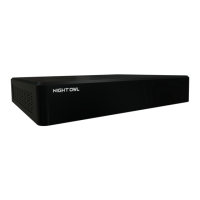
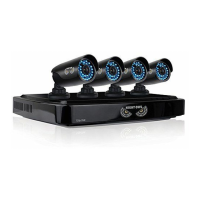
Night Owl DVR-DP2-16 - User Manual

Night Owl DVR-DP2-16
63 pages
Print Icon
To Next Page IconTo Next Page
Loading...
24/7
SUPPORT
English
Español / Français
Support.NightOwlSP.com
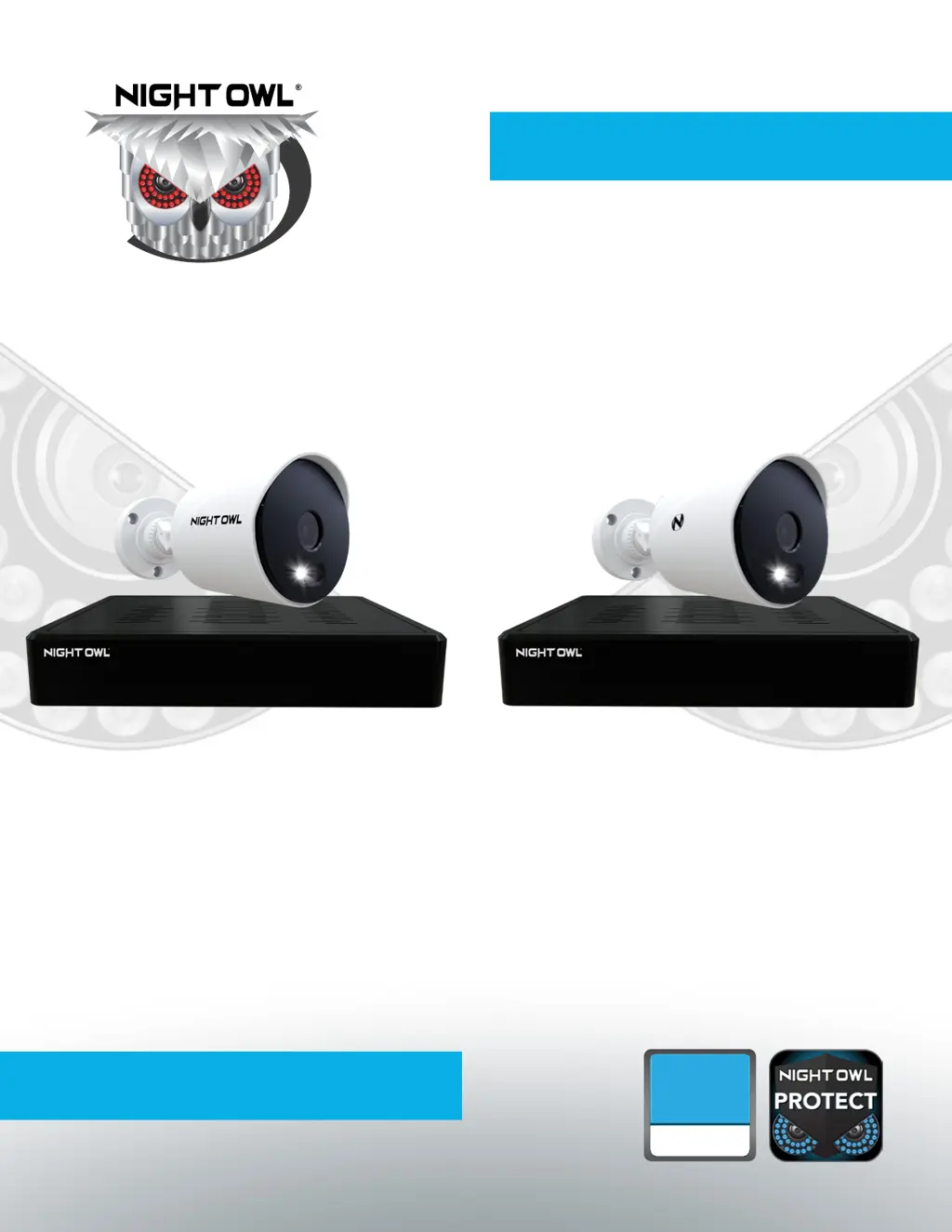
USER’S MANUAL
DP2 Series
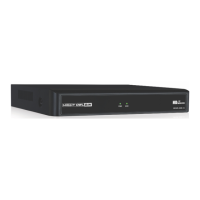
DVR Component Model #: DVR-DP2-16
Firmware Version: T2889N
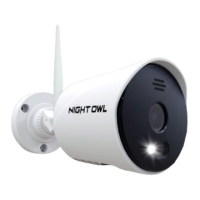
Camera Component Model #: CM-DP2L-B
DP8 Series
DVR Component Model #: DVR-DP8-12
Firmware Version: T2889N
Camera Component Model #: CM-DP8L-B
DP2 / DP8 Series

Table of Contents

Questions and Answers

Summary

Safety Instructions

Initial Setup Guide

Download Night Owl Protect App

Install the app and create an account for password resets and system management.

Connect Your System

Connect the DVR, cameras, monitor, and network for initial setup.

Set Up Your DVR

Configure DVR language, time zone, and resolution for initial operation.

Install the Cameras

Plan and physically mount cameras, ensuring secure connections.

View Live Videos and Detected Events

View Live Videos

Monitor real-time feeds from all connected cameras on the DVR home screen.

Backing Up and Exporting Videos

System Configuration and Settings

Camera Connection and Device Settings

Verify camera connections and configure channel titles, OSD, and other device parameters.

Storage Settings

Date, Time, and Daylight Savings Settings

Monitor Display Settings

Network Settings

DVR Configuration Management

Firmware Management

Event Log Management

Login and Access Control

System Maintenance

Password Management

Reset Password via Night Owl Protect App

Reset your password using the mobile app, the recommended method.

Reset Password via Web Portal

Reset your password using the Night Owl website portal.

System Operations

Troubleshooting

Summary

Safety Instructions

Initial Setup Guide

Download Night Owl Protect App

Install the app and create an account for password resets and system management.

Connect Your System

Connect the DVR, cameras, monitor, and network for initial setup.

Set Up Your DVR

Configure DVR language, time zone, and resolution for initial operation.

Install the Cameras

Plan and physically mount cameras, ensuring secure connections.

View Live Videos and Detected Events

View Live Videos

Monitor real-time feeds from all connected cameras on the DVR home screen.

Backing Up and Exporting Videos

System Configuration and Settings

Camera Connection and Device Settings

Verify camera connections and configure channel titles, OSD, and other device parameters.

Storage Settings

Date, Time, and Daylight Savings Settings

Monitor Display Settings

Network Settings

DVR Configuration Management

Firmware Management

Event Log Management

Login and Access Control

System Maintenance

Password Management

Reset Password via Night Owl Protect App

Reset your password using the mobile app, the recommended method.

Reset Password via Web Portal

Reset your password using the Night Owl website portal.

System Operations

Troubleshooting

Night Owl DVR-DP2-16 Specifications

General IconGeneral
BrandNight Owl
ModelDVR-DP2-16
CategoryDVR
LanguageEnglish

Related product manuals