ESD Warning: Follow anti-static precautions when handling the print head
and electronic components under the cover to prevent damage from static
discharge.
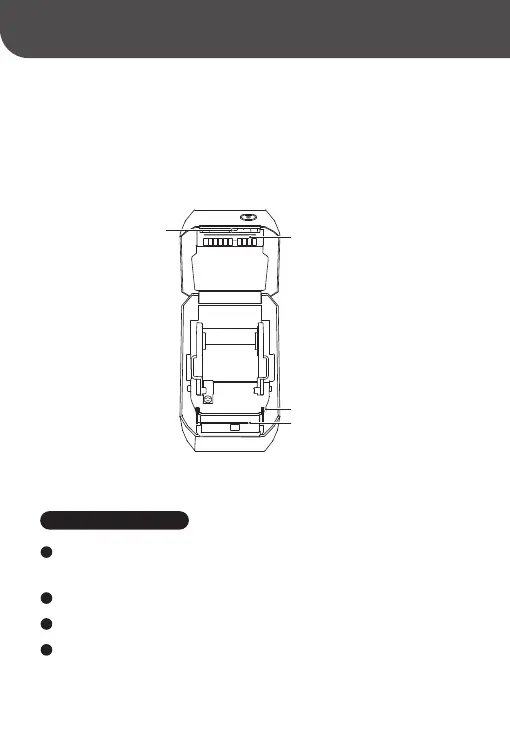
Print Head
Print (Drive) Roller
Print Roller Lock
Sensor
04-3 Sensor Cleaning
Dust can accumulate on the sensors; gently brush it away. Use a d cotton
swab or one dipped in alcohol to remove any adhesive or residues if necessa.
1
Use a d cotton swab to remove remaining residues.
2
Repeat steps 1 and 2 as needed until all residues and di are gone.
3
After cleaning, let the printer d for one minute, then close the cover or
load labels.
4



 To Next Page